Where to start
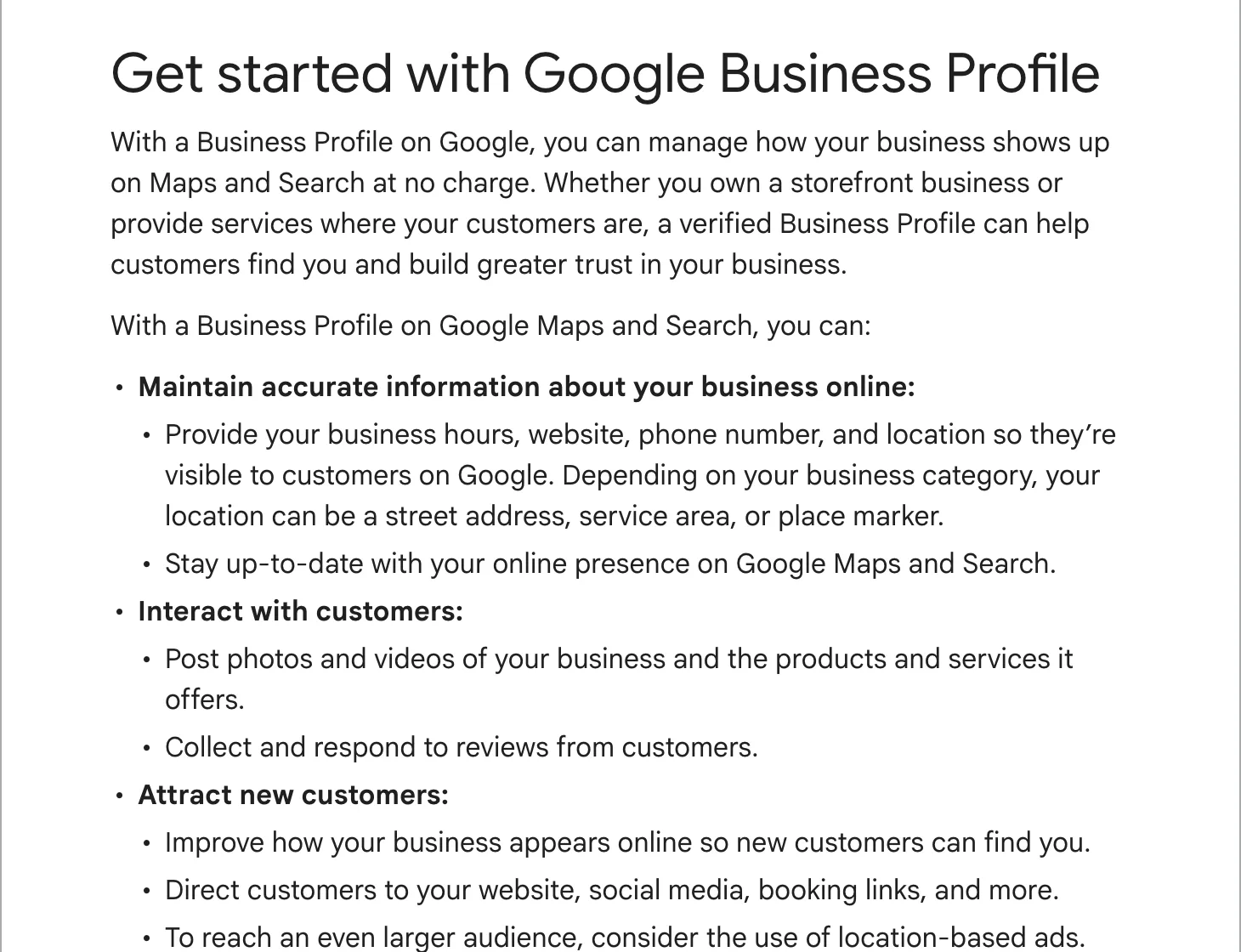
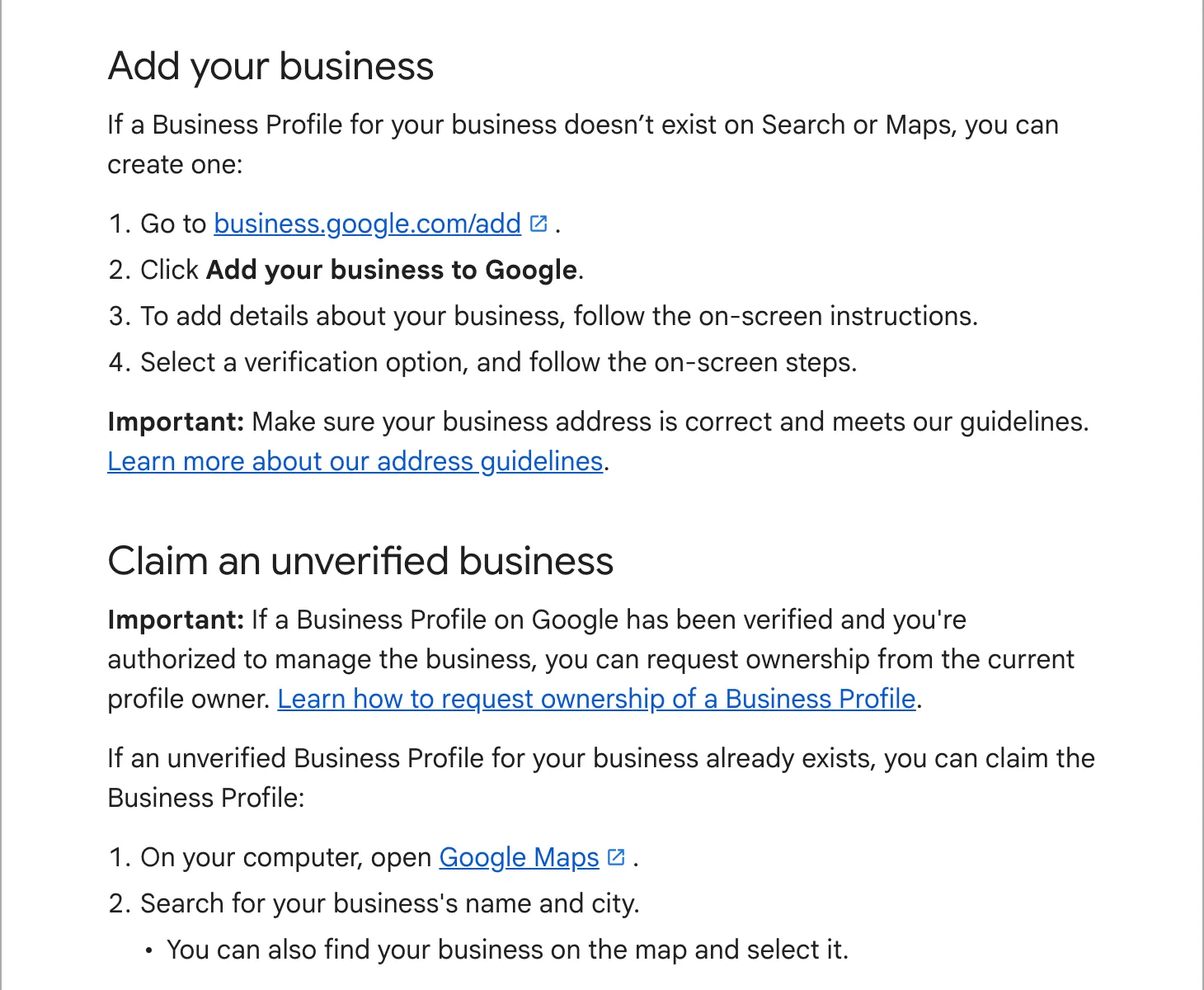
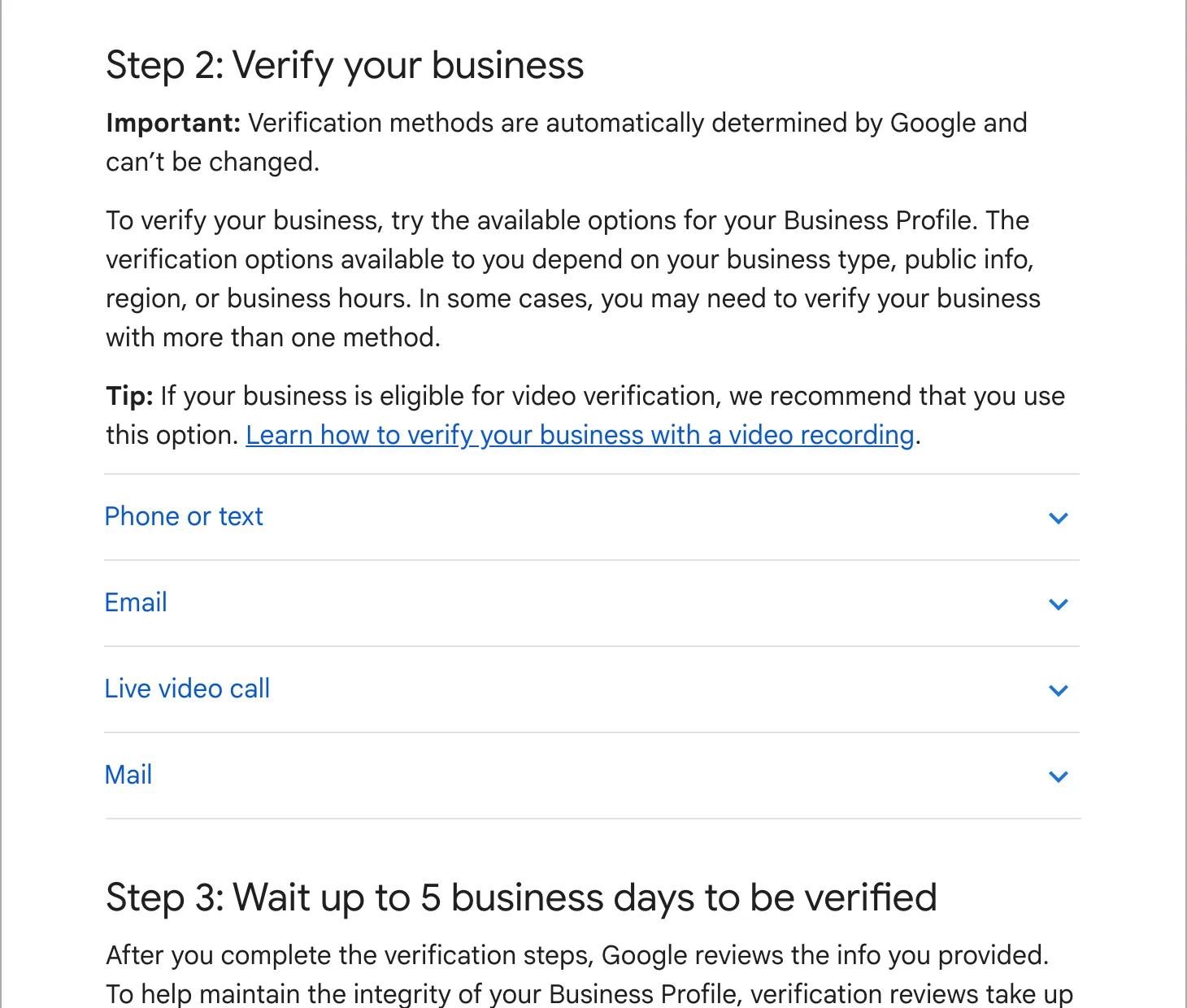
Sign in to the Google account that owns the profile and search Google for your business name and town, or for “my business”. If the profile is not verified, a “Get verified” button shows at the top. Select it and Google lists the methods open to you. You may get one, or a choice. Some businesses are asked to verify with more than one.
Google says the methods cannot be changed. Its video verification page asks owners to try the methods on offer before turning to support, so the quickest route is to do the offered method well.
The five methods, and what each needs
Phone call or text
Google calls or texts a code to the business number on the profile. You must be able to answer that line yourself: an automated phone menu (IVR) will not pass the code through. If your main number goes to a call centre or a menu, temporarily forward it to a mobile while you verify.
Choose “Email” and Google sends the steps to an address on file. Follow them from that inbox. When it is offered, it is the quickest of the five.
Video recording
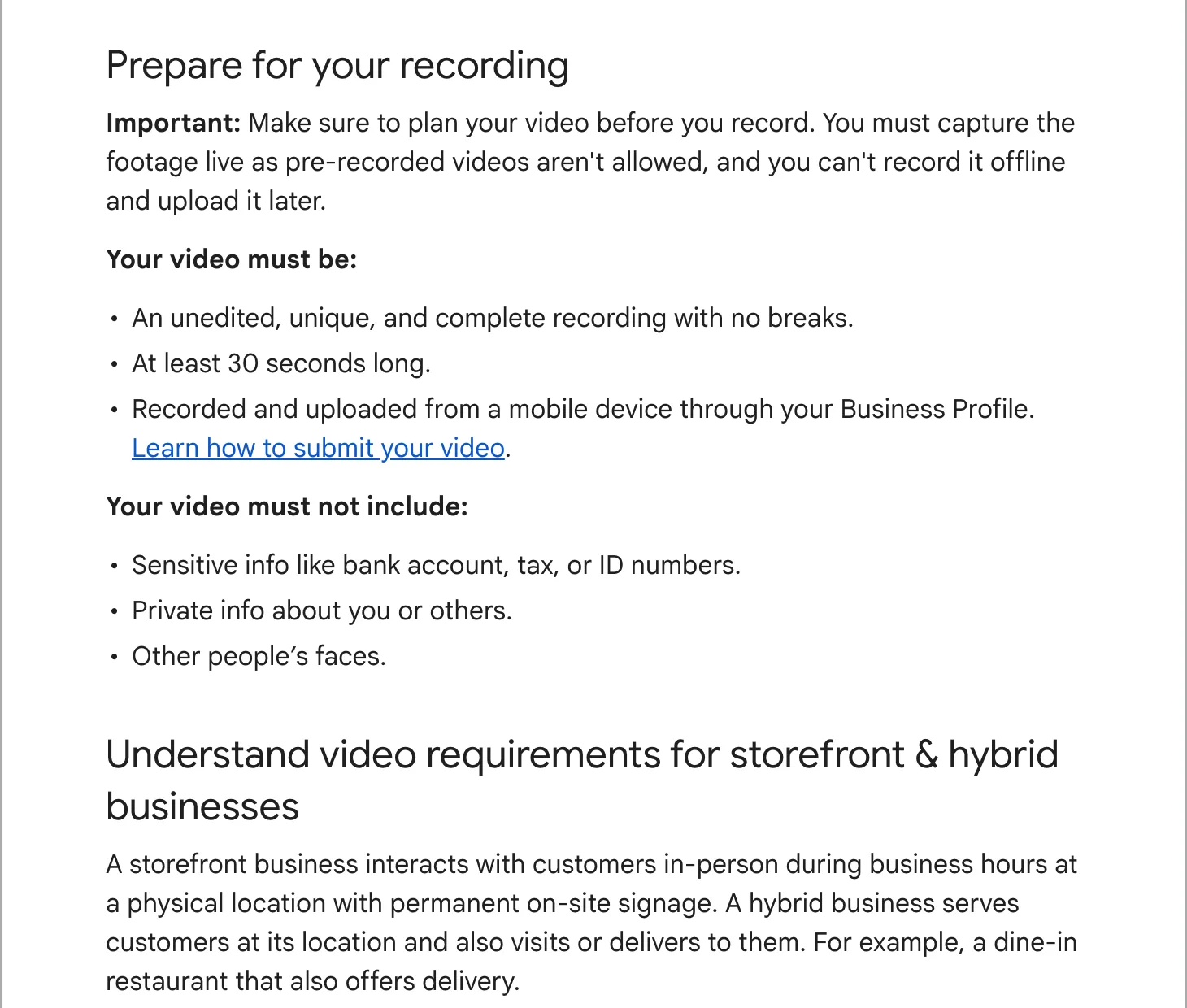
Google’s help page recommends this one when you are eligible. You record one continuous clip on your phone through the profile, at least 30 seconds long, live and unedited. You cannot film it earlier and upload it. In that clip, Google wants to see three things:
- Where you are: the street sign, the building number, the shop next door, so the place matches Google Maps.
- That the business exists: your name on a permanent sign, or for a service-area business, your tools, equipment, branded van or business cards.
- That you run it: opening the locked front door or the van, opening the till, walking into the back room. A business permit or a utility bill in the business name helps.
Leave out bank, tax and ID numbers and other people’s faces. A home-based business can film landmarks in the street instead of the house.
Live video call
A Google staff member asks to see the same things on a video call. It is only offered during your business hours, and not to every business. Have your keys and a document with the business name to hand before you join.
Postcard
Google mails a 5-digit code to your address. Most arrive within 14 days and codes expire after 30. While you wait, do not edit your name, address or category, and do not request a new code: either one makes the code in the post useless. When it arrives, enter it from the profile’s “Get verified” button.
After you submit
Google reviews the information and you get an email when the profile is verified. Google says this takes up to 5 business days, sometimes longer, and can be instant in a few cases, such as when the website is already verified in Google Search Console under the same account.
When verification fails
- The “Get verified” button is back. Google could not verify the business. Try again, or try another method if more than one is listed.
- A video shows “Review issues”. Open it to read what was missing, then record a new video that includes everything from the first one plus the missing part.
- Google asks for more information. This usually follows a recent change to your details. Select “Get verified” again and follow the steps.
If you fail again and again, look at the profile itself. A name with extra keywords, an address that is a mailbox or a virtual office, or a service area that reaches far beyond your base all break Google’s guidelines, and a video cannot fix those. Correct the details first, then verify.
Verifying again after changes
Changing your name, address or main category can send the profile back for a check. Google’s help page on categories says adding or editing one may ask you to verify again. Make those changes on a quiet week, one at a time, and only when they are true: a move, a rebrand, a new line of work.
If you would rather hand it over
Our local SEO plan starts by getting the profile verified and correct, then keeps it that way. If you only need the profile and a website, our website plan includes the set-up.