Why reviews matter this much
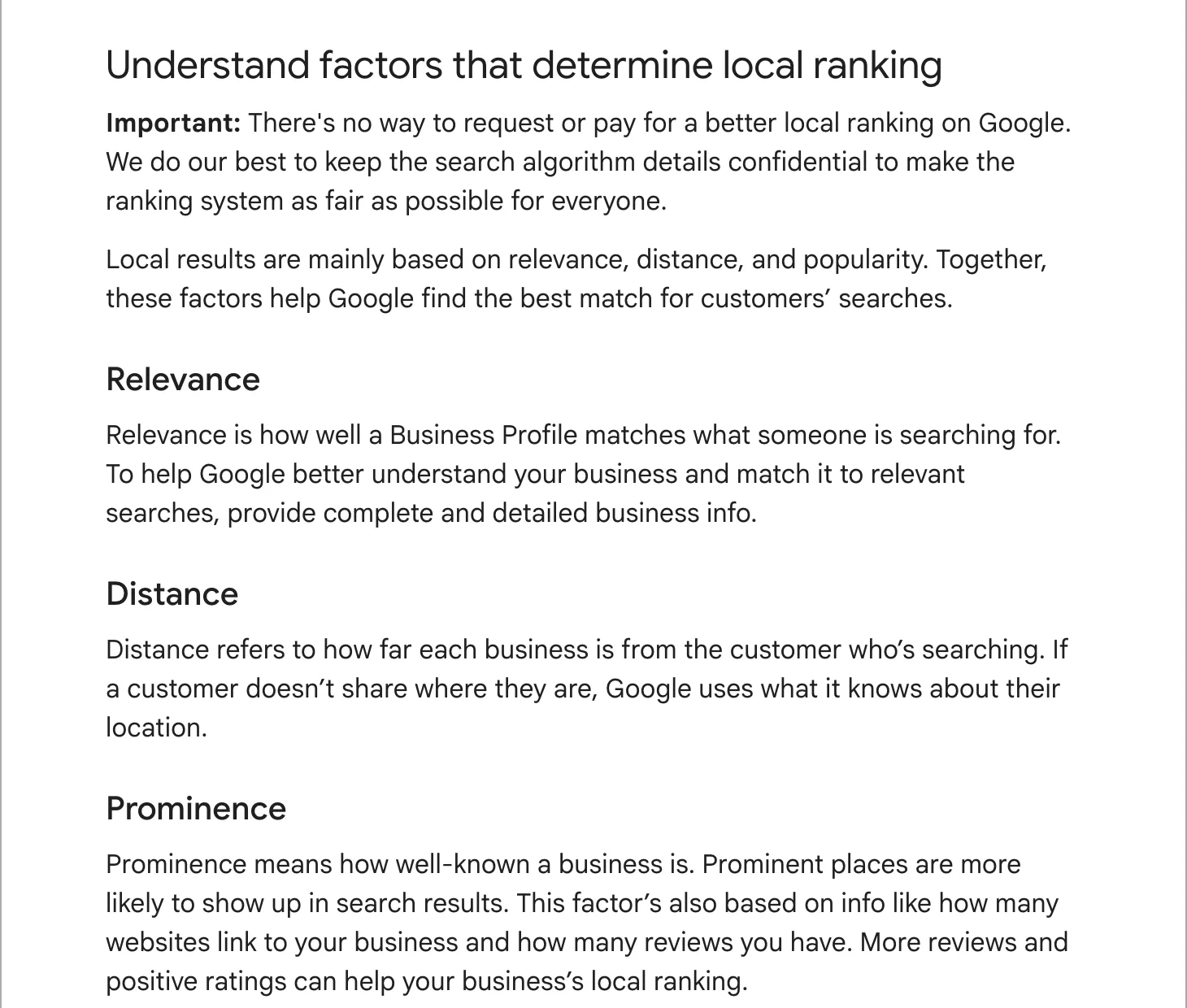
Customers read them before they call, and Google uses them too. Its page on local ranking says prominence draws on how many reviews you have, and that more reviews and good ratings can help your local ranking. A powder coating shop in Maryland we audited had 80 reviews at 4.9, more than every other shop on its Baltimore map put together.
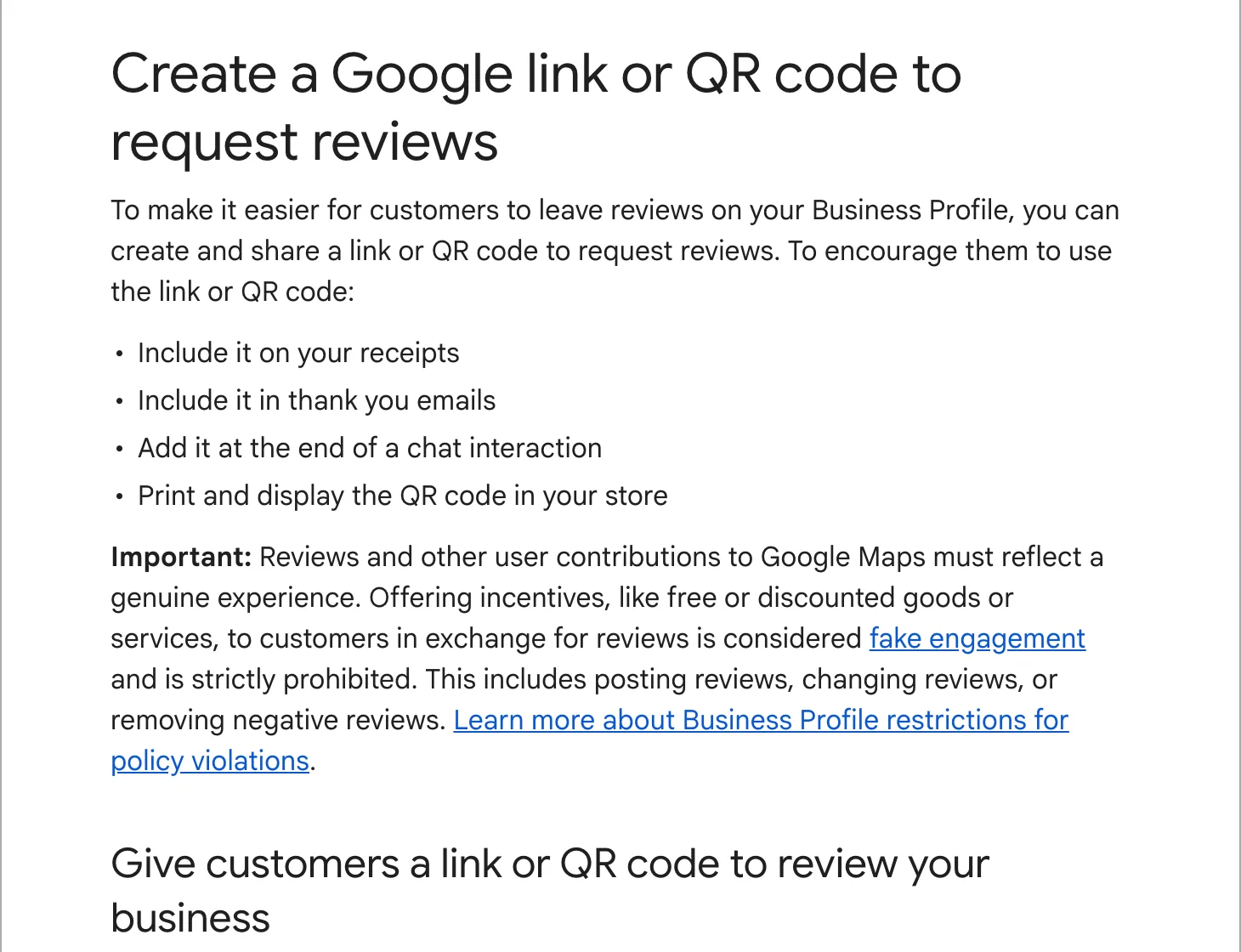
Step 1: get your review link
- On a computer, sign in and open your Business Profile (search Google for your business name).
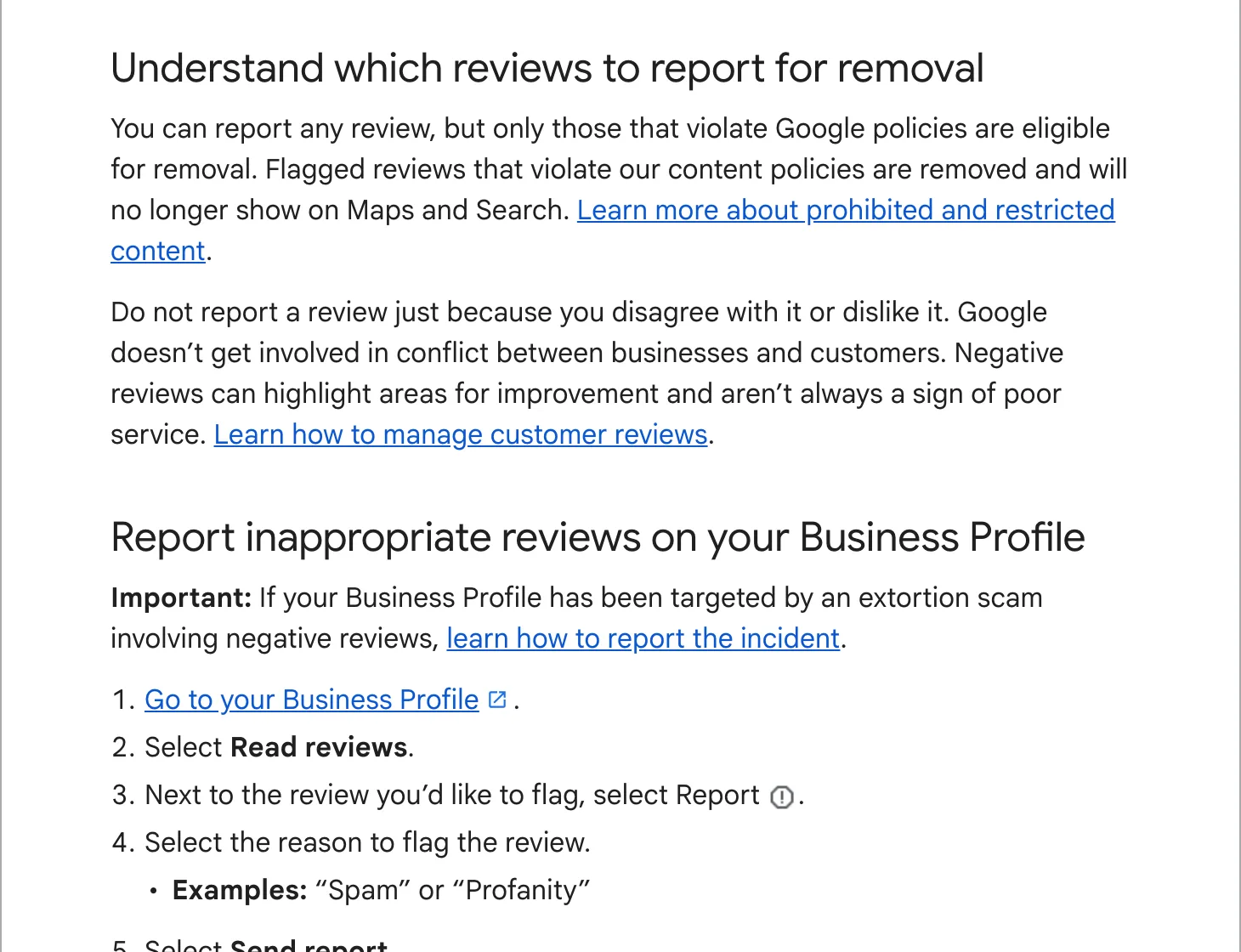
- Select “Read reviews”, then “Get more reviews”.
- Copy the link, or right-click the QR code and choose “Save image as”.
Google says the QR code can only be made on a computer, not on a phone. The link opens your review form straight away, so the customer does not have to find you on Maps first. Save it in your phone’s notes and your email signature.
Step 2: ask at the right moment
The best moment is when the customer is pleased and the job is fresh: when you hand back the keys, when they pick up the order, when they thank you on the phone. Ask in person, then send the link the same day so it is on their phone when they have a minute. A reminder a few days later catches the people who meant to and forgot. One reminder, not three.
Step 3: send a short message
Short, personal, one link. These are examples to adapt, not text to copy word for word:
Hi Sarah, thanks for having us out today. If you have a minute, a Google review helps other people in Springfield find us: [your link]. Thank you, Mike
Thank you for bringing your wheels in. We hope they look the way you pictured. If you would like to tell others how it went, you can leave a Google review here: [your link]. It takes about a minute, and we read every one.
Use the customer’s name and mention the job. A message that reads like a mass mailing gets treated like one.
Step 4: put the link where customers already look
- Your invoice and receipt, as a link and as the QR code. Google suggests both.
- The thank-you email or the job-complete text your booking system sends.
- A printed QR code at the counter, on the waiting-room wall or on a card left with the finished job.
- The end of a chat or message conversation.
- Your website’s contact page.
The rules, so your reviews stay up
Google’s content policy and its review help pages draw the lines clearly:
- No rewards. No discount, gift, prize draw or free service for a review, or for changing or removing one.
- Ask everyone. Sending the link only to customers you expect to be happy, or steering unhappy ones to a private form first, is what the policy calls selectively soliciting positive reviews.
- No staff quotas and no telling customers what to write.
- No reviews from yourself, your staff or your family. Google counts those as a conflict of interest.
- No bought reviews. Paid reviews break the fake engagement rules, and a burst of reviews from new accounts is the kind of unusual pattern the policy says Google looks for.
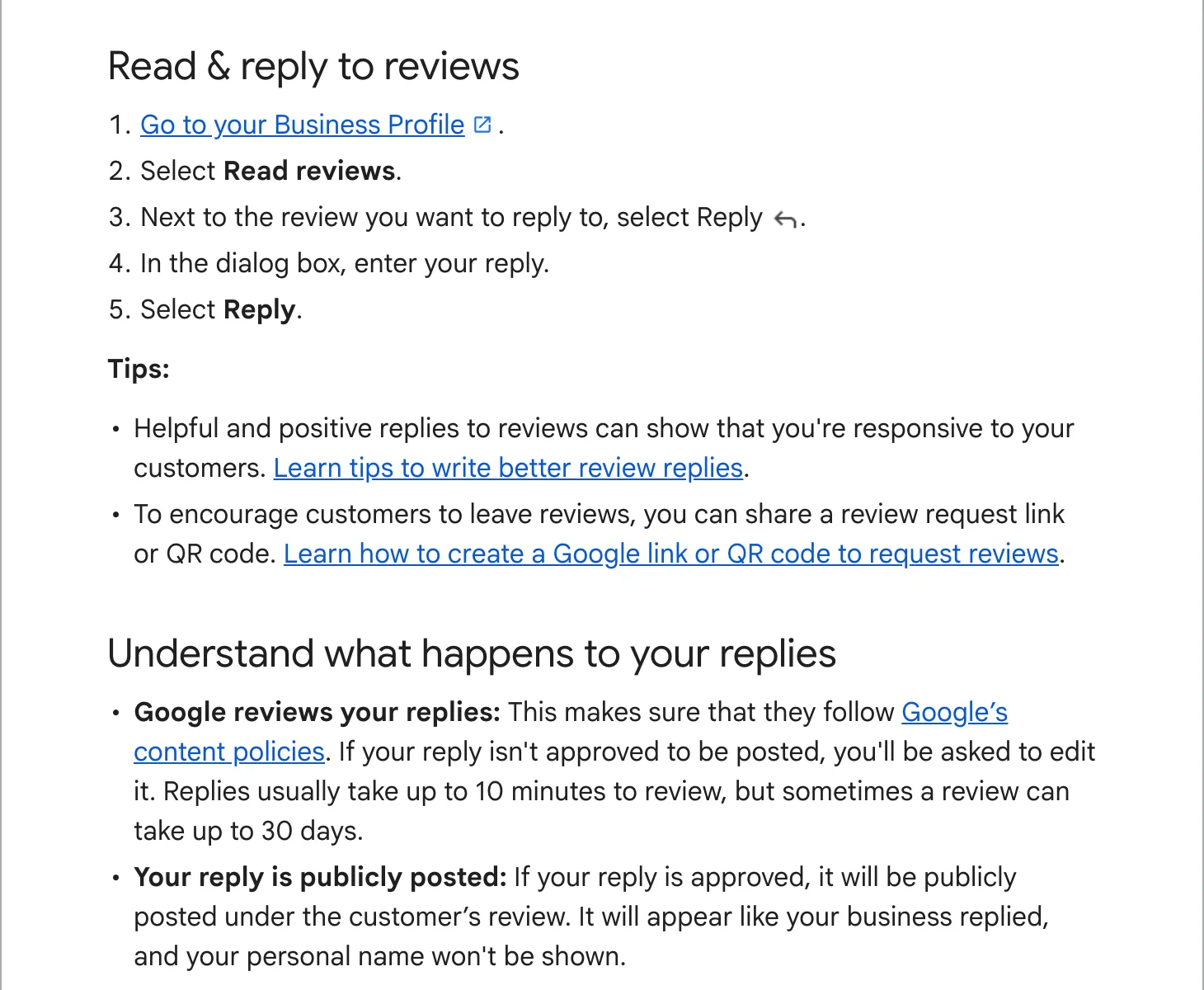
Then reply to every one
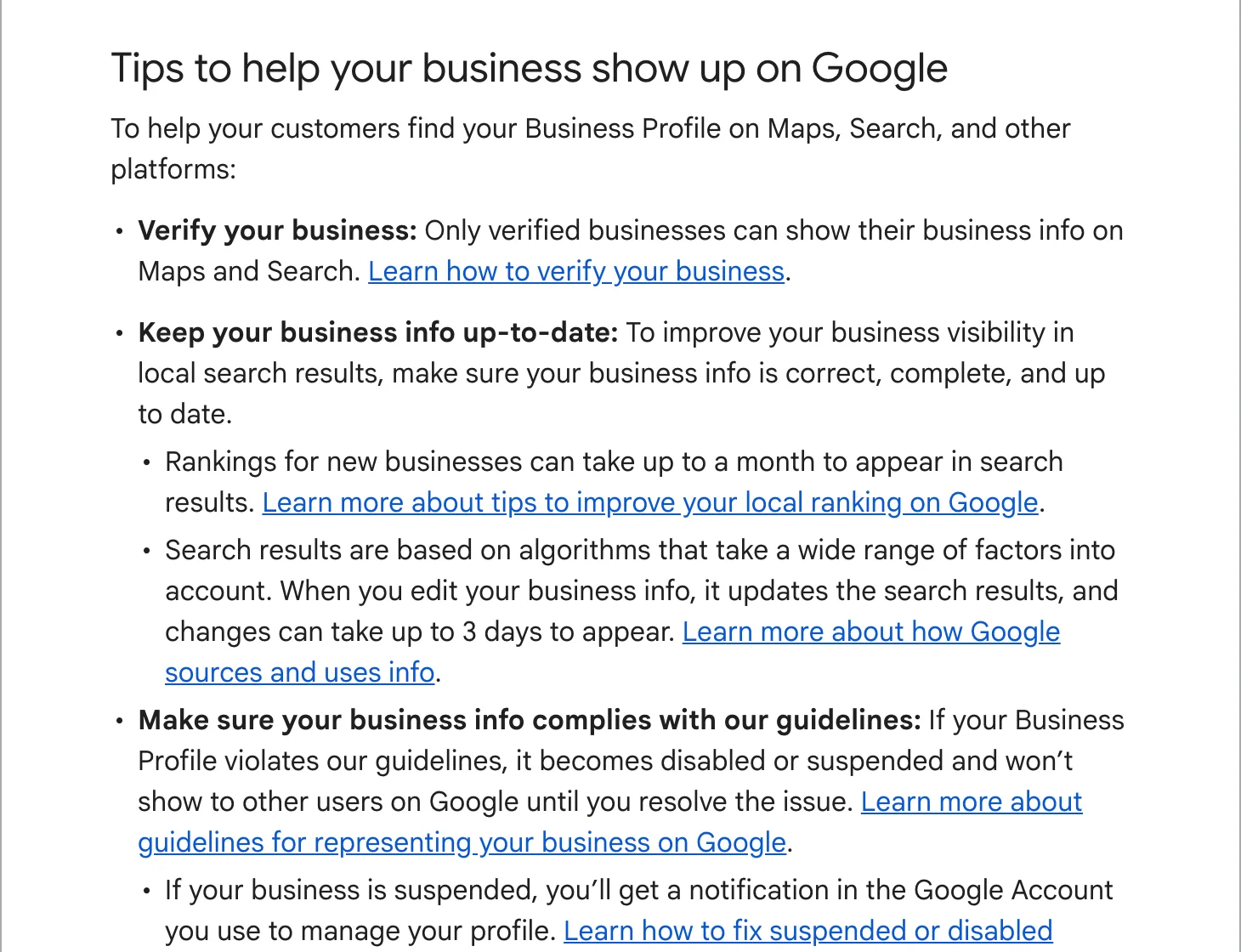
Google’s tips for getting more reviews include replying to the ones you have, and the reviewer gets a notification when you do. A short, specific reply to each review shows the next customer that someone reads them. How to do it, with examples, is in how to respond to Google reviews.
Making it automatic
Asking by hand works until the first busy week. A system that sends the text when a job is marked done, with one reminder, keeps asking when you forget. We set this up as part of looking after a client’s profile; the details are on our local SEO plan page. If you are getting a new website, a review request after every job is part of the larger plan on our website page.