Where to reply
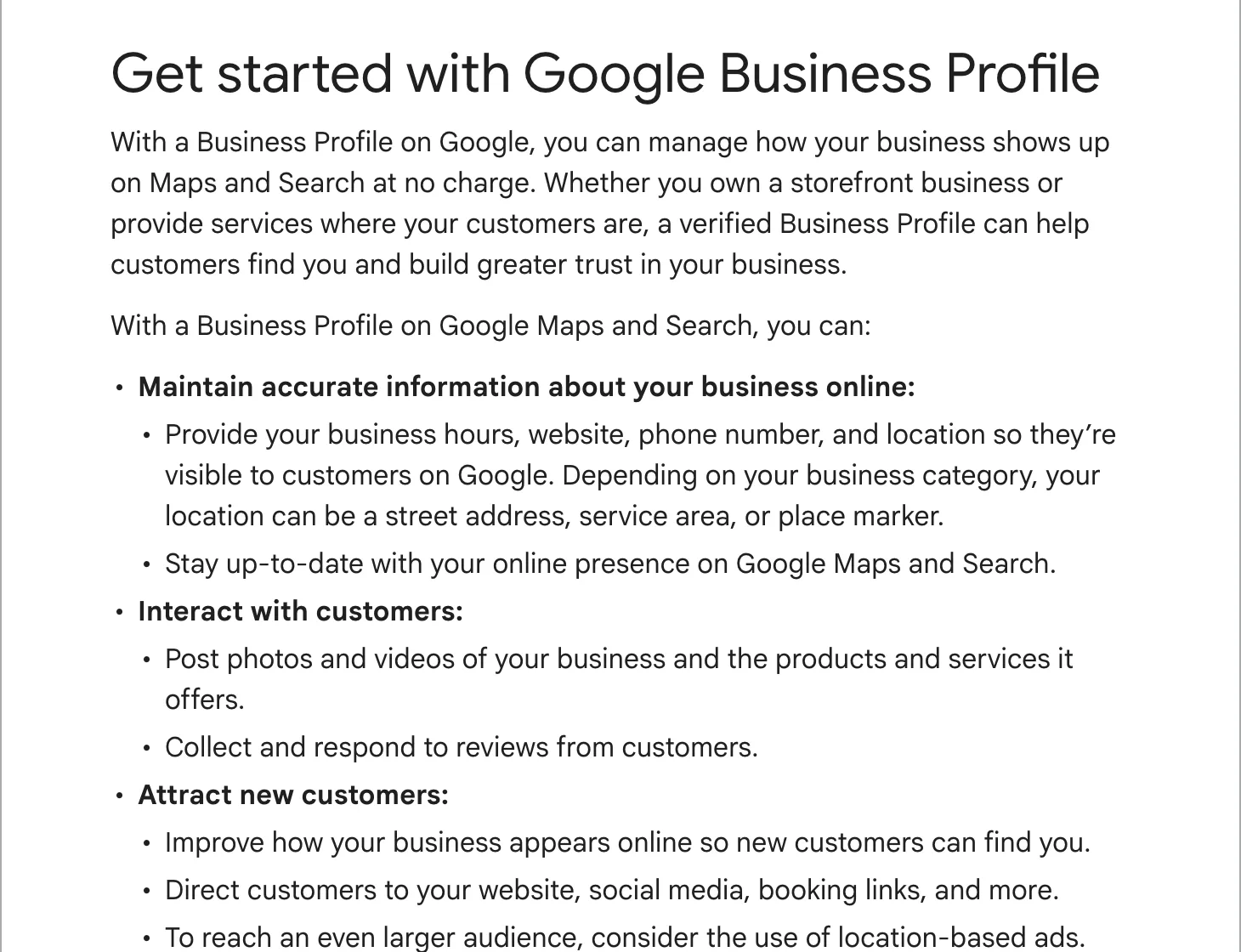
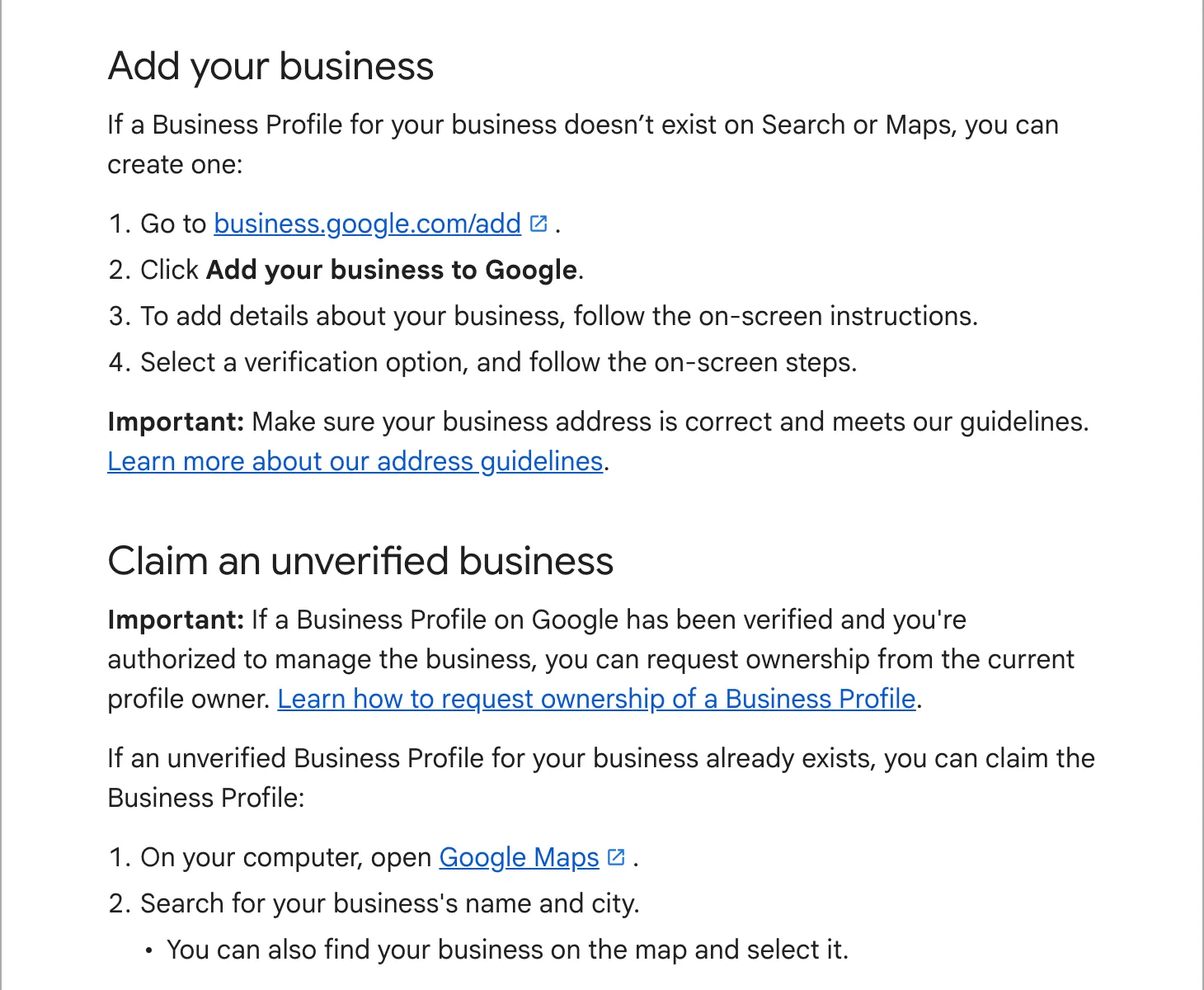
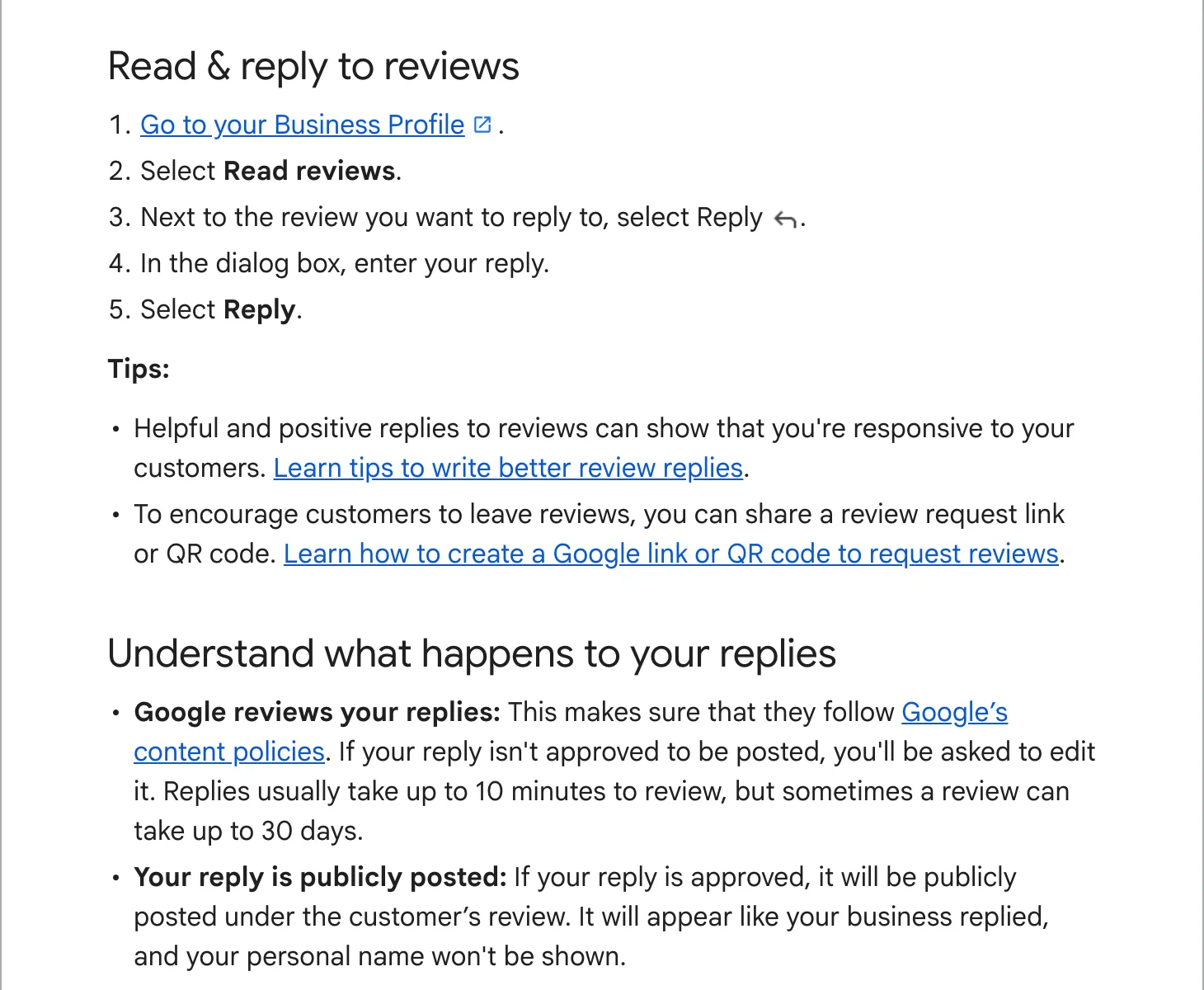
- Sign in and open your Business Profile (search Google for your business name, or open the Maps app and tap “Business”).
- Select “Read reviews”.
- Under the review, select “Reply”, write your answer and select “Reply” again.
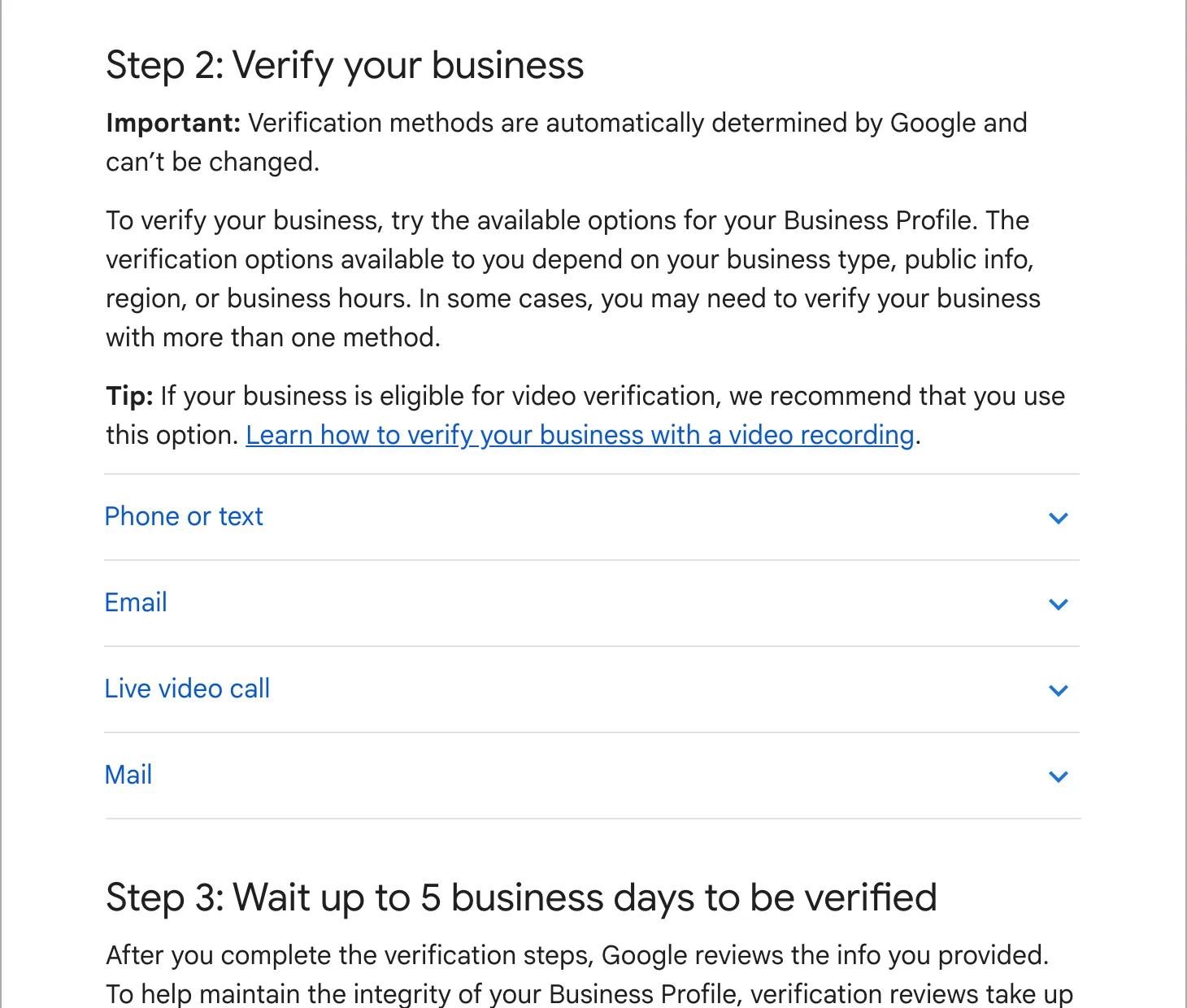
Your profile must be verified first. Google checks each reply against its content policies before it appears, usually within 10 minutes and sometimes up to 30 days. The reply shows as your business, not under your personal name, and the reviewer gets a notification.
Why reply at all
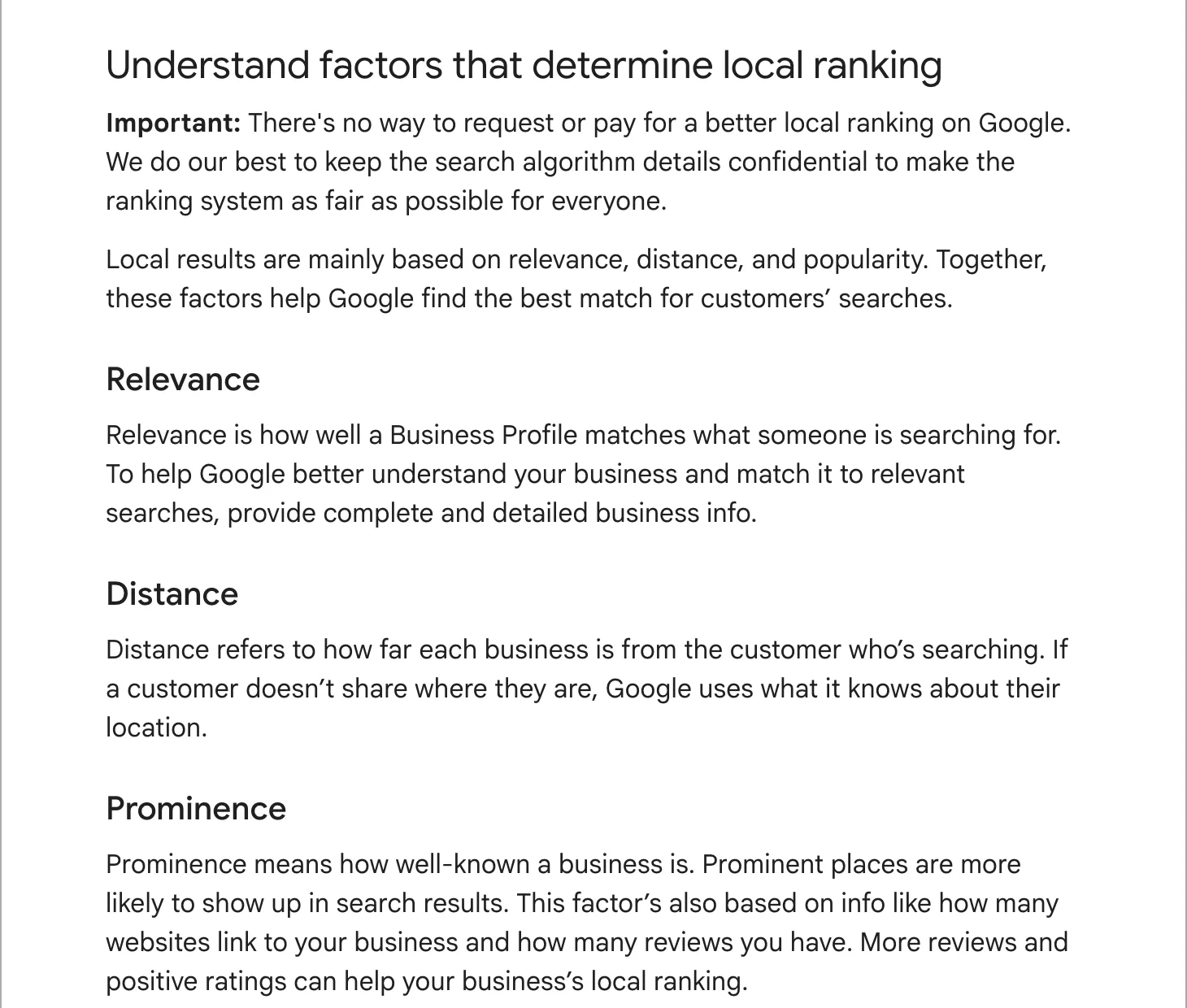
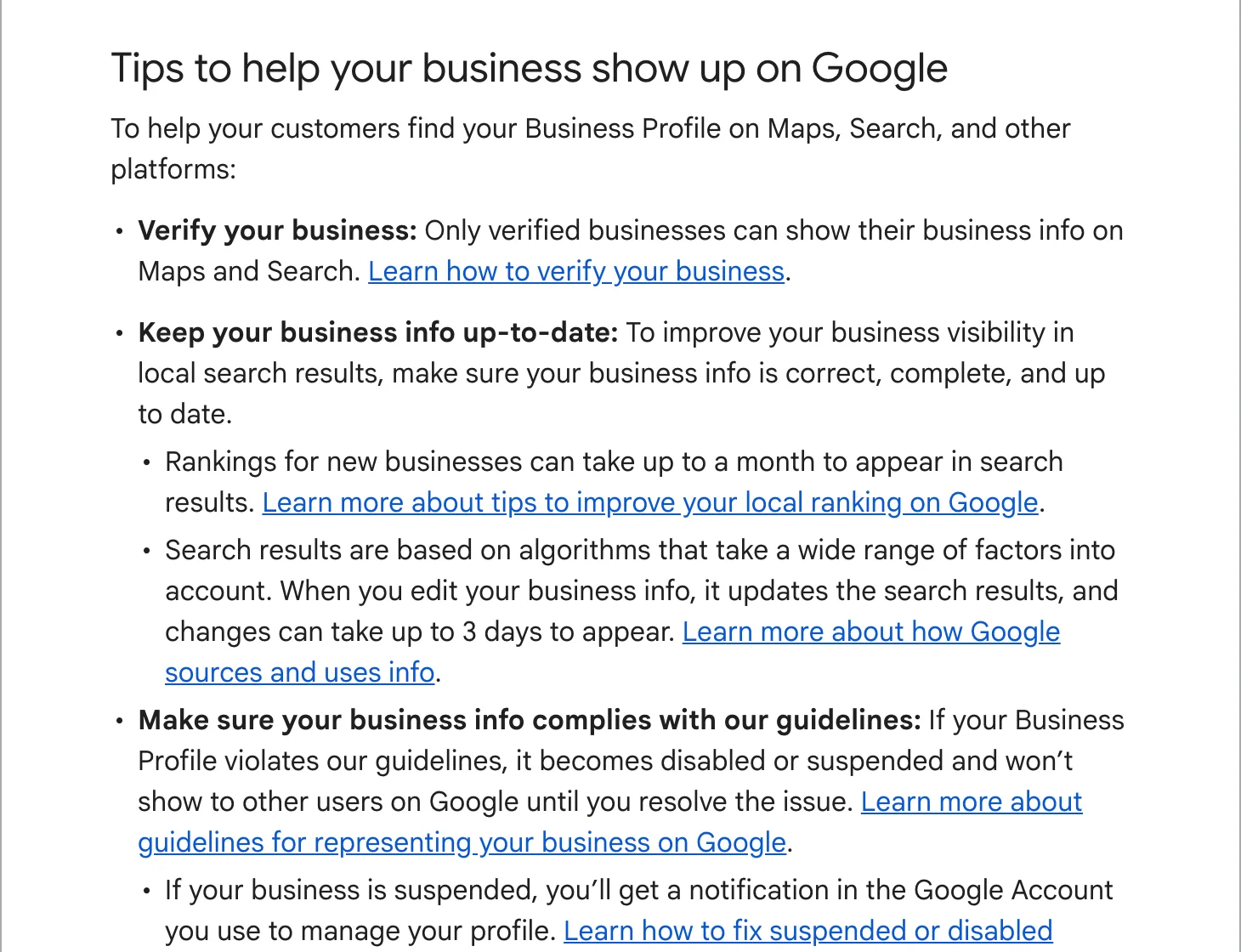
Google lists responding to reviews among its tips for local ranking. The bigger reason is the next customer: people read the replies to see how a business behaves when something goes wrong. A powder coating shop in Maryland we audited had replied to 78 of its 80 reviews. That reads as a shop where someone pays attention.
Replying to a good review
Google’s own tips: short, conversational, not promotional. Skip the coupon; the reviewer is already your customer. A detail from the job does more than a stock “Thank you for your kind words!” pasted under every review.
Thanks, James. That 1972 Camaro was a pleasure to work on, and the dark green came out better than the chip promised. Enjoy the drive this weekend. Dana
Thank you for the five stars, Priya. Glad the boiler is running again before the cold weather.
Replying to a bad review
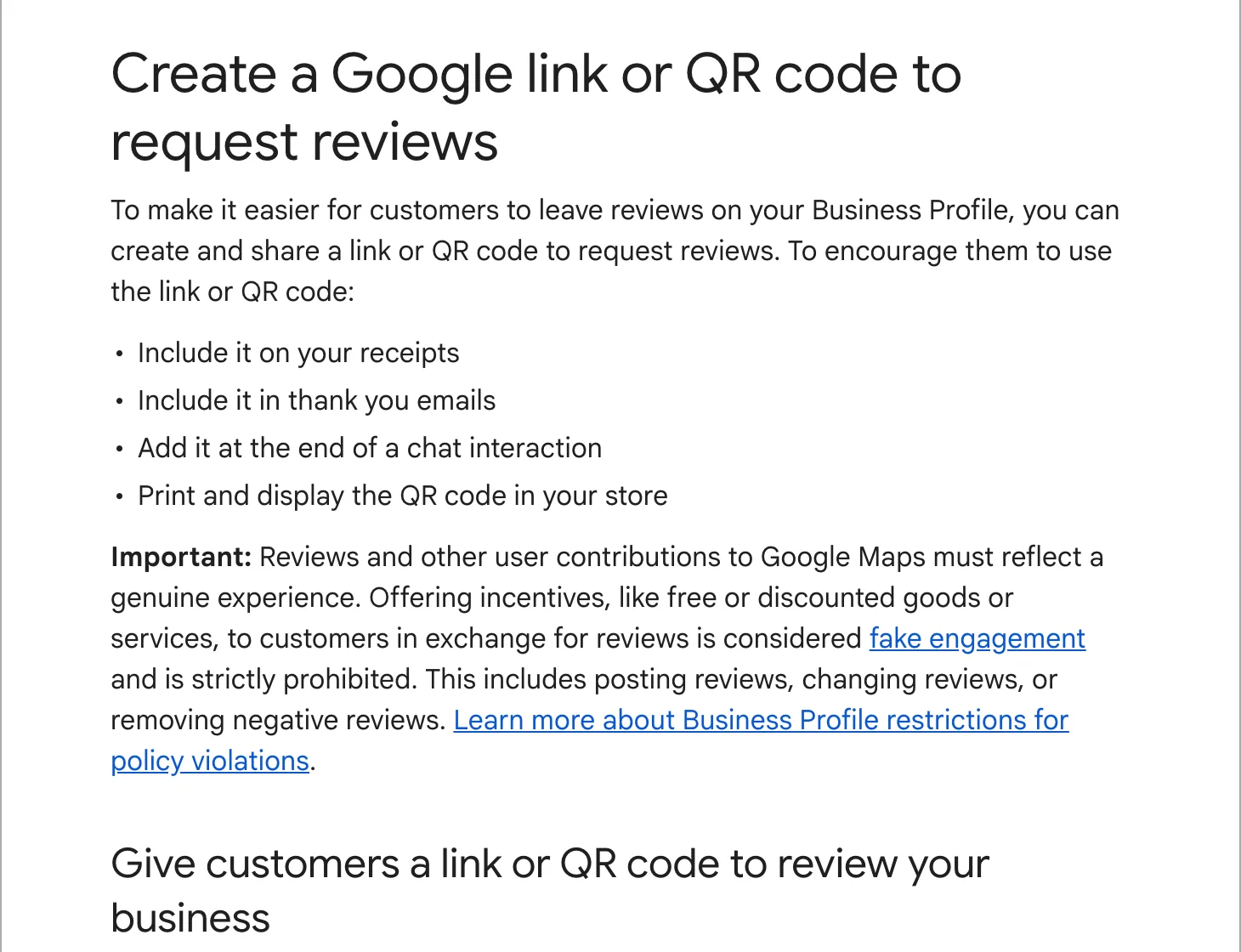
Wait until you are calm, then write it once. Google’s tips for negative reviews come down to this: protect the customer’s privacy, no personal attacks, admit mistakes you made without taking blame for what was out of your hands, apologize where it fits, and move the detail to a phone call or email.
Lisa, you are right that we arrived two hours late on Tuesday and did not call ahead. That is not how we want to work, and I am sorry. I would like to make it right: please call me on the office number and ask for Tom.
Sorry the wait ran past the time we gave you, Mark. The part came from the supplier a day late, and we should have told you the moment we knew. We now text customers as soon as a delivery date moves.
Do not quote the customer’s invoice, address or medical details, even to correct them. Do not argue in public. If the facts are wrong, state them once, politely, and offer the phone call. The audience for your reply is the next reader, not the reviewer.
Replying to a review that is fake
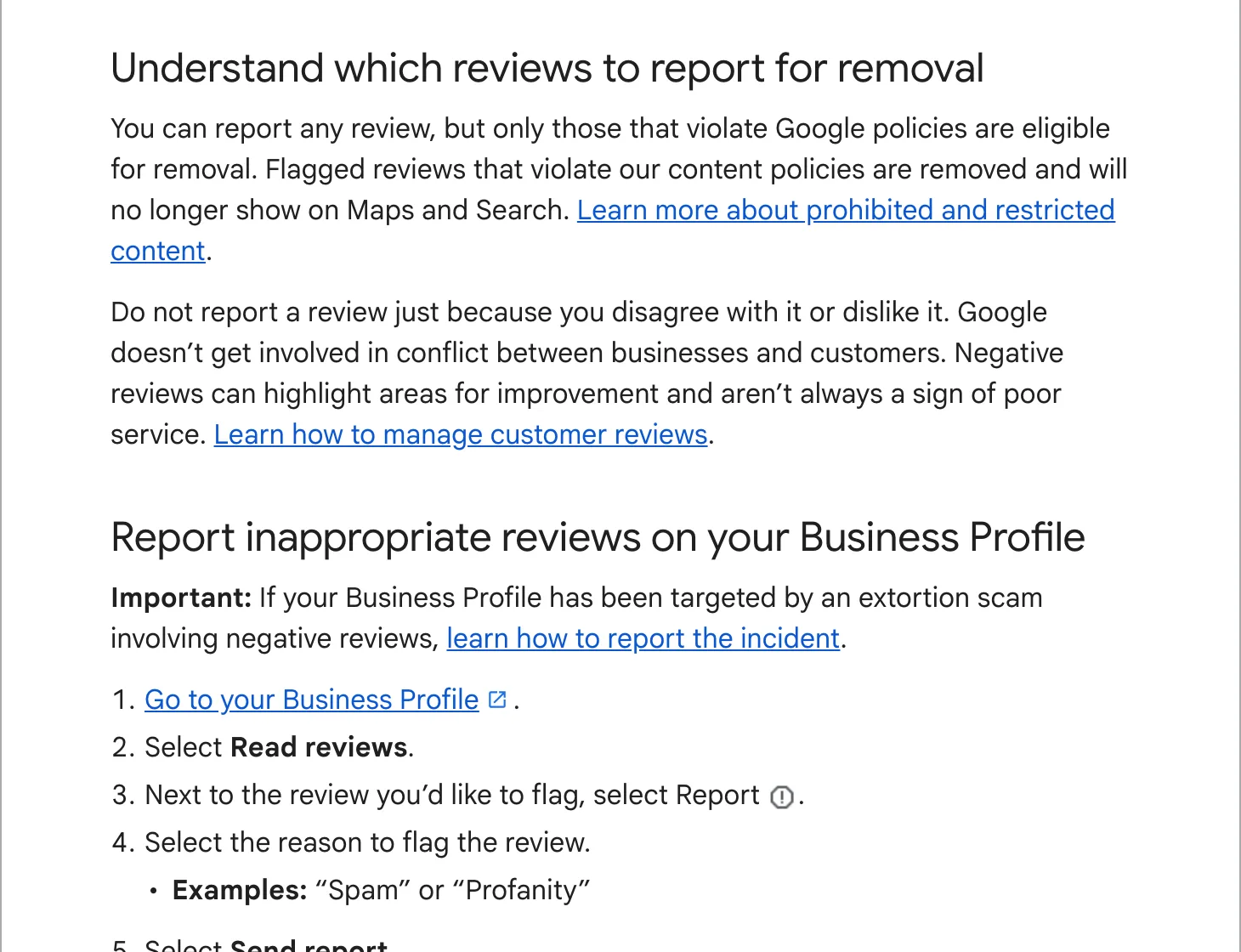
If someone who was never your customer leaves a review, or a competitor does, report it first: our guide to removing fake or bad reviews covers how. Google’s assessment takes several days, so post a short, neutral reply in the meantime, for anyone reading:
We have looked for your visit in our bookings and cannot find it under this name. If we did work for you, please call the office so we can look into it.
Habits that keep it manageable
- Turn on review notifications in the Google Maps app, so you see a review the day it lands.
- Reply within two days. Set a fixed time each week if days get away from you.
- Sign with a first name. Google’s tips suggest it, and it shows a person read the review.
- Keep a short list of details from recent jobs to hand, so replies do not all sound the same.
If replies keep slipping, hand them over. In our local SEO plan we draft a reply to each new review and you approve the ones to unhappy customers before they go out.