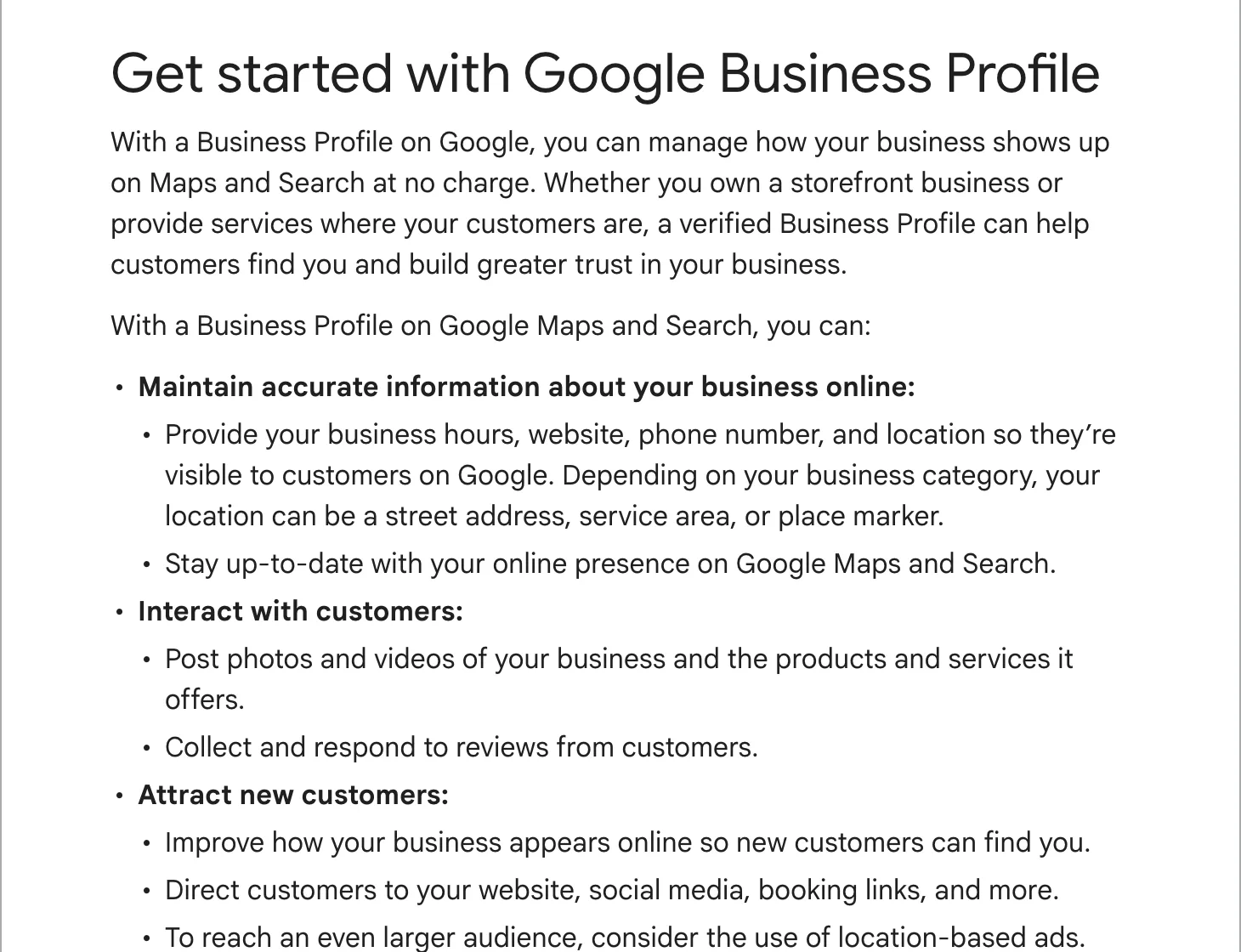
Before you start
Have these ready, so you do not stop halfway:
- A Google account the business will keep. A shared business address such as office@ is better than a staff member’s personal Gmail, because the profile belongs to whoever owns that account.
- Your business name exactly as it is on your sign, van or invoices.
- The address customers visit, or the list of towns or postcodes you travel to.
- A phone number you answer during your hours, and your website address if you have one.
- Your hours, and five or ten photos of your own work, your premises or your van.
Step 1: check whether a profile already exists
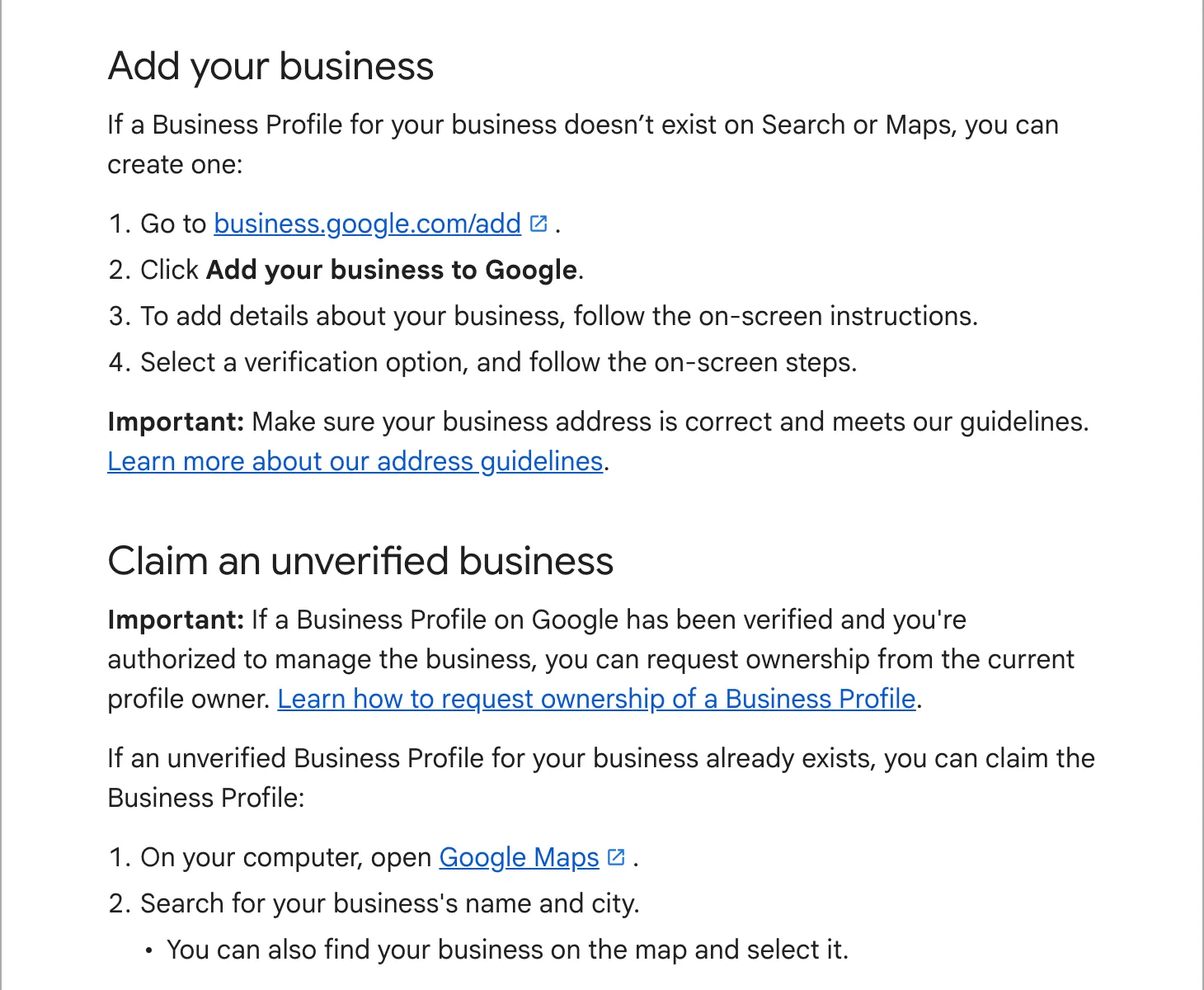
Open Google Maps and search for your business name and town. Google often creates listings from what it finds on the web, so there may be one already. Three things can happen:
- Nothing shows up. Create a new profile (step 2).
- Your business shows with “Claim this business”. Nobody manages it yet. Select it, then “Manage now”, and go to verification. Do not make a second profile for the same business; Google’s help pages tell owners not to.
- It shows as managed by someone else, often a former employee or the agency that built your old website. Ask them to add you as an owner. If you cannot reach them, go to business.google.com/add, enter your name and address, pick your business from the list and choose “Request access”. Google emails the current owner, who has 3 days to respond. If they do not, you may be able to claim it.
Step 2: create the profile
- Go to business.google.com/add while signed in to the right Google account.
- Choose “Add your business to Google”.
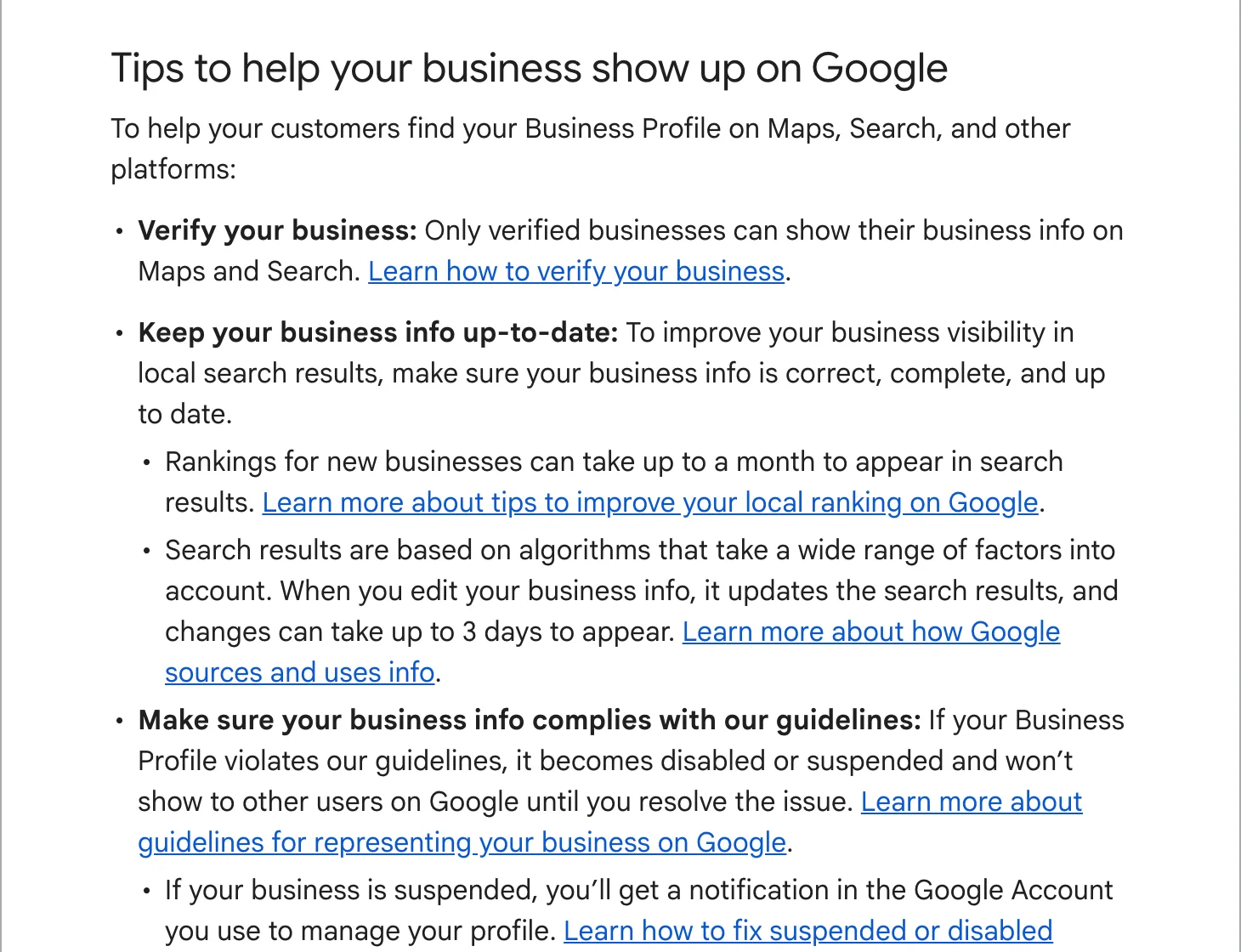
- Type your business name. Use the real one. Google’s guidelines do not allow keywords, a town or a slogan in the name, and Google suspends profiles that break its guidelines.
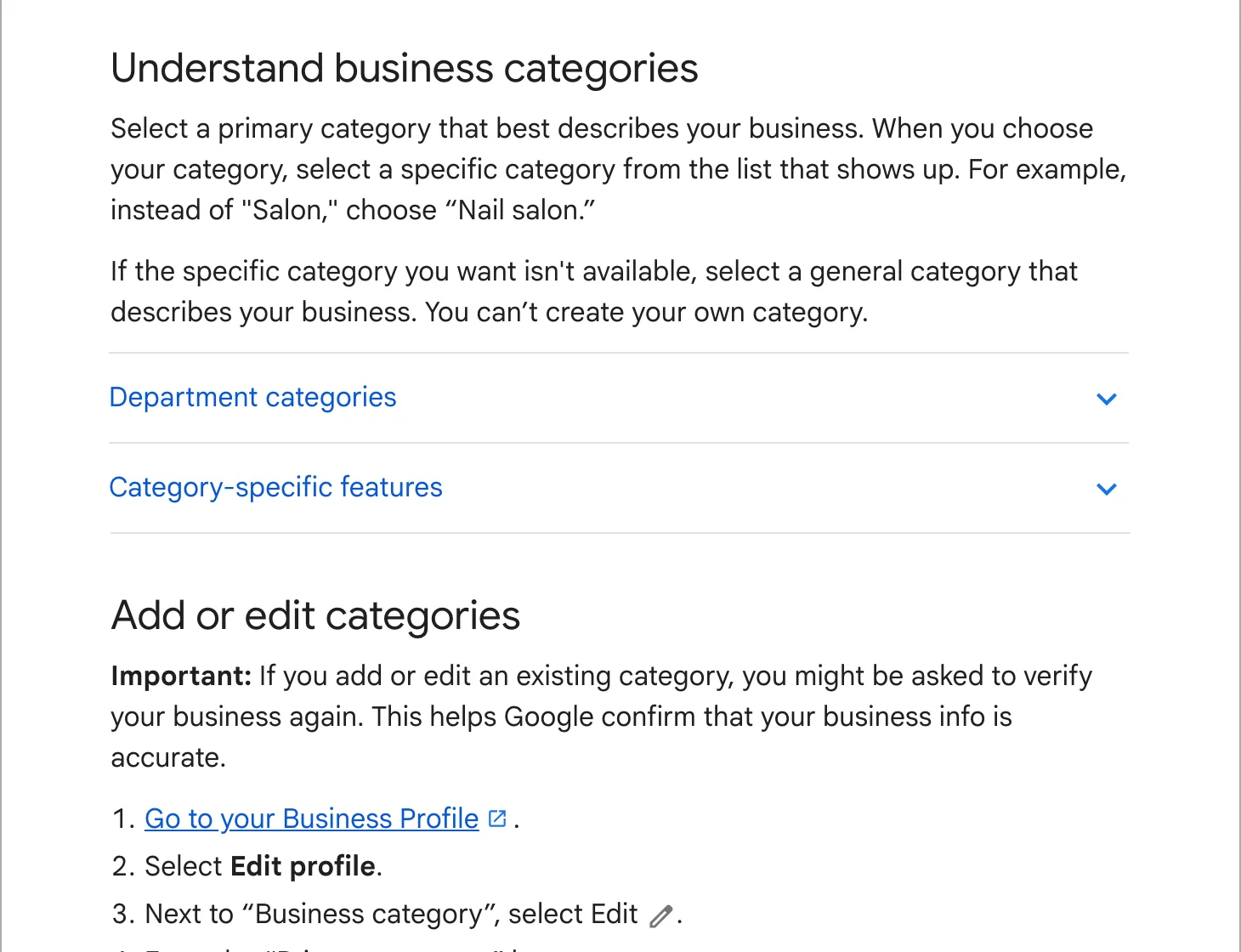
- Choose your main category. Start typing what you are (“Plumber”, “Auto body shop”, “Dentist”) and pick the most specific match. You can add a few more later.
- Say whether customers come to you. If they do, enter the address. If you only go to them, choose the service-area option and list the towns or areas you cover.
- Add your phone number and website.
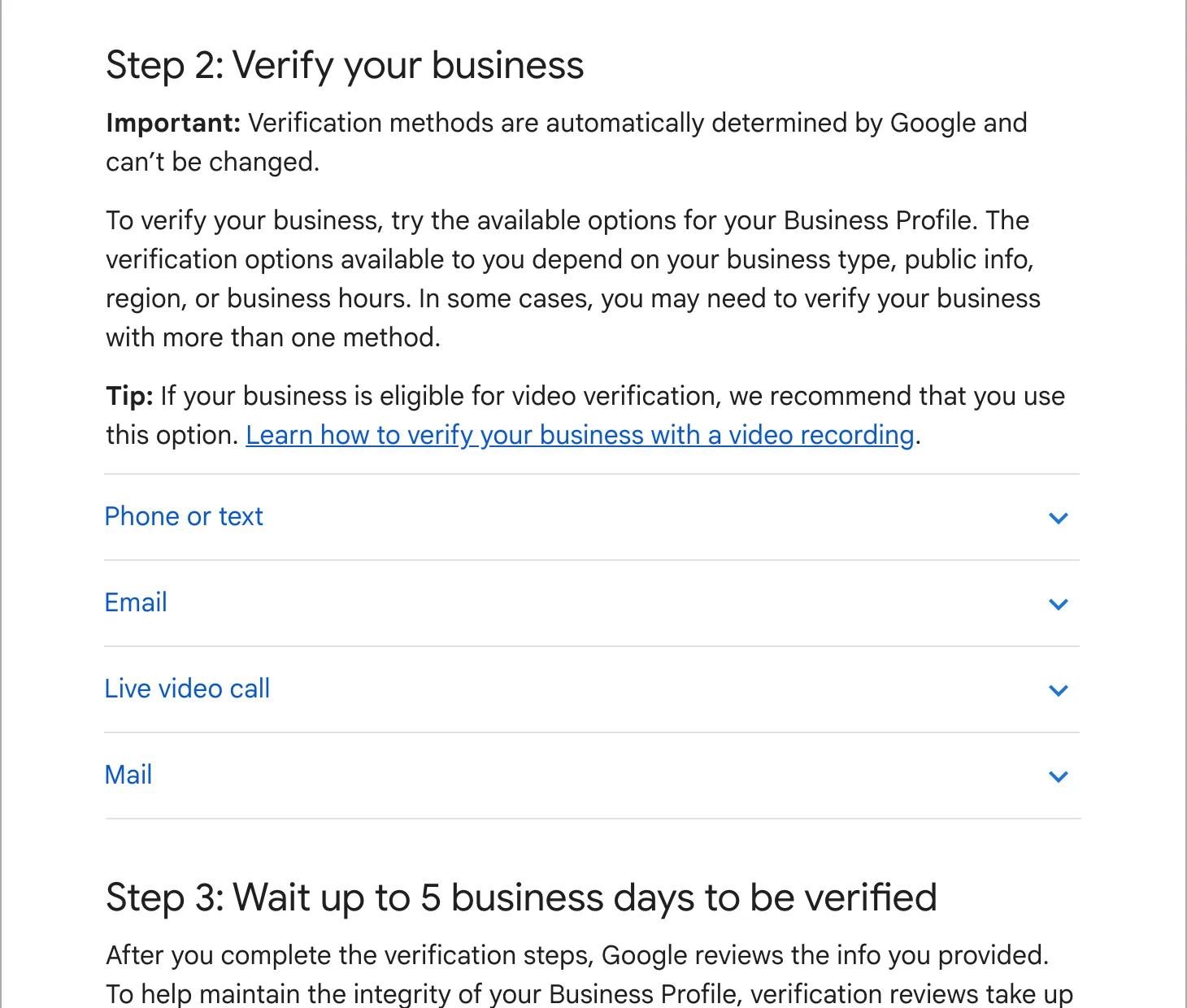
- Pick a verification method from the ones Google offers you, and follow its steps.
Storefront or service area
This choice causes more trouble than any other field, so it is worth two minutes.
A storefront is a place customers visit during your hours, with your name on the door: a shop, a salon, a workshop, a clinic. Use the street address, and make sure the pin on the map sits on your building.
A service-area business goes to the customer: plumbers, cleaners, mobile mechanics, landscapers. Google’s guidelines say to hide your address in that case and to keep the area within about 2 hours of driving from your base. A business can be both, such as a locksmith with a counter who also does call-outs.
Do not use a PO box or a virtual office address. Google’s guidelines say a rented mailing address where you do not work is not eligible for a profile.
Step 3: verify
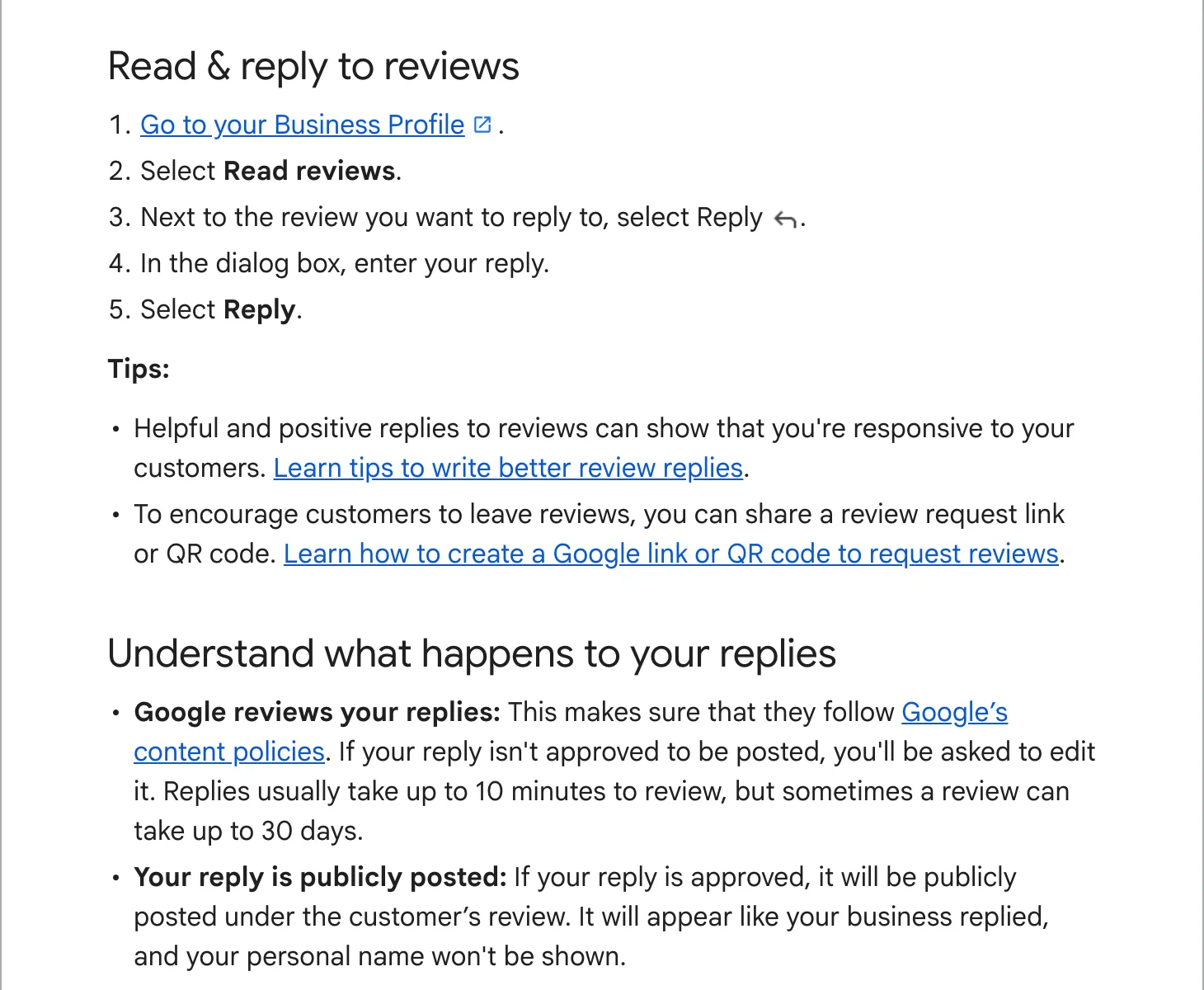
Google decides which methods you get: a phone call or text, email, a recorded video, a live video call or a postcard. Its review takes up to 5 business days. Until then the profile does not show publicly and you cannot reply to reviews. Our guide to verifying your Business Profile covers each method and what to do when one fails.
Step 4: fill in the rest
A profile with only a name and a phone number is live, but it gives Google little to match against searches. Once you are verified, add:
- Opening hours, plus holiday hours when they come up.
- Services, in the words your customers use, with a line on each.
- A description of what you do and where. Plain sentences, no list of keywords.
- Photos: the outside of your premises or your van, the inside, and your work. JPG or PNG.
- A few extra categories if you do distinct kinds of work, such as “Auto body shop” plus “Auto painting”.
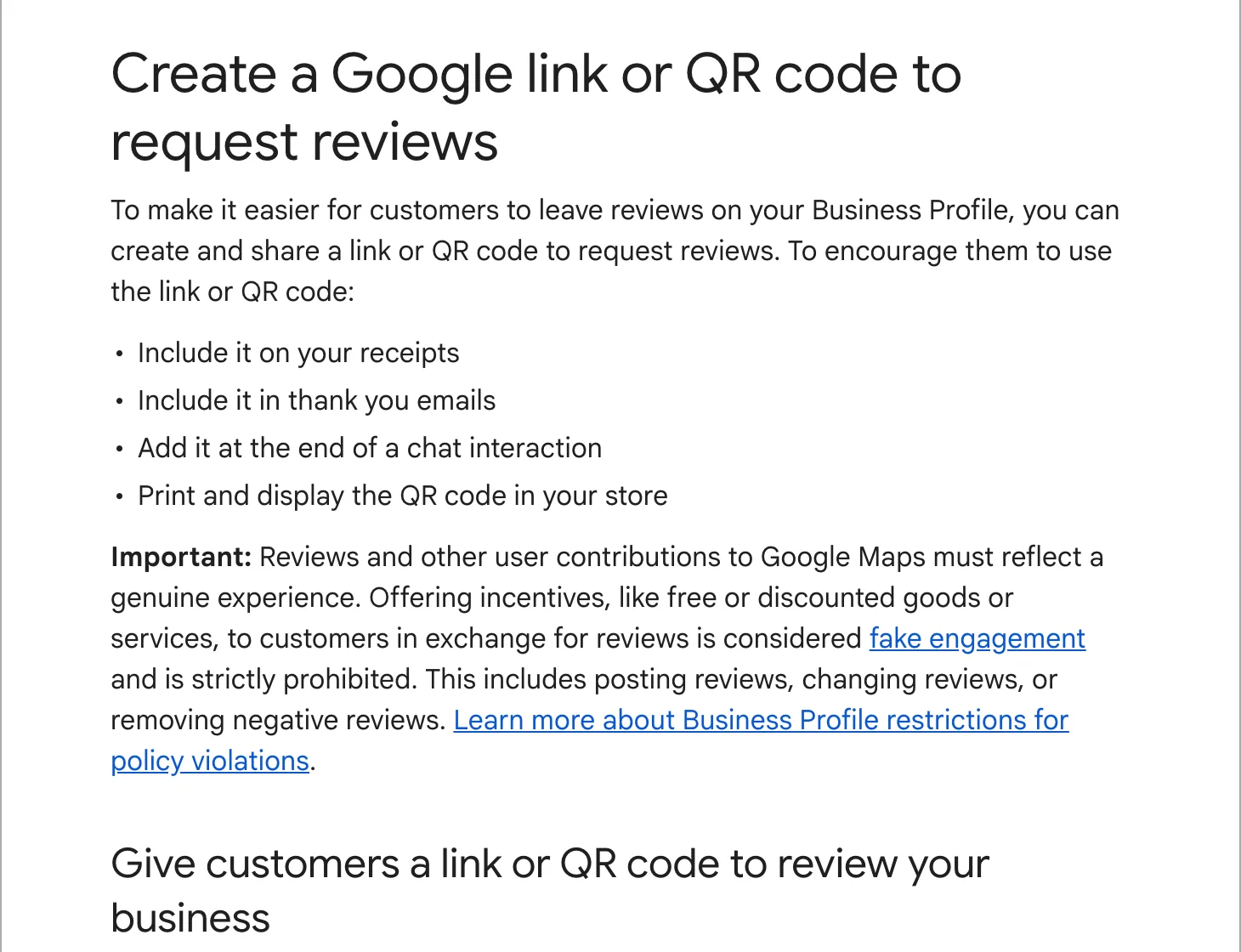
Then ask your last few happy customers for a review, with your review link. Our guide to optimizing your profile goes through every field.
After it goes live
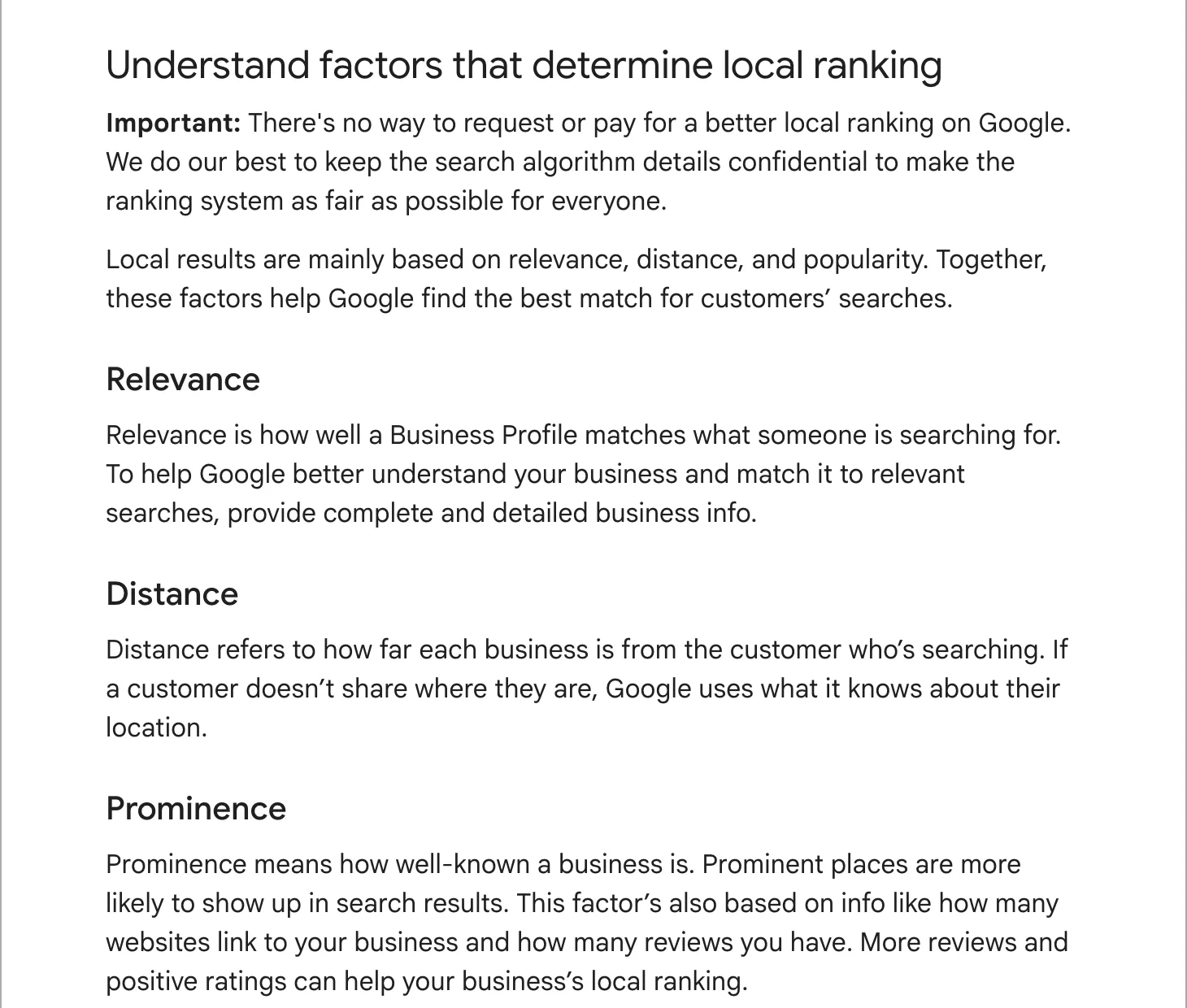
Search for your business name and town on Google and on Maps, signed out or in a private window, and check that the pin, hours and phone are right. Edits can take up to 3 days to appear, and Google says a new business can take up to a month to show in its rankings, so do not worry if it does not appear for “near me” searches straight away.
If it still does not show after that, work through business not showing on Google Maps.