Which reviews Google will remove
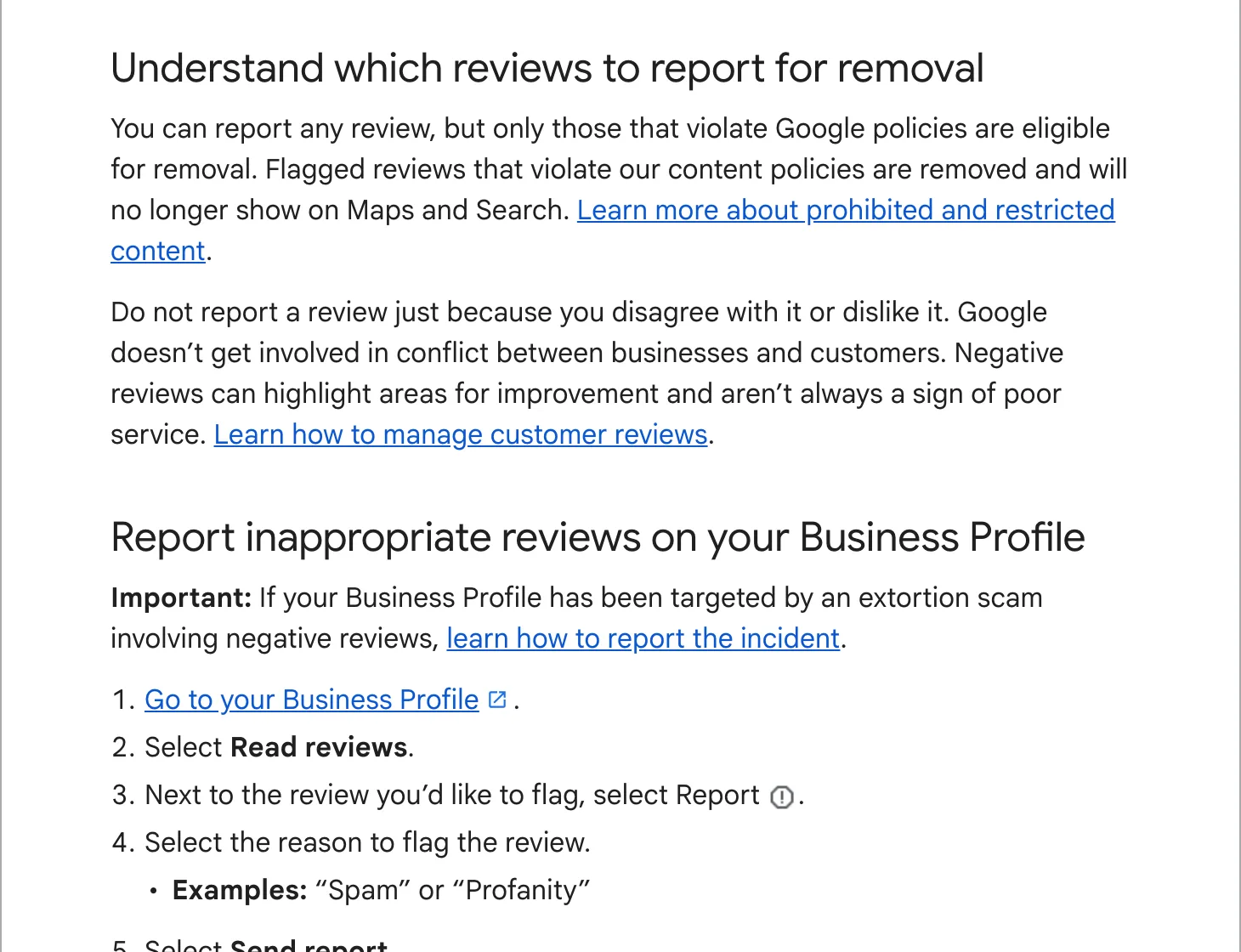
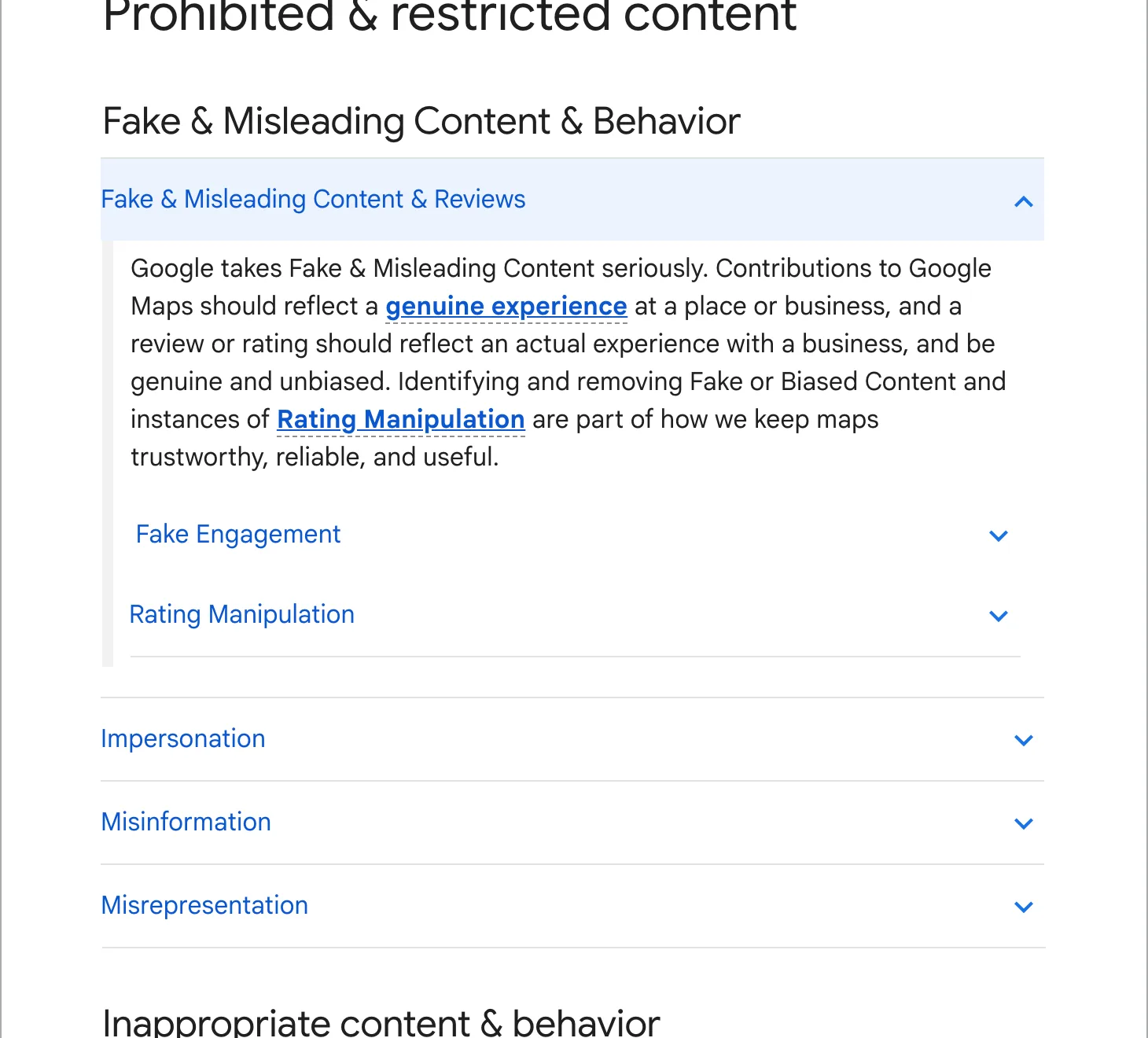
Google removes reviews that break its content policy for Maps. The ones businesses run into most:
- Fake engagement: reviews that do not come from a real experience, paid reviews, and a sudden run of reviews in an unusual pattern.
- Conflict of interest: reviews from a competitor, a current or former employee, or someone with a stake in the business.
- Off-topic: reviews about something other than an experience at your business, such as politics or a news story.
- Offensive content: hate speech, harassment, threats, sexually explicit content, profanity.
- Personal information and impersonation.
- Advertising: phone numbers, links or promotions in the review.
What Google will not remove: a genuine customer’s bad experience, even if you remember it differently. Google’s help page says not to report a review because you disagree with it, and that Google does not get involved in disputes between businesses and customers.
How to report a review
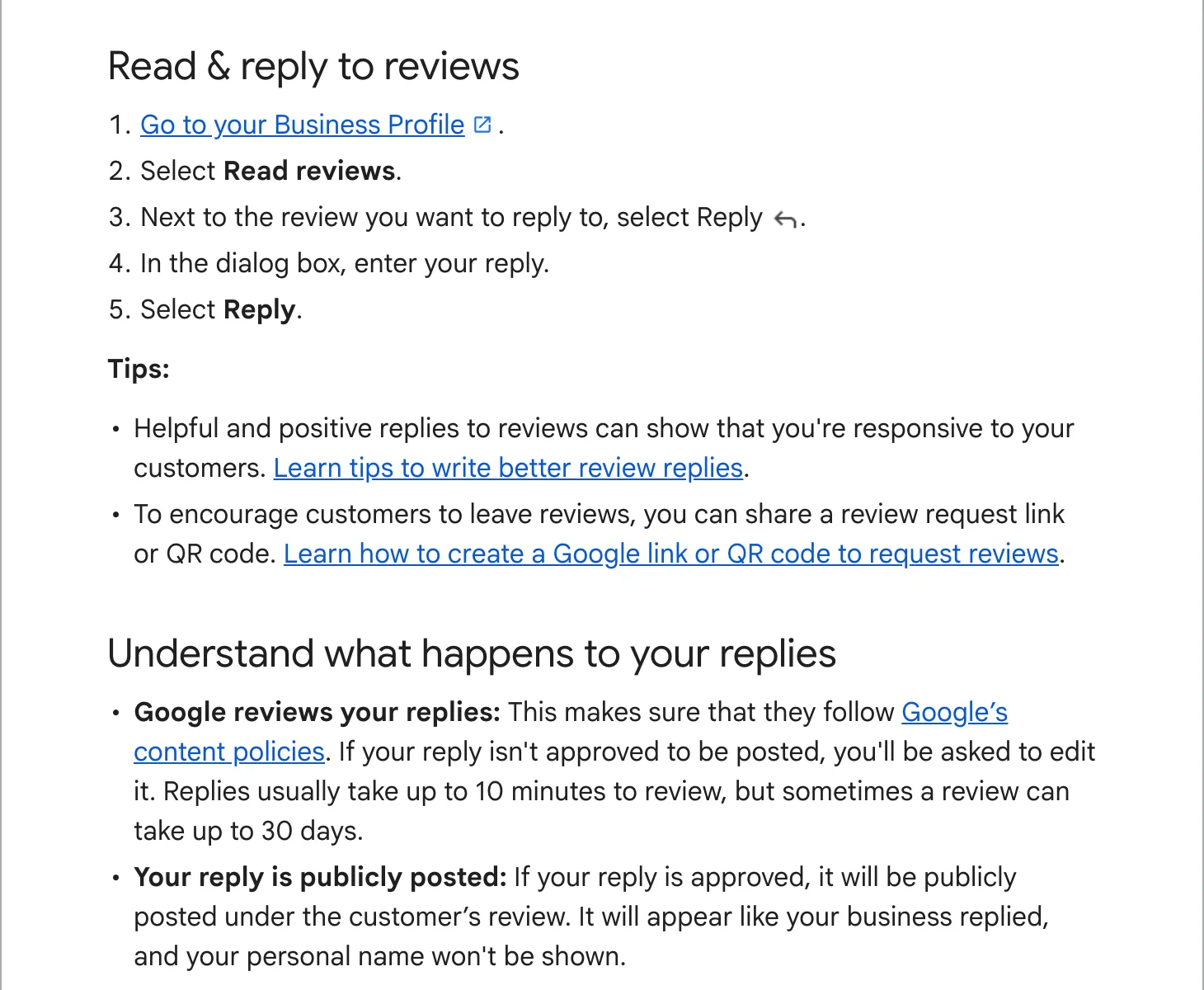
From your Business Profile
- Open your Business Profile on Google while signed in.
- Select “Read reviews”.
- Next to the review, select the report icon.
- Choose the reason that fits, such as “Spam” or “Profanity”, and send the report.
From the Reviews Management Tool
- Open Google’s Reviews Management Tool (linked from the help page) with the account that manages the profile.
- Select your business, then “Report a new review for removal”.
- Find the review, select “Report”, choose a reason and submit.
Pick the reason that matches the policy it breaks. “Conflict of interest” for a competitor, “Spam” for a fake, “Off-topic” for a rant about something else.
Following up, and the appeal
Back in the Reviews Management Tool, each report shows a status: “Decision pending”, “Report reviewed, no policy violation”, or “Escalated” when an appeal is under way. Google says assessment takes several days.
If Google decides the review breaks no policy, you get one appeal per review. In the tool, choose “Check the status of a review I reported previously and appeal options”, then “Appeal eligible reviews”, pick up to 10 and submit. Google emails the result. If the appeal fails, the review stays.
Building the case for a fake review
Google reads your report against its policy, so give it something to read. Before you report:
- Search your bookings, invoices and call log for the reviewer’s name and the date. Note that you cannot find them.
- Look at the reviewer’s profile on Maps. A new account with one review, or a set of one-star reviews of you and five-star reviews of a rival, points to a conflict of interest.
- Look for a pattern: several reviews within hours, similar wording, accounts with no history.
Then pick the reason that matches what you found, and keep your notes for the appeal form if the first decision goes against you.
When the review stays
Reply. A calm, short public answer turns a bad review into evidence that you deal with problems. It also tells the next reader your side without arguing. Examples for each case are in how to respond to Google reviews.
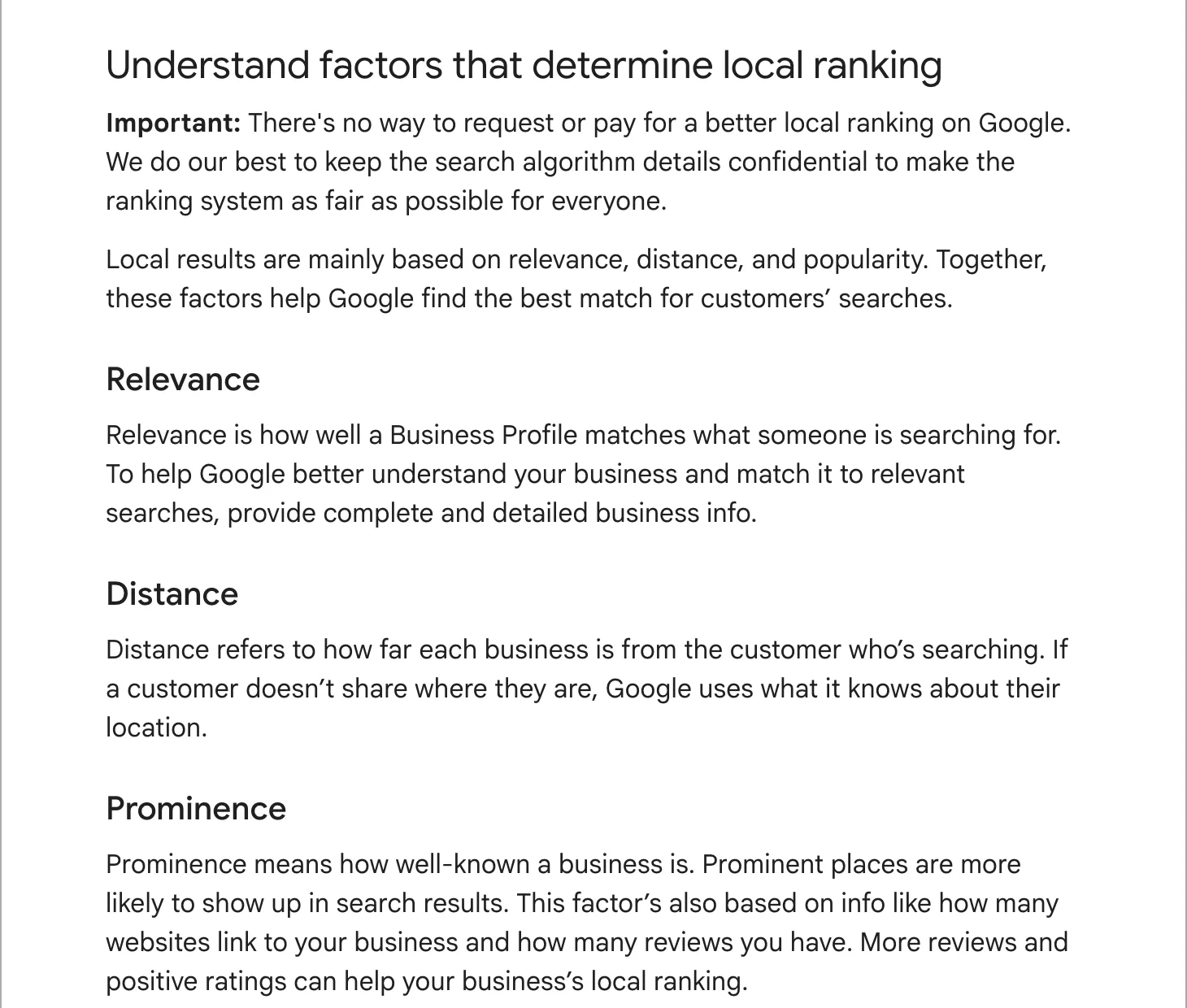
Then bury it the only allowed way: with more genuine reviews. One unfair one-star review next to 80 good ones barely moves the average; next to 5 it is one in six of everything a customer reads. Our guide to getting more Google reviews covers how to ask every customer.
What never to do
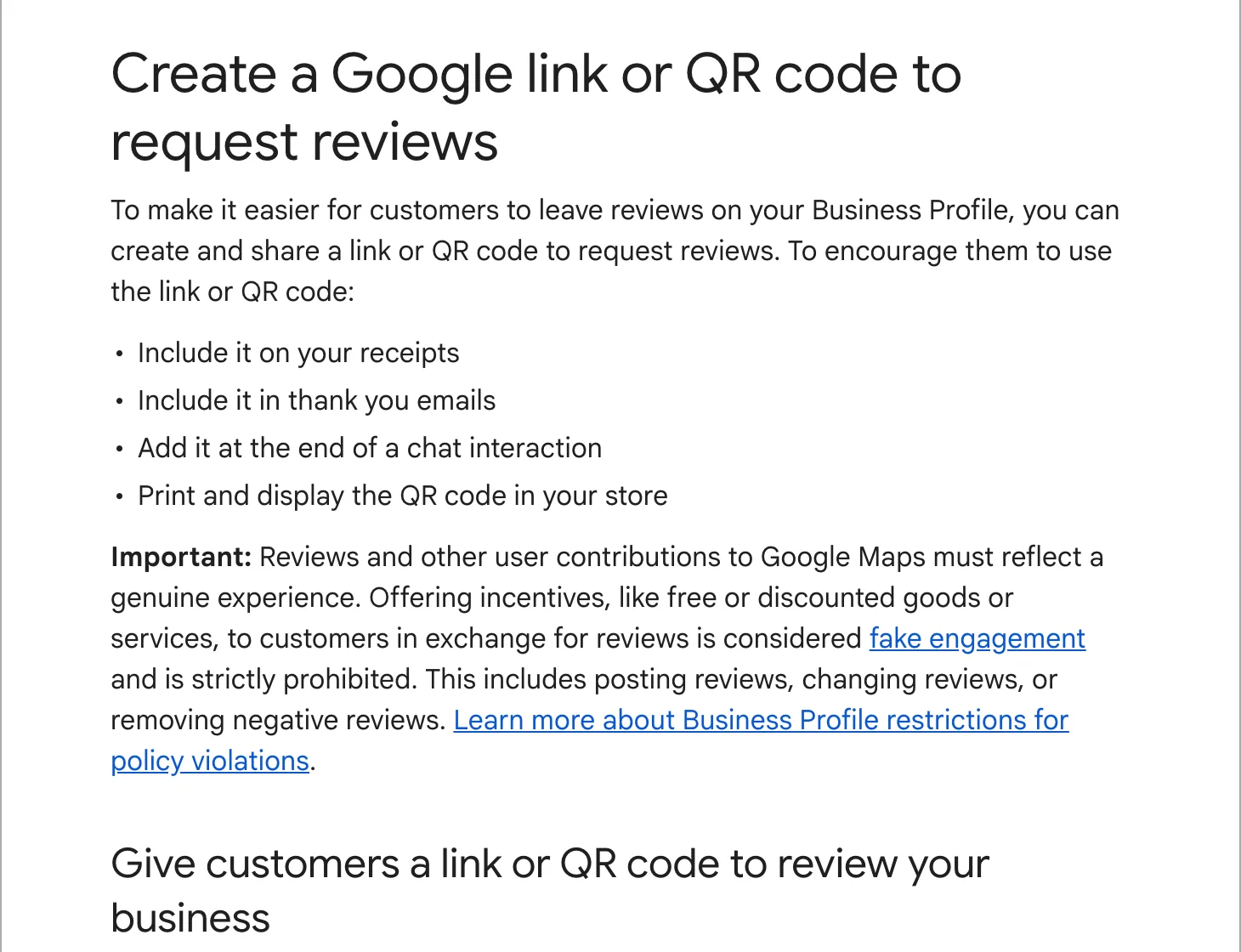
- Offer the reviewer a refund, a discount or anything else to remove or change the review. Google’s policy prohibits it.
- Answer a fake review with fake positive ones of your own.
- Pay a company that promises removal. It can only use the same report button you have.
- Pay anyone threatening you with bad reviews. Google’s help page links to a separate way to report extortion.
Watching new reviews, replying, and reporting the ones that break Google’s rules is part of how we look after a profile. See our local SEO plan.