How Google decides who shows on the map
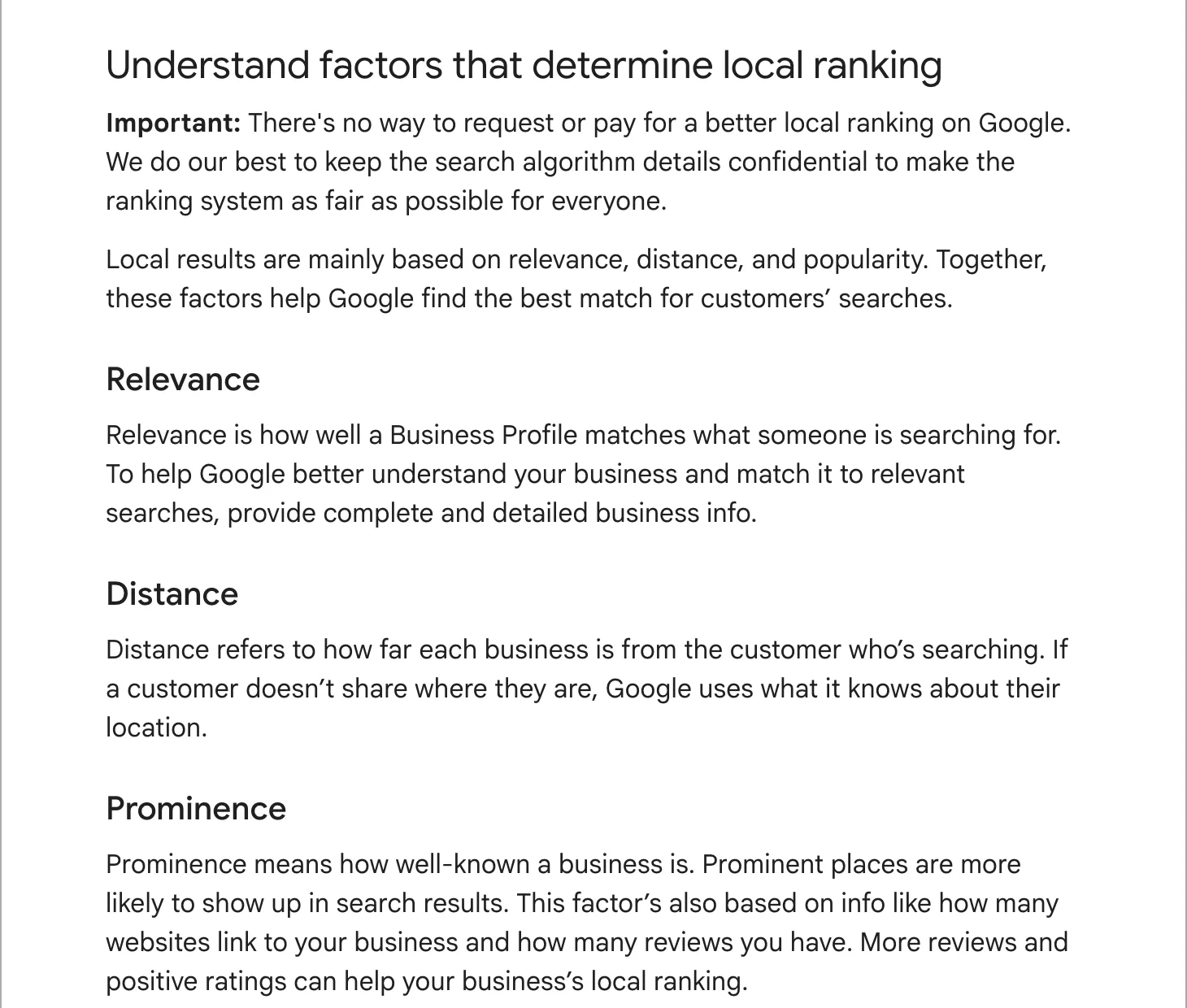
Google’s own page on local ranking names three factors:
- Relevance: how well your profile matches what someone searched for. Complete, detailed information helps Google make the match.
- Distance: how far you are from the person searching, or from the place they named.
- Prominence: how well known you are. Google says this draws on how many websites link to you and how many reviews you have, and that more reviews and good ratings can help.
Distance is why the same search gives different maps two streets apart, and why a business can be on top near its shop and missing a few miles away. It is also why we check rankings on a grid of points across a client’s service area, not from one spot.
The checklist, field by field
1. Main category, then a few extras
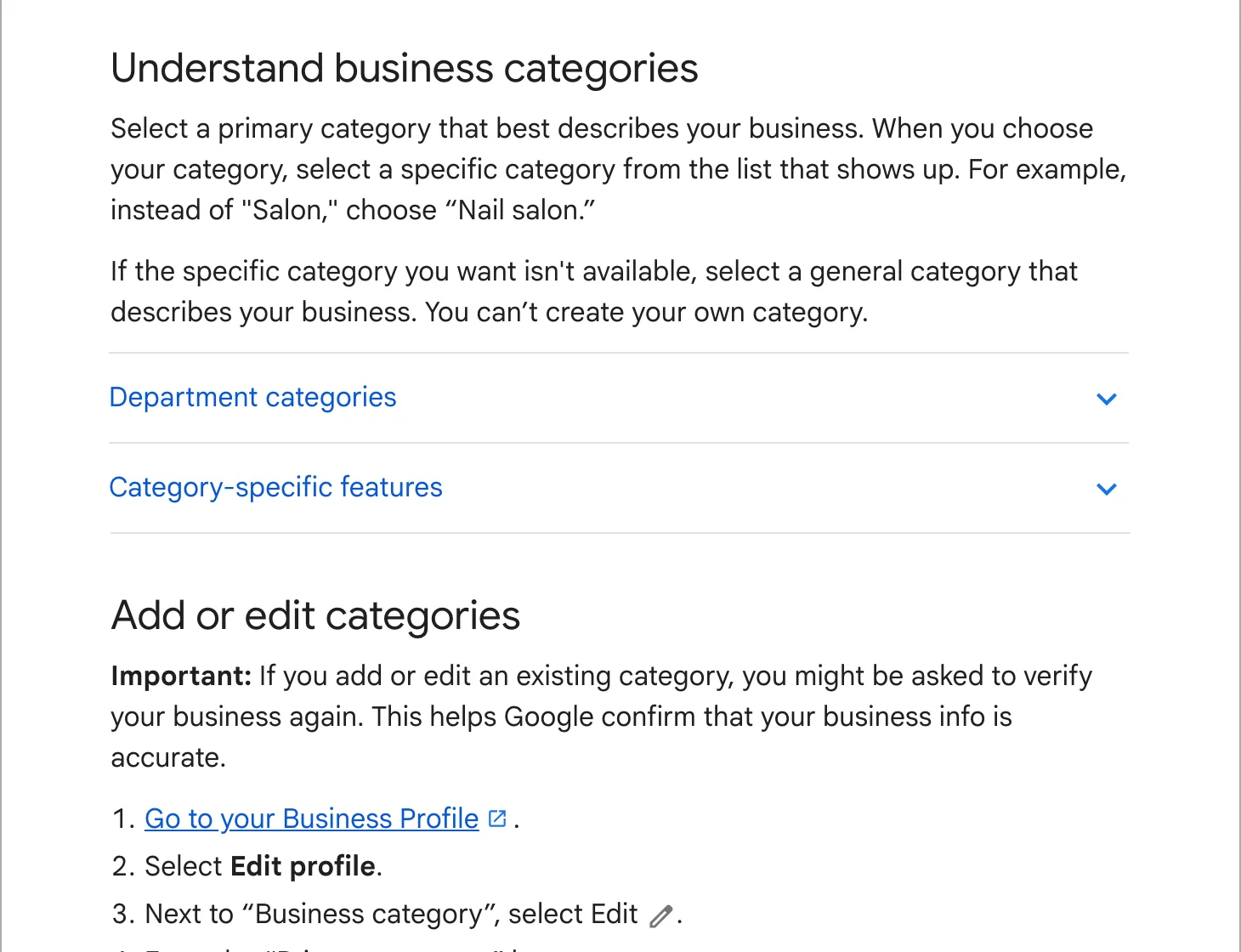
The main category matters most. Google’s category page says your categories affect your local ranking. Pick the most specific one that fits (“Nail salon”, not “Salon”), then add extras only for distinct kinds of work you want to be found for. When we audited a powder coating shop in Maryland, the map for “cerakote near me” around Baltimore was full of gun shops. The shop did Cerakote, but its profile had no category that said so. Asking Google for a Cerakote category was worth it only if the shop wanted that work, so our Teardown left that call to the owner.
2. Your real name
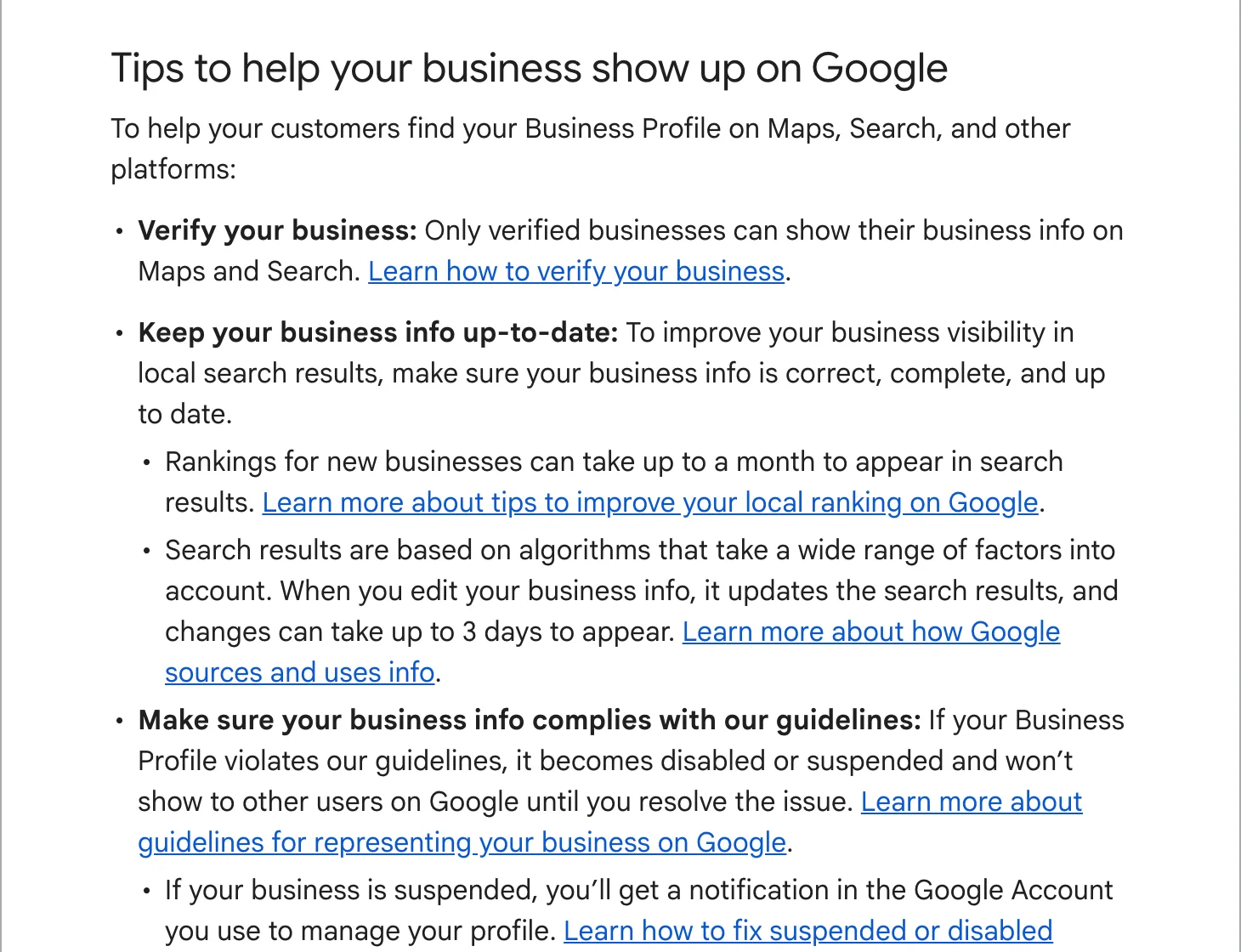
The name on your sign. Adding “Best Plumber Springfield” to it breaks Google’s guidelines, and a profile that breaks them can be suspended.
3. The same name, address and phone everywhere
The same powder coating shop had a strong profile, 80 reviews at 4.9, and an old website whose code gave Google a different street address than the profile. Customers never saw that line, but search engines read it. Check your website, Facebook, Yelp, Apple Maps, Bing and any trade directories, and make them say the same thing.
4. Hours, phone and website link
Regular hours, holiday hours before each holiday, a local number you answer, and a link to the right page of your site. If you have several locations, link each profile to its own location page.
5. Services and description
List each service you offer in your customers’ words, with a line on each. Write the description for a person deciding whether to call: what you do, for whom, where. Google reads it for relevance; a list of keywords reads badly and does not help.
6. Photos, every month
The outside of your premises (so people recognize it when they arrive), the inside, your team at work and finished jobs. Google’s photo page asks for JPG or PNG between 10 KB and 5 MB, at least 250 by 250 pixels, 720 by 720 recommended, in focus and not heavily filtered. Videos can be up to 30 seconds. The Maryland shop had 402 photos of real work on its profile, and more reviews than every other shop on its Baltimore map put together.
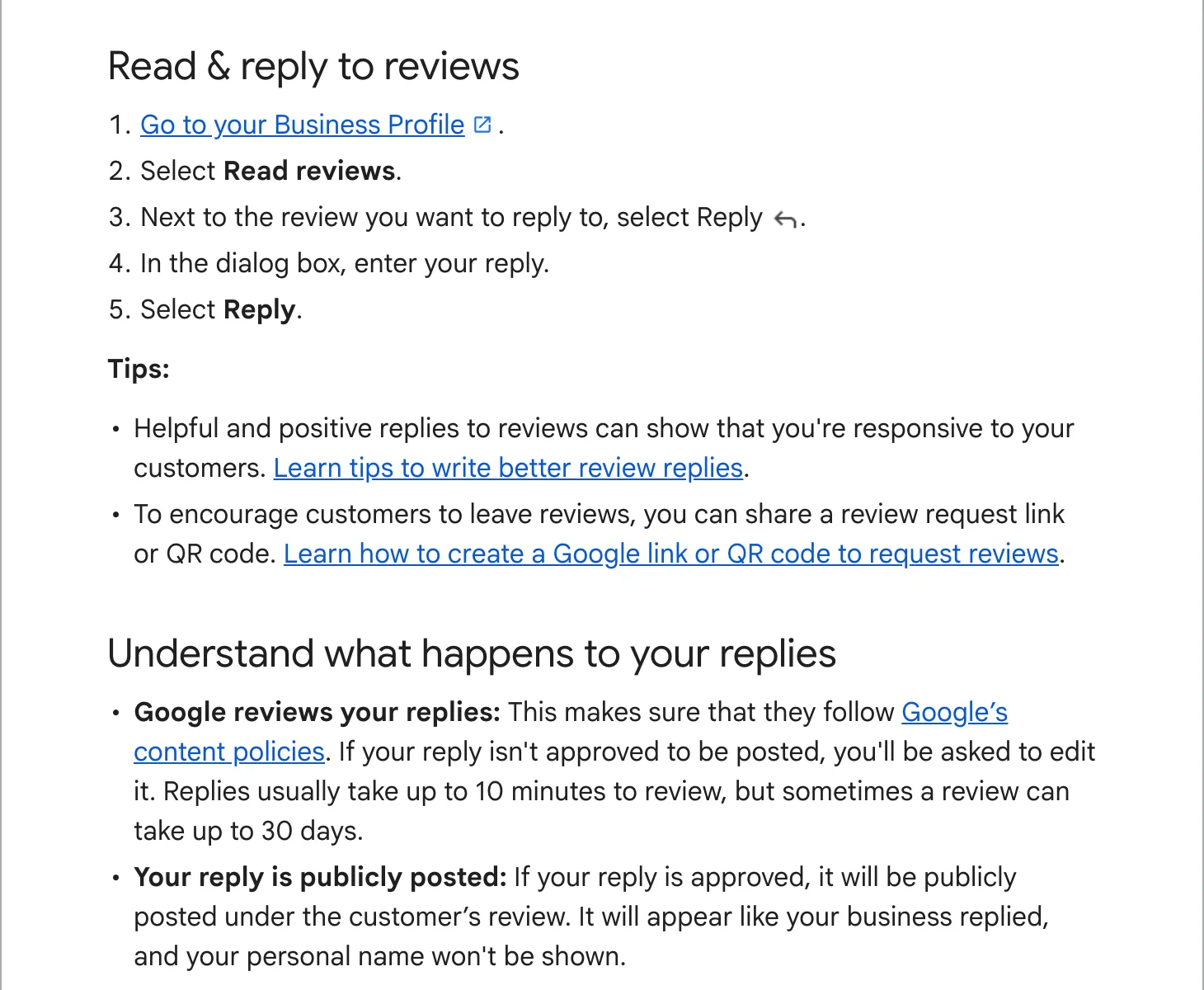
7. Reviews, and a reply to every one
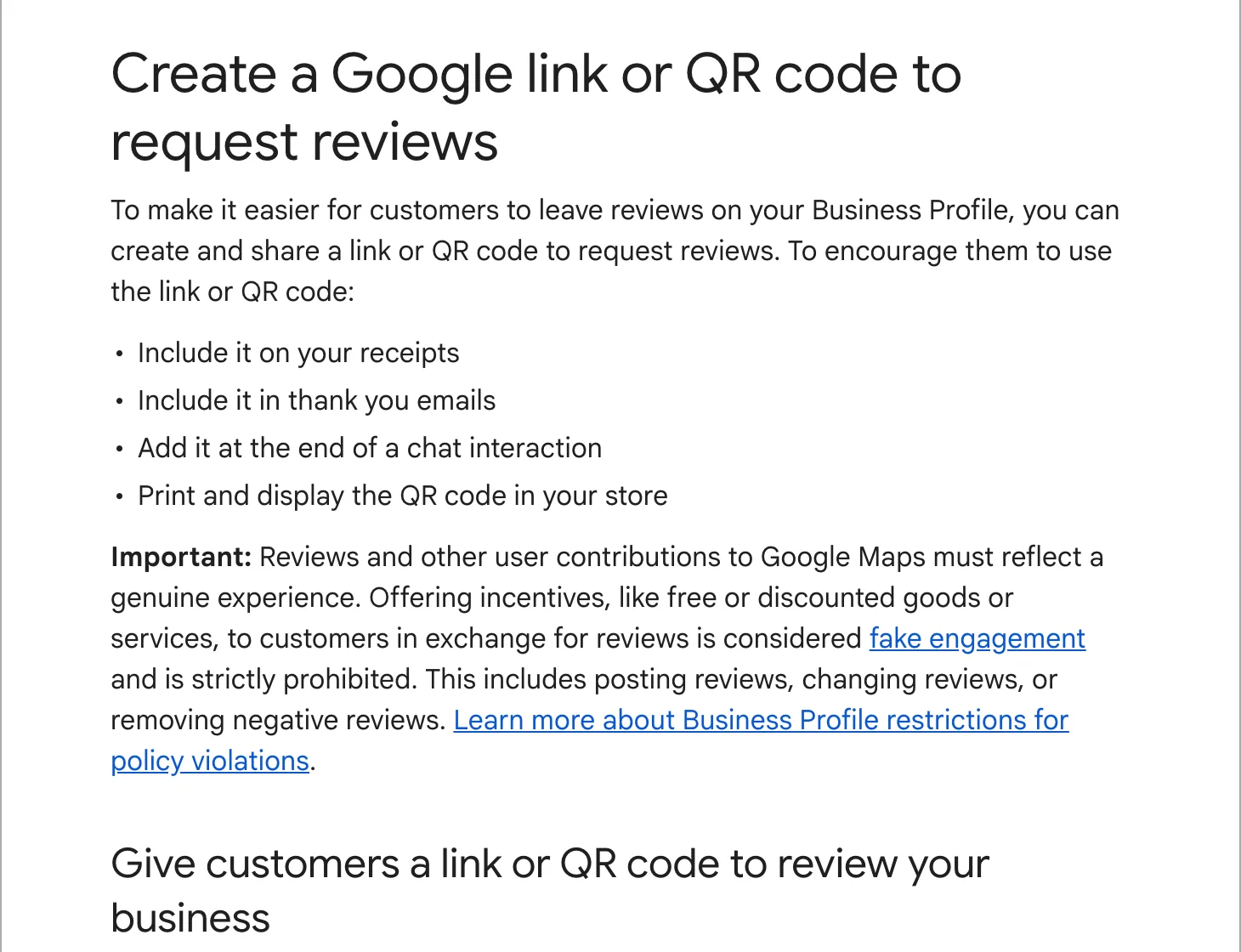
Google lists responding to reviews among its tips for local ranking, and names review count and rating as part of prominence. Ask every happy customer, and reply to every review, good or bad. Our guides: getting more reviews and responding to reviews.
8. Posts
Updates, offers and events show on your profile under “Updates” on a phone and “From the owner” on a computer. Google archives posts after 6 months, so a monthly post about a recent job keeps the profile looking alive. Do not put a phone number in the text: Google may reject the post if it cannot link the number to the business.
9. Products, bookings and attributes
Fill in whatever your category offers: a booking link, a menu, products, accessibility, “women-owned” and similar attributes. They vary by category, and each one is another detail Google can match.
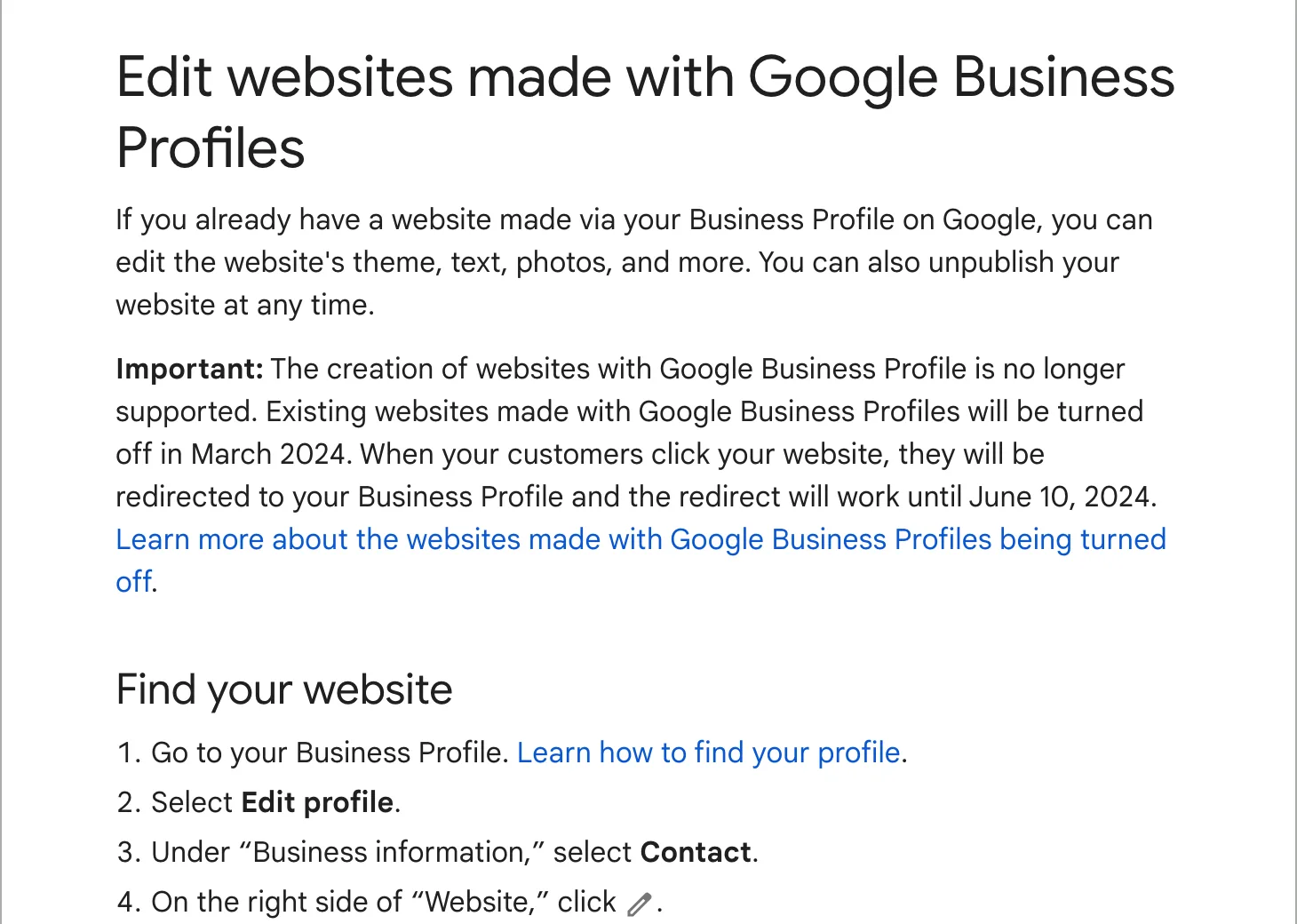
10. A website that backs the profile up
Your profile links to your site, and links from other sites to yours count toward prominence. A page for each main service, with your town in it and the same name, address and phone, gives Google more to match. For an aircraft paint shop around Los Angeles, six of the seven searches we measured on October 26, 2026 showed a map, and the shop’s old site was not in the top 100 for any of them. Our website plan builds a page for each of those searches.
What does not work
- Paying Google. Google says there is no way to request or pay for a better local ranking. Ads on the map are separate and marked as sponsored.
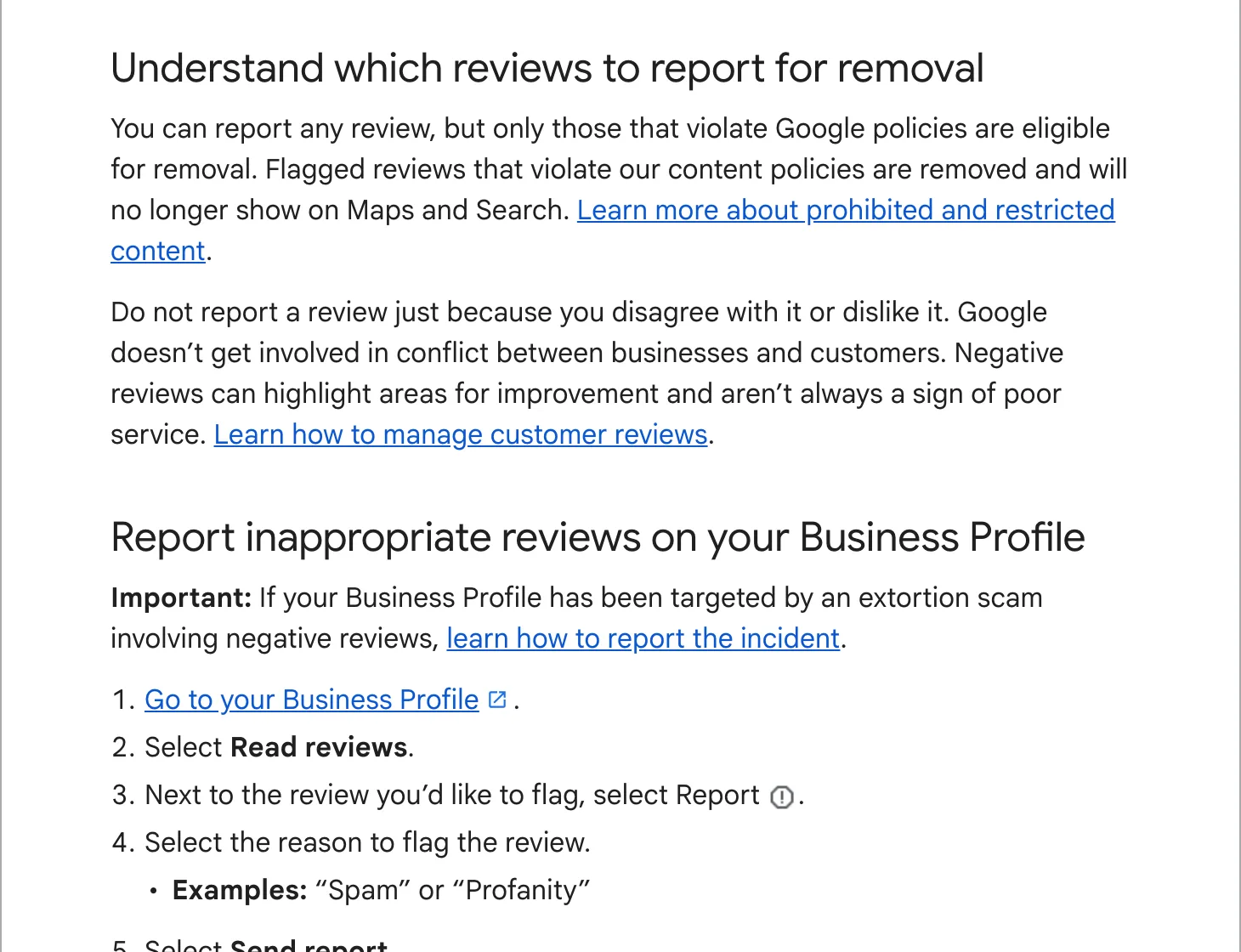
- Buying or swapping reviews. Paid and incentivized reviews break Google’s content policy. Google removes them and can restrict the profile.
- A second profile for the same business, or profiles at addresses where you do not work.
- Anyone who promises the top spot. Ranking depends on where the searcher stands, so no one can promise you a position, and a guarantee is a reason to walk away.
The monthly routine
Once the profile is complete, keeping it there takes about an hour a month for one location: reply to new reviews, send review requests after jobs, add a few photos, post one update, and check that hours and details have not changed. Google lets anyone suggest an edit to a listing, so that last check matters.
That routine, plus a monthly look at where you rank across your service area, is what our local SEO plan does for you.