Shop software for powder coating shops
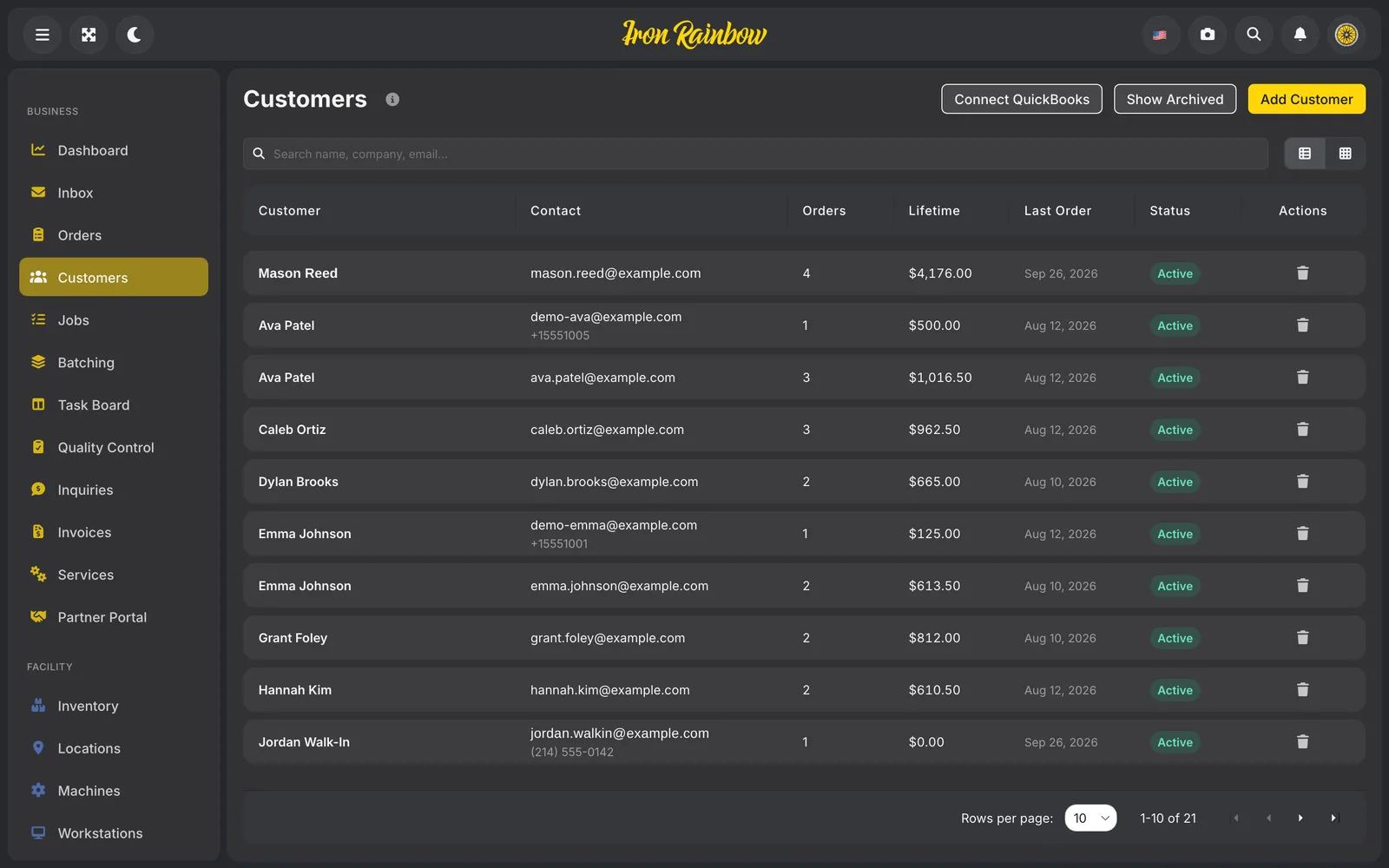
Coating shops ran on paper and phone calls. Rainbow Flex runs a job in the browser from the inquiry to QR-labelled batches, quality checks and the invoice.

A shop that runs on scraps of paper
Walk into a typical powder-coating shop and you’ll find a busy counter, a blast cabinet, a spray booth and an oven or two. You’ll also find the office: a phone that doesn’t stop, a pile of paper by the till, and one person who remembers which rims belong to whom. Jobs arrive by phone, text, email and walk-in. When a customer calls to ask about their wheels, somebody goes digging.
The owners we spoke to all knew the shop should batch jobs by color, so one oven run covers every part going gloss black that week. With the jobs scattered across notes, that rarely happened. The same color went into the booth on Monday and again on Thursday, and ovens ran half full. The day filled up with quoting, texting customers updates, chasing parts and arguing about what state a wheel was in when it came through the door. And if you asked the owner what one particular job had cost him in powder, gas, labor and wear on the machines, he couldn’t tell you.
Generic tools didn’t fit. A project board has no idea what an oven run is.
Starting from the orders that were already coming in
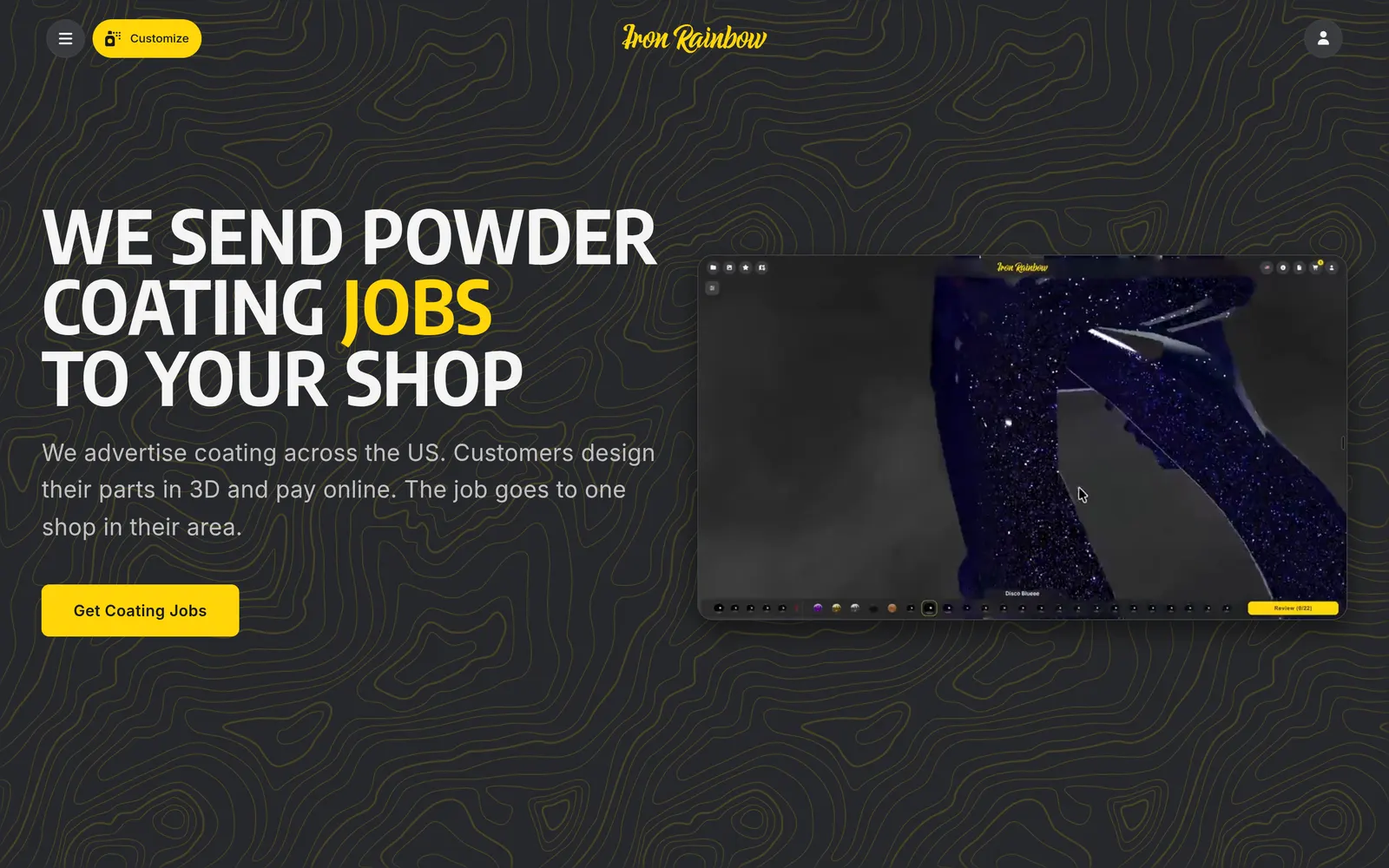
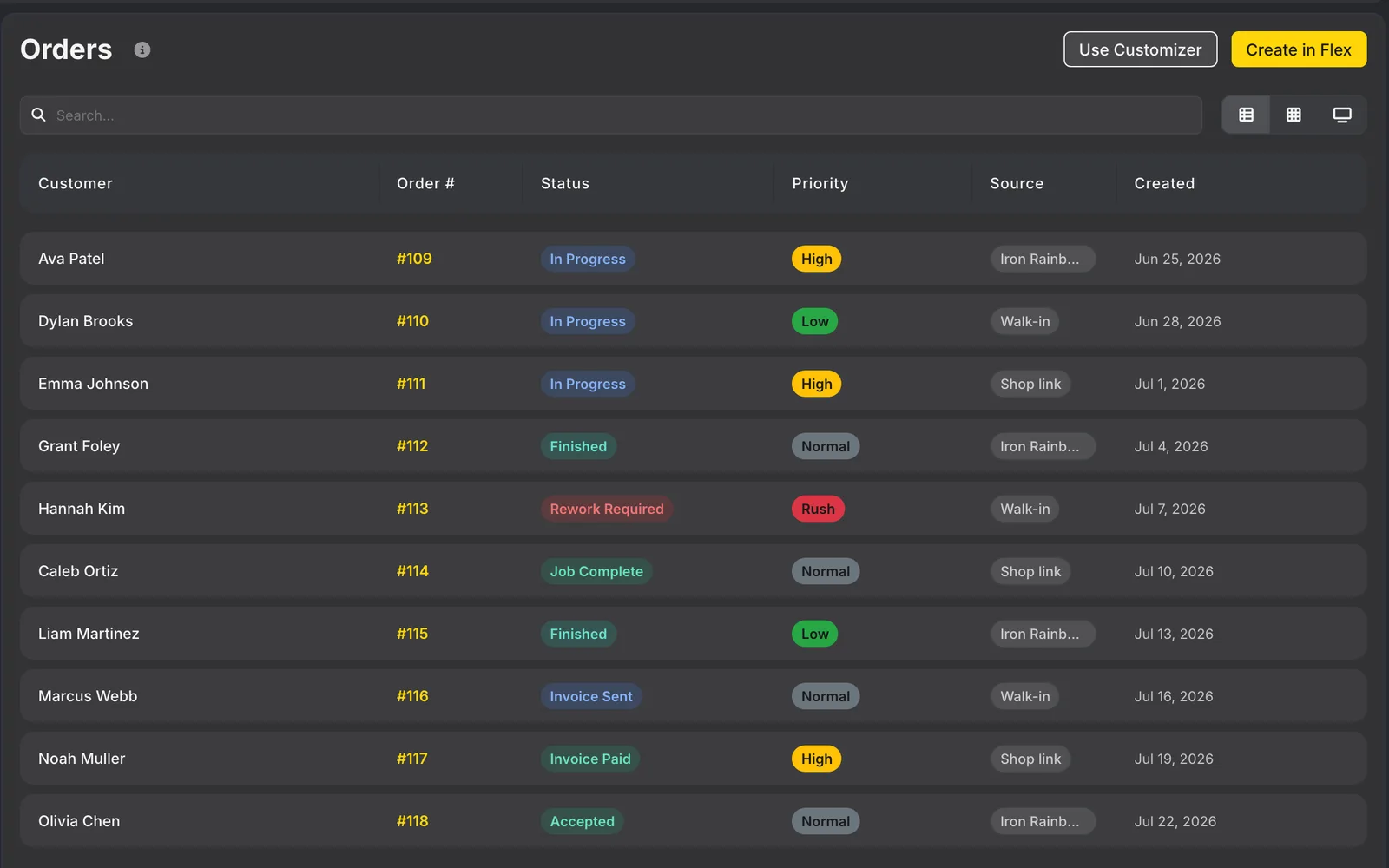
Flex began as the shop half of the Iron Rainbow marketplace. Customers were designing and paying for coating jobs in the 3D Customizer, and those orders needed somewhere to land where a shop could run them. We built it in the order a shop’s day runs. Orders and jobs came first, then batches. Then workstations, machines and recipes, then the board the floor works from, then inspection. Stock and powders followed, then staff and pay, then invoices, and last the part owners kept asking for: what each job made or lost.
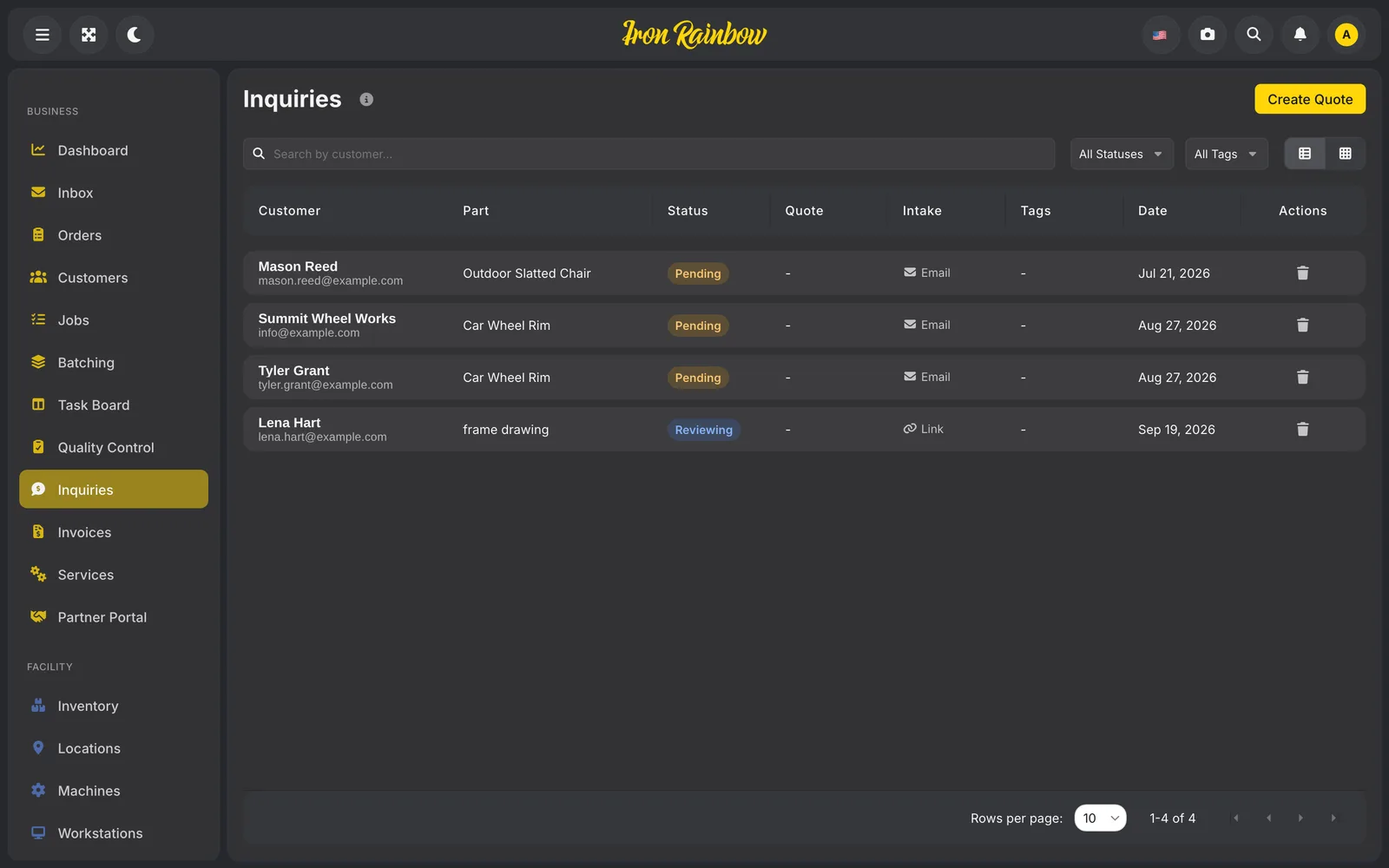
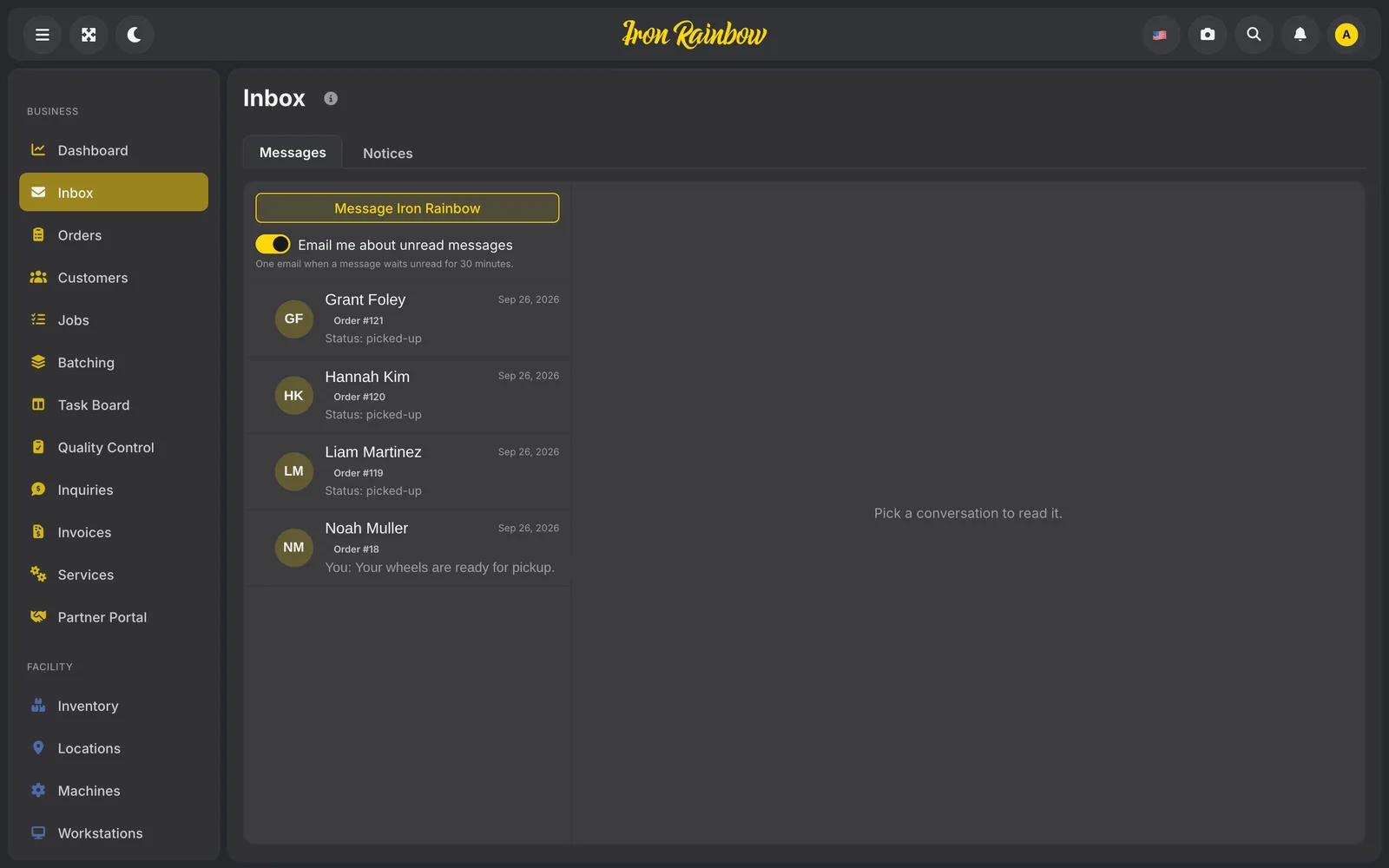
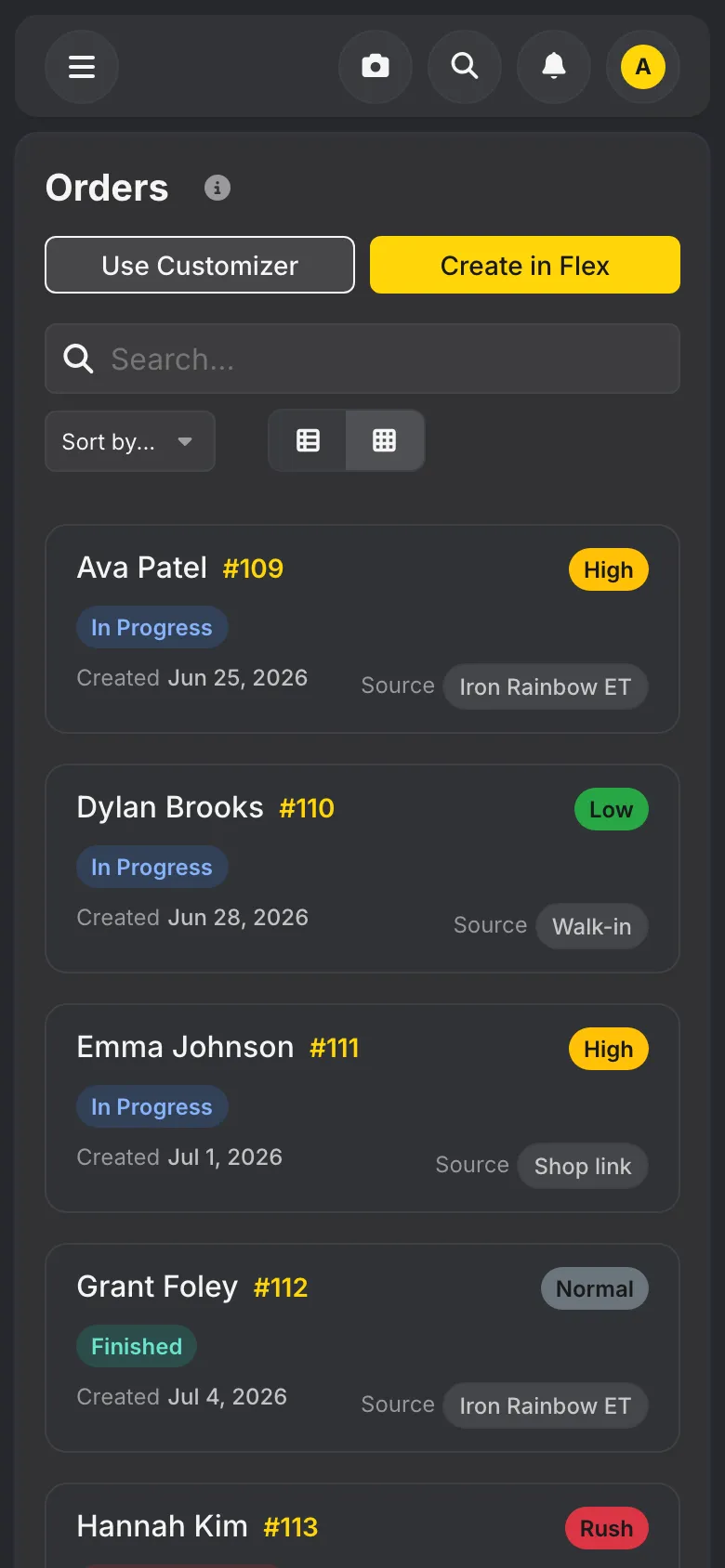
Every inquiry now lands in one inbox, whether it came from the marketplace, from the shop’s own website or from someone at the counter. It carries the customer’s photos, the 3D design if they made one, and every choice they picked. The shop sends a quote and the customer accepts it from their account. Many requests still arrive as plain emails, so an AI reader turns those into proper inquiries too. Our first partner shop pointed out that “a set of wheels” means four, and the reader learned that.
Every rack knows where it goes next
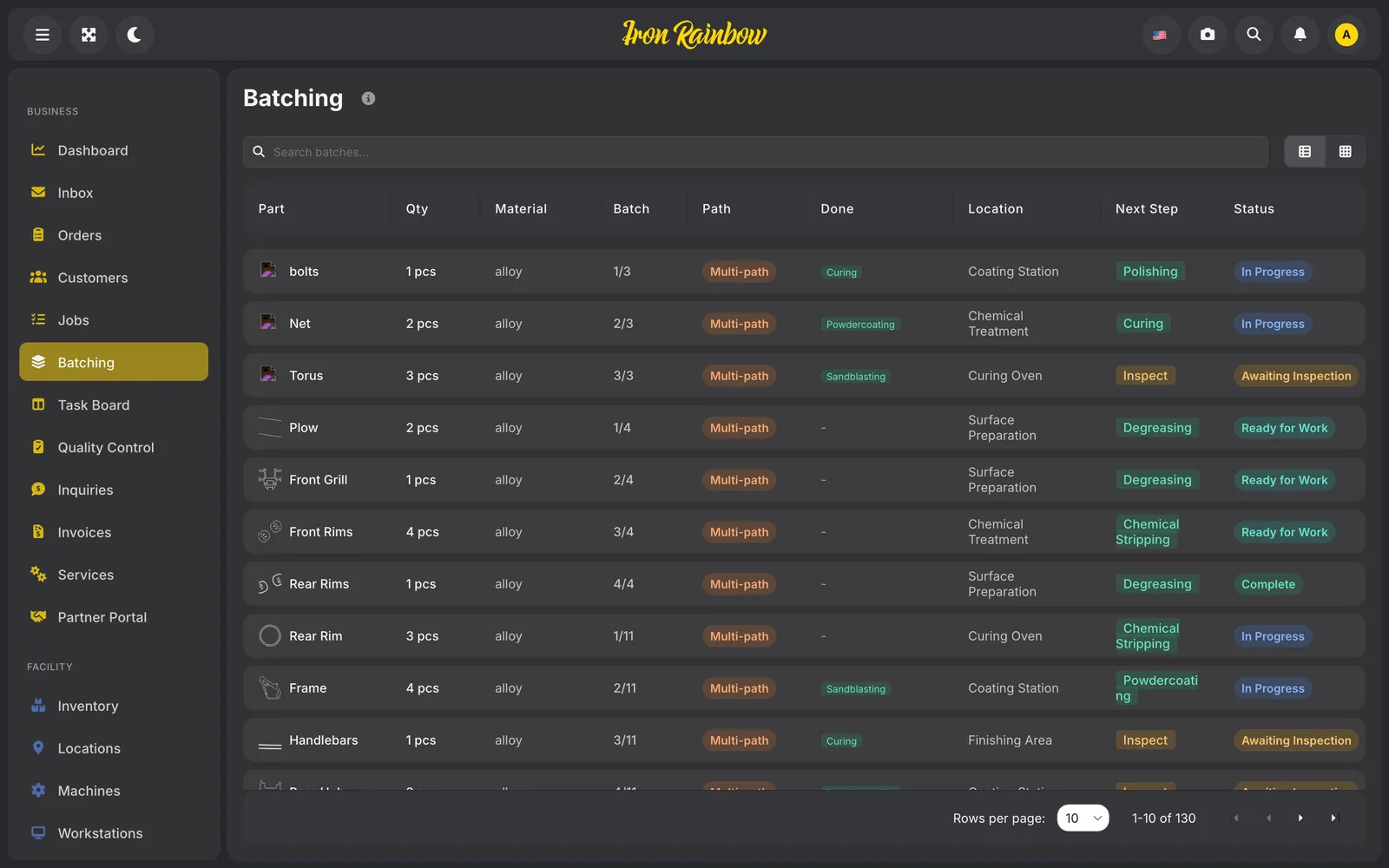
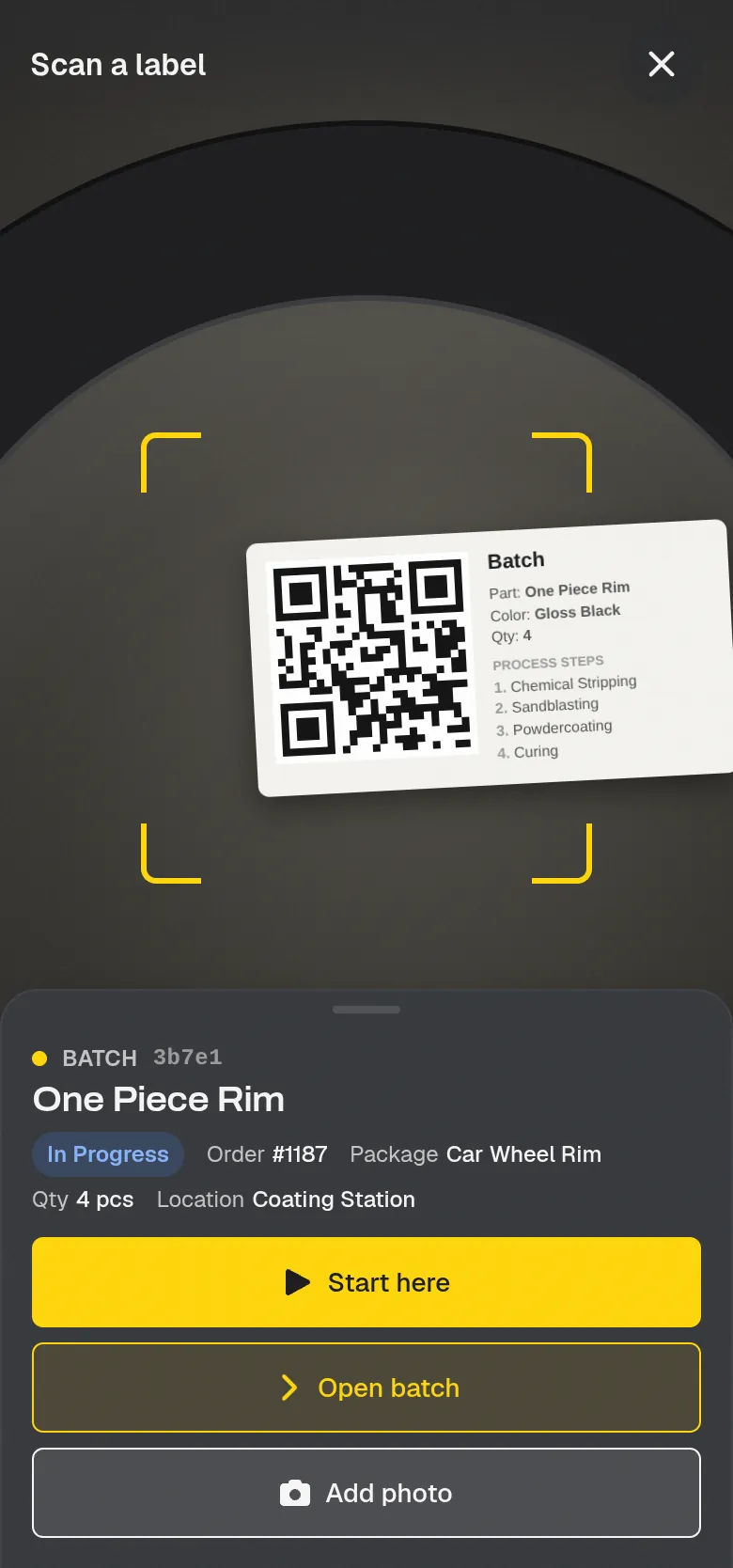
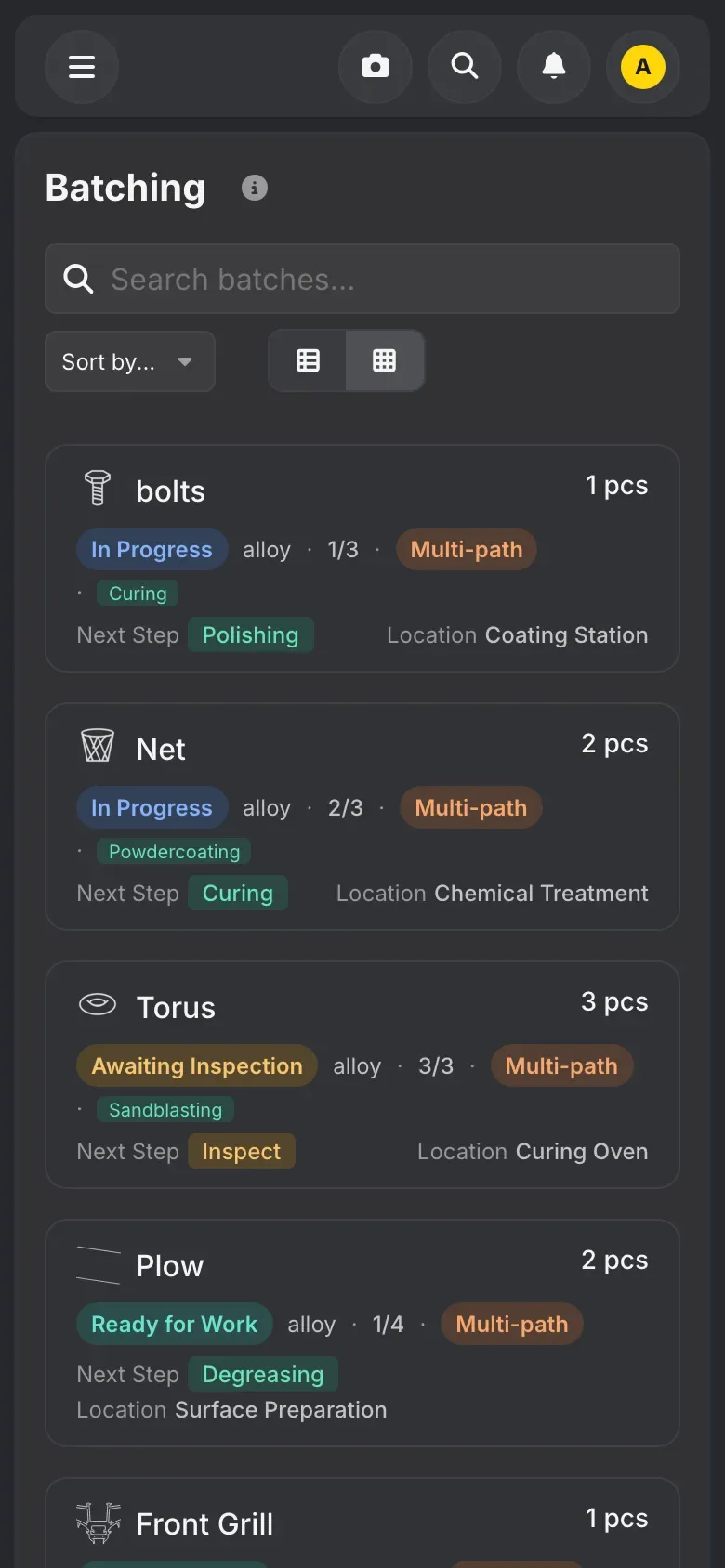
The screen shop owners open most is batching. Every job becomes a batch with its steps in order, and when a job is too big for one rack or one oven load, the shop splits it into as many batches as it needs. Each batch gets a printed QR label for the rack, so anyone on the floor can scan a rack and see what it is and where it goes next. The batch list shows every batch with its color, its next step and where it sits on the floor, so the owner can see what is waiting for the booth and plan the oven runs.
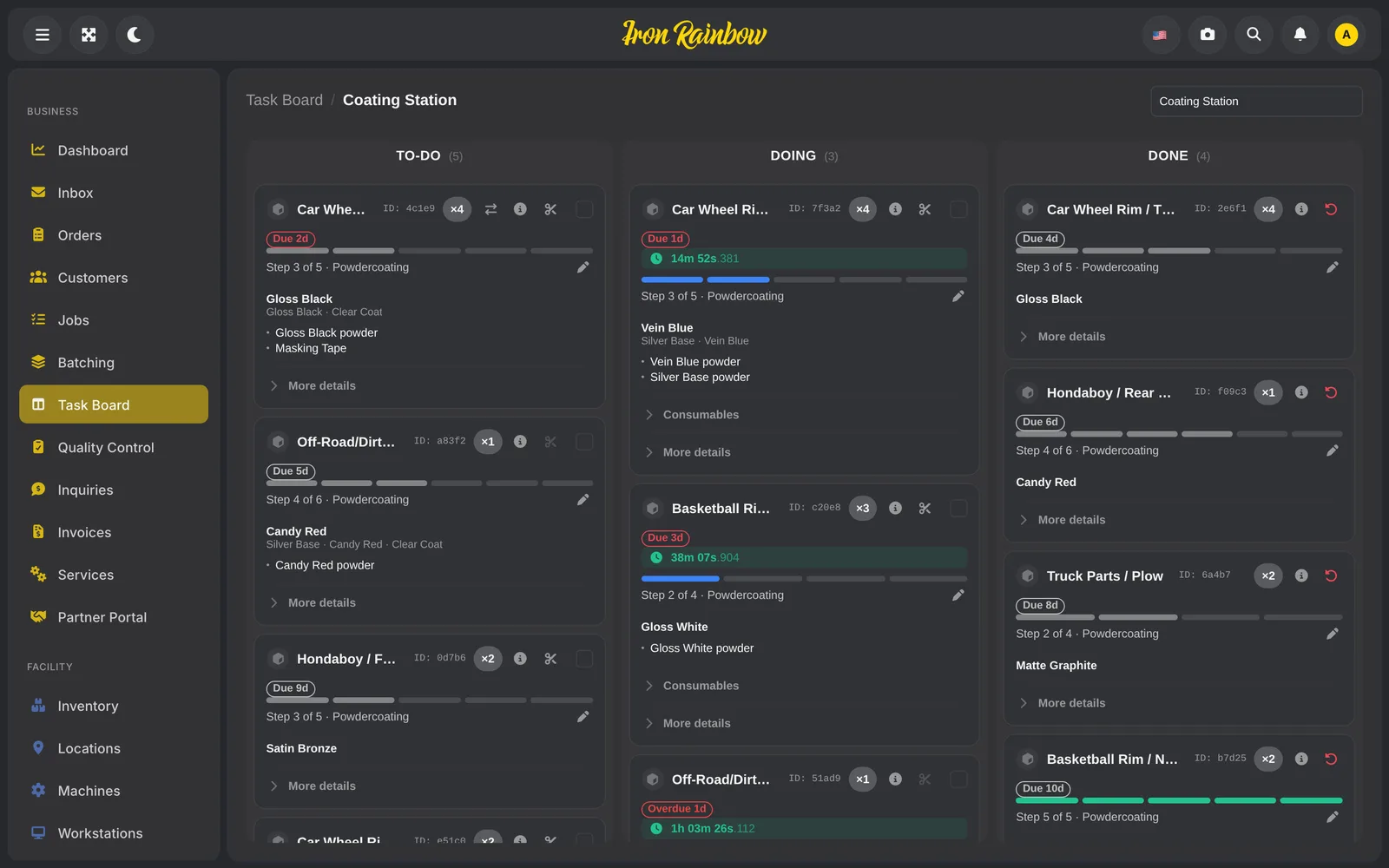
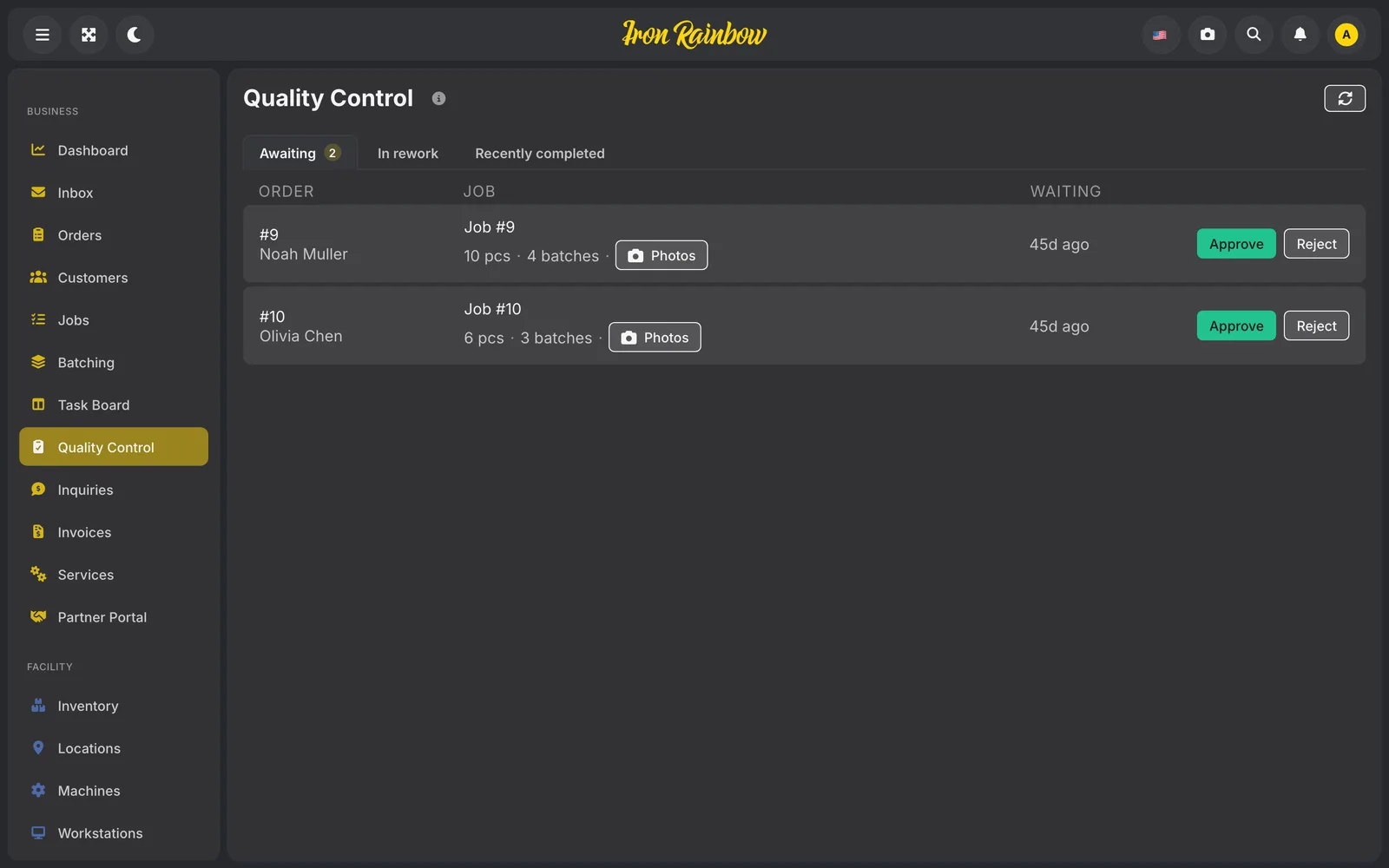
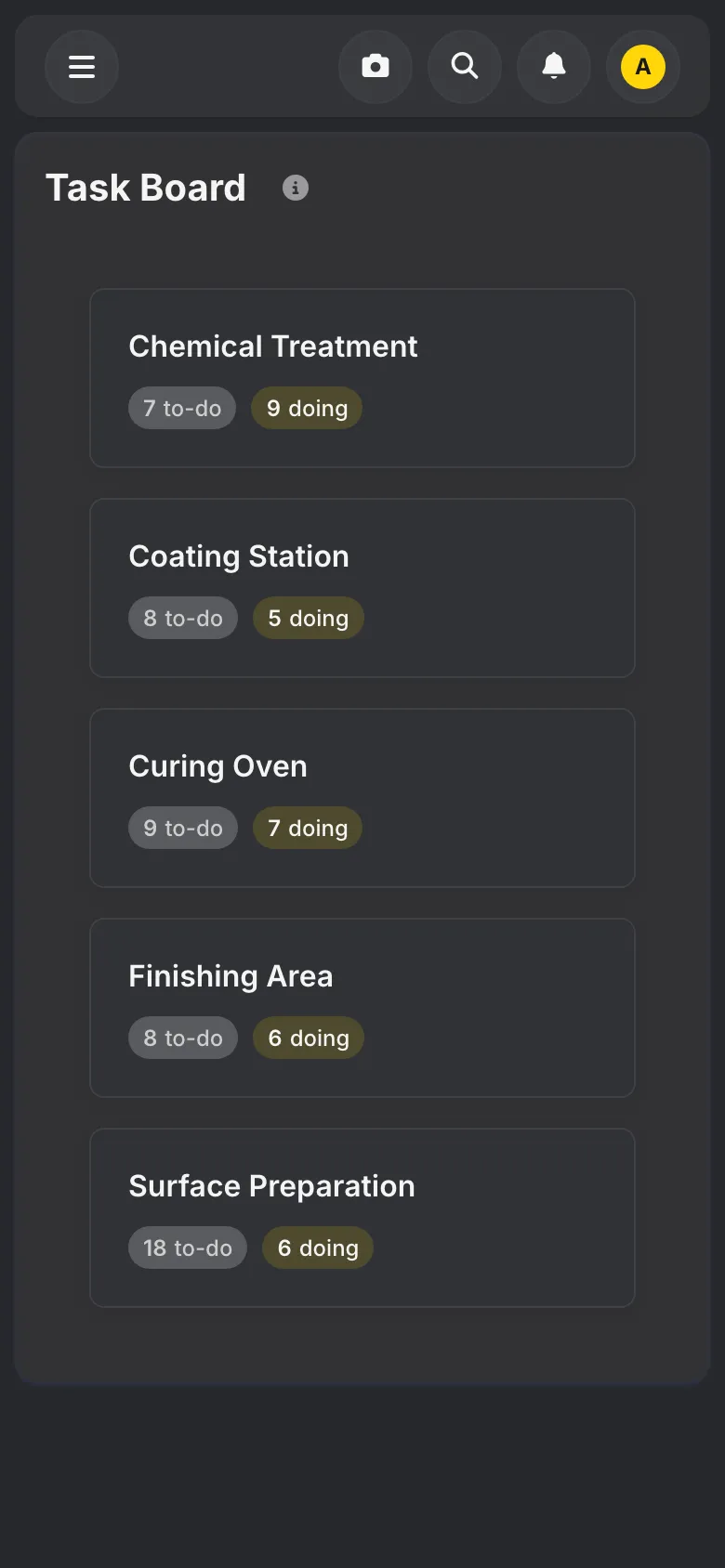
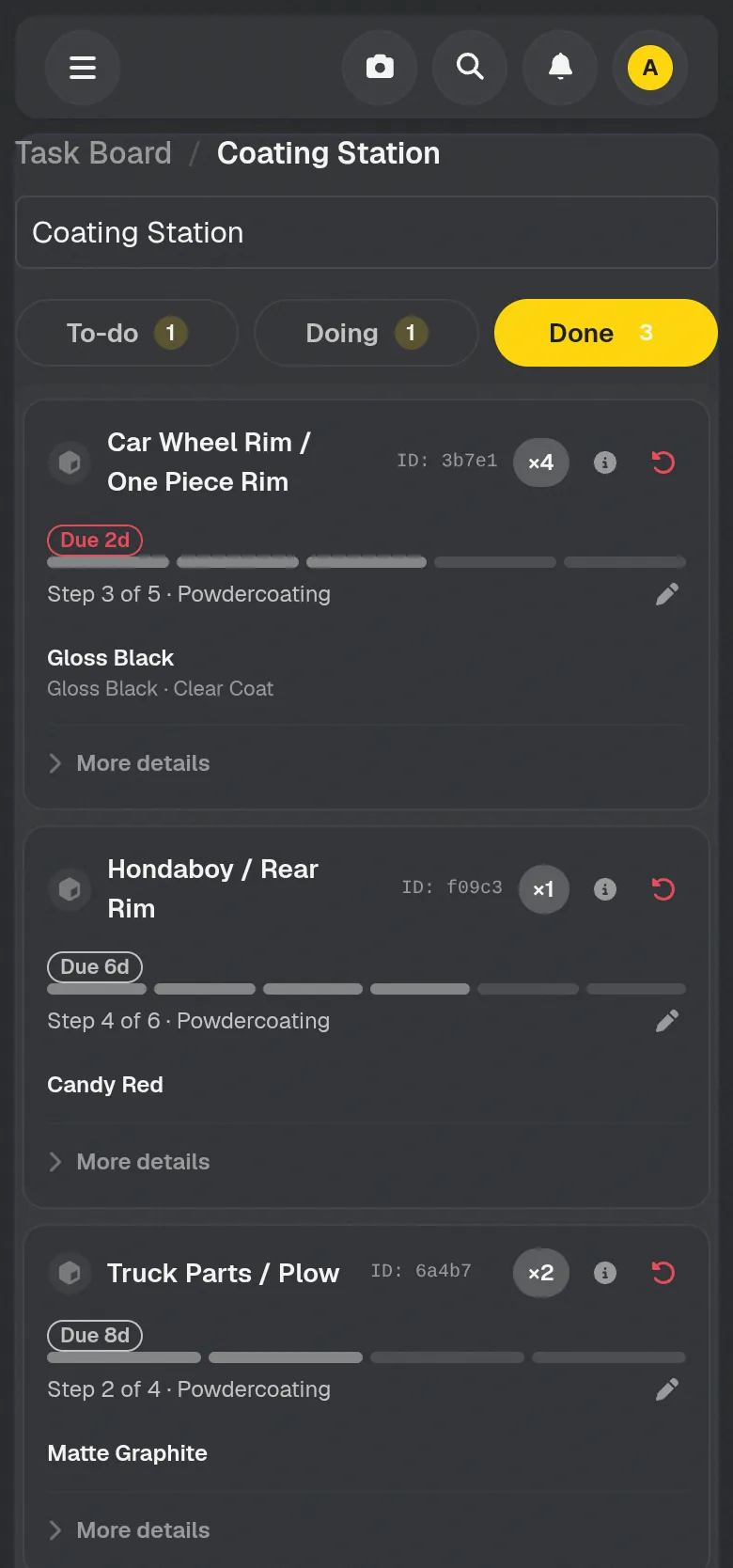
Each workstation has its own board, and batches move across it from waiting to in progress to done, with a timer running. When a batch reaches inspection, the inspector either passes it or sends it back to a chosen station for rework, with photos at each step. That photo trail settles most of the arguments about what a part looked like when it arrived.
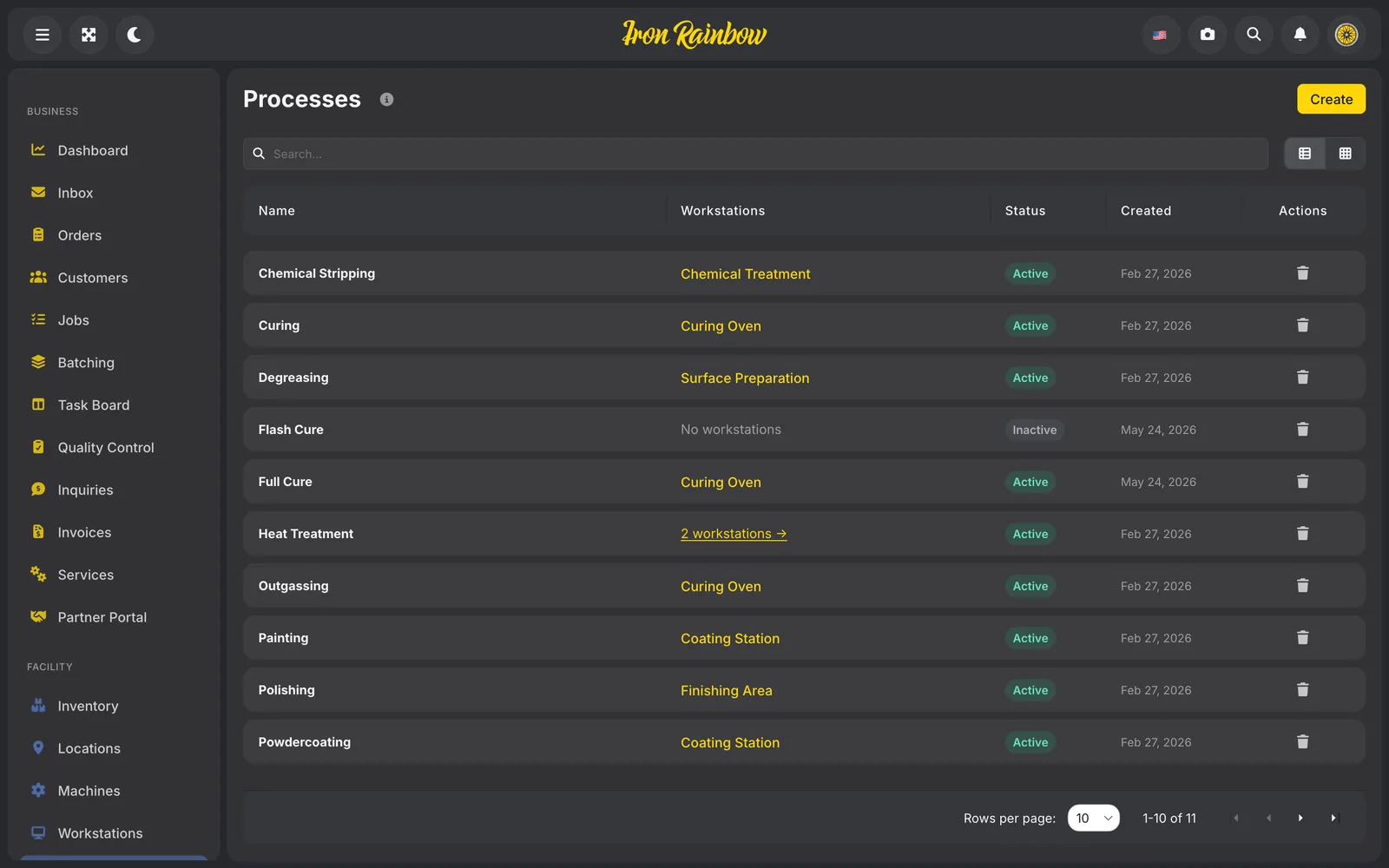
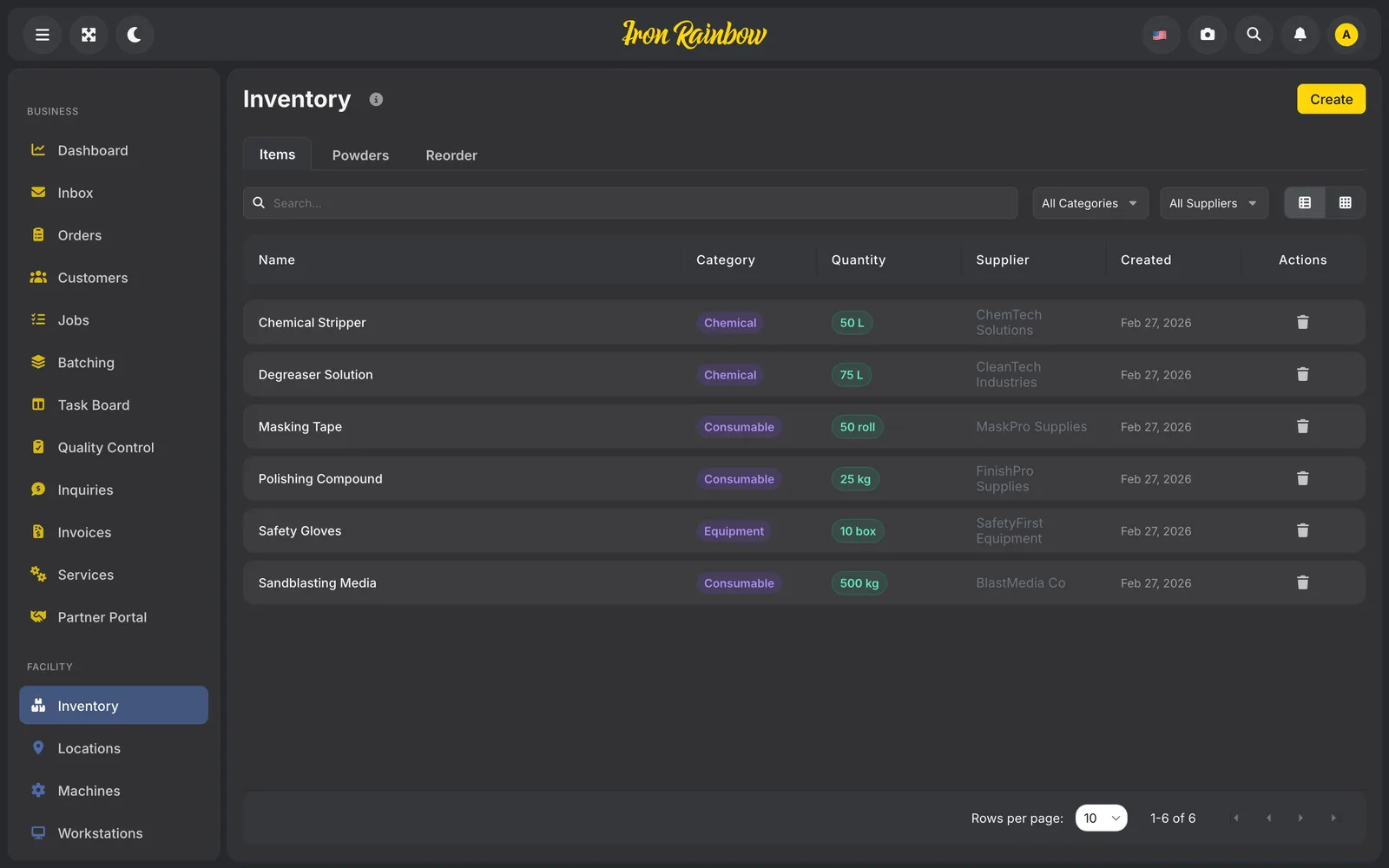
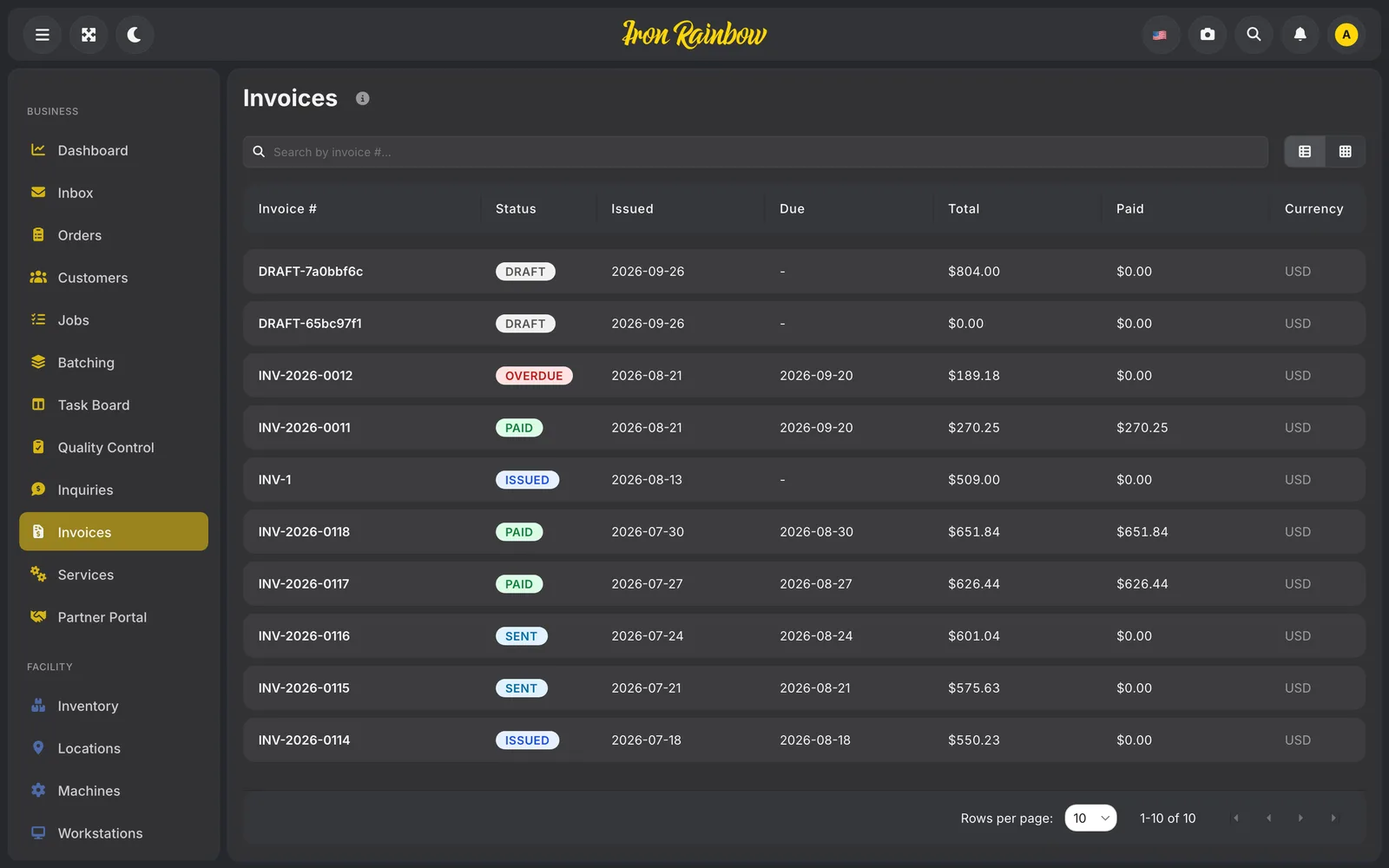
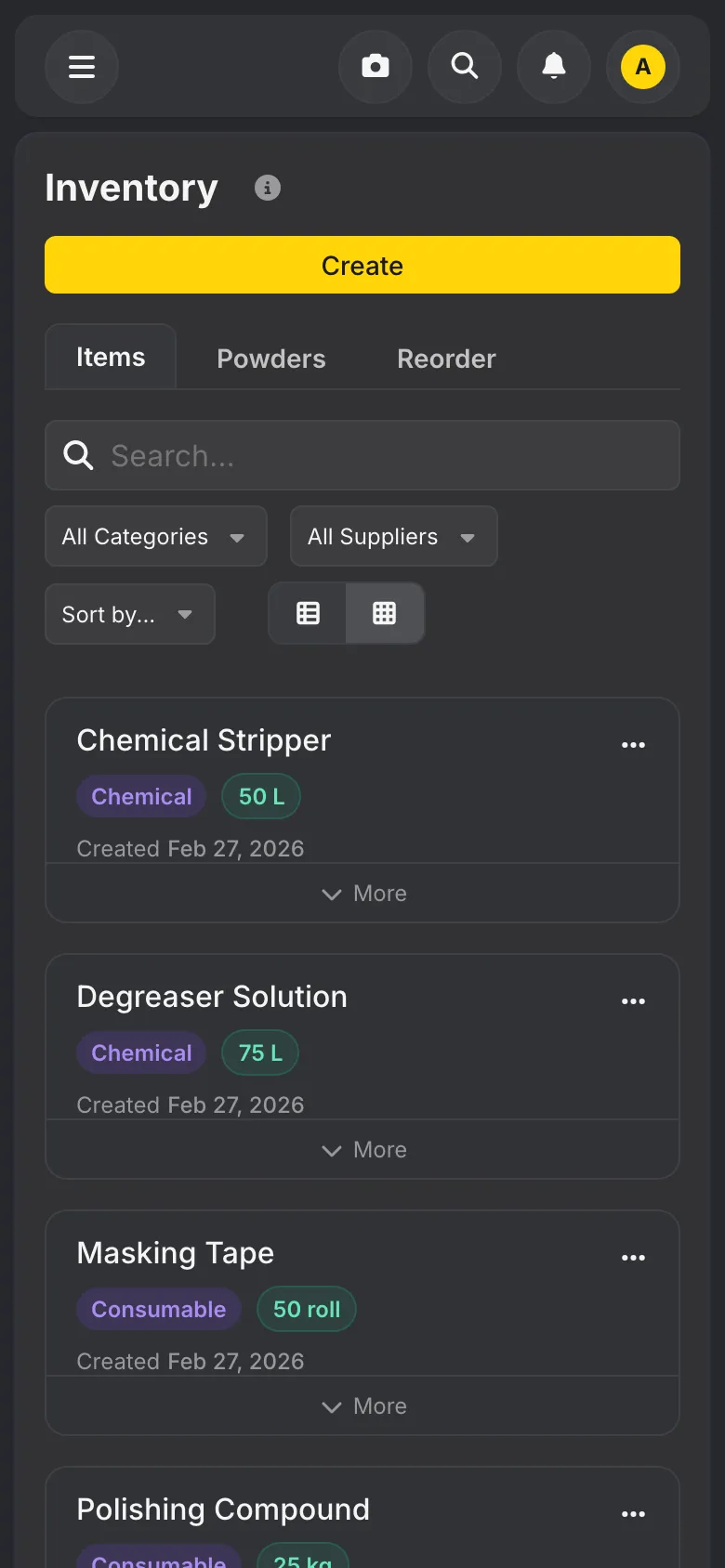
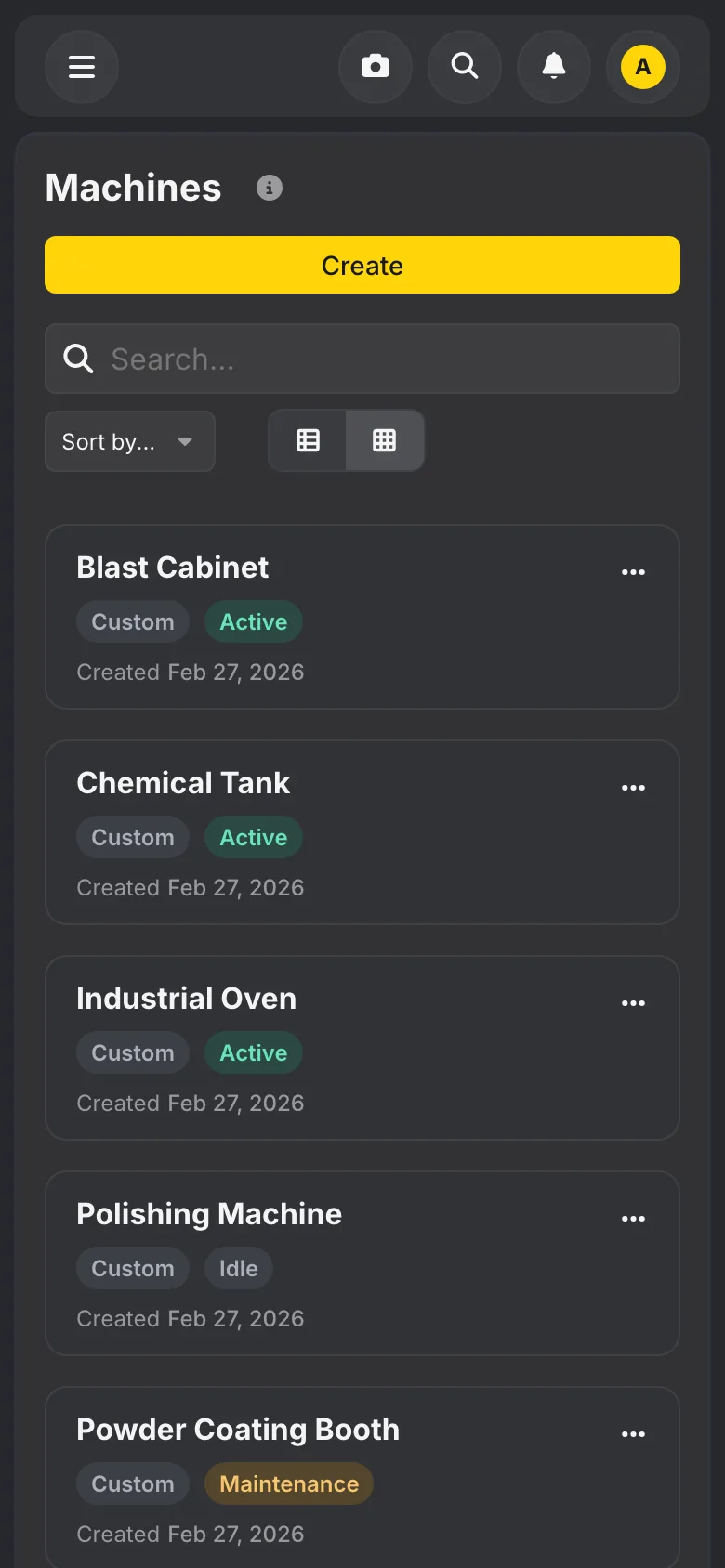
The rest of the shop lives in Flex as well. Workstations and machines are set up once, including the components that wear out and get replaced. Powders come from a shared catalog with their specs, batches and stock levels. Staff have roles and pay rates, which is how Flex knows the labor on each job. Invoices are built from the order and come out as a PDF with the shop’s logo.
Those pieces meet in the profit report for each order. Powder used, labor, a share of machine wear and the gas, propane and water burned are set against what the customer paid. For the first time the owner can see which kinds of work pay and which ones only keep the ovens warm.
Pricing, worked out on a live call
We built Flex from specs that listed every screen state and what was out of scope, and every change was tied to a ticket. The most useful input came from partner calls. We ran them as working sessions: the owner shared his screen, pushed one order all the way through, and we logged every bug and fixed it before the next call.
The pricing screen is the clearest example. The first founding partner found it baffling, and said so. During the second call we reworked it while he watched. Each multiplier now shows the dollar range it produces. Steel gets its own exceptions because it doesn’t behave like alloy. A table at the bottom shows exactly what the customer will see. The idea that made it click was his own. You set one reference item you already know the price of by heart, and the rest of the formula follows from it. Within the hour he was happy with it. His shop’s fixed costs became fields in Flex, including a maintenance charge per quarter and a flat water bill, and his customer list was imported during a call.
Two decisions shaped everything after. We made Flex a web app that runs in any browser, so the owner can check a job from the booth on his phone without installing anything. And the shop and the customer read the same order history, so nobody has to ring the shop to ask where their wheels are.
Free for any coating shop
Flex is the operating system for Iron Rainbow’s founding partners, and any coating shop can use it on its own without joining the network. One user is free for good, setup takes under an hour and no card is asked for; bigger teams pay for extra seats. The first partner brought his customers in and has been running his own orders through it. A plan is written for taking Flex to Canada, Australia, New Zealand and the UK.
Screens
Play a coating shop's day
My Facility is the floor view we are building into Rainbow Flex. Here it runs a demo coating shop for a day: orders come in at the counter and from the online customizer, racks move through blast, booth and oven, and you can move a station and see what changes.
On the phone
Rainbow Flex
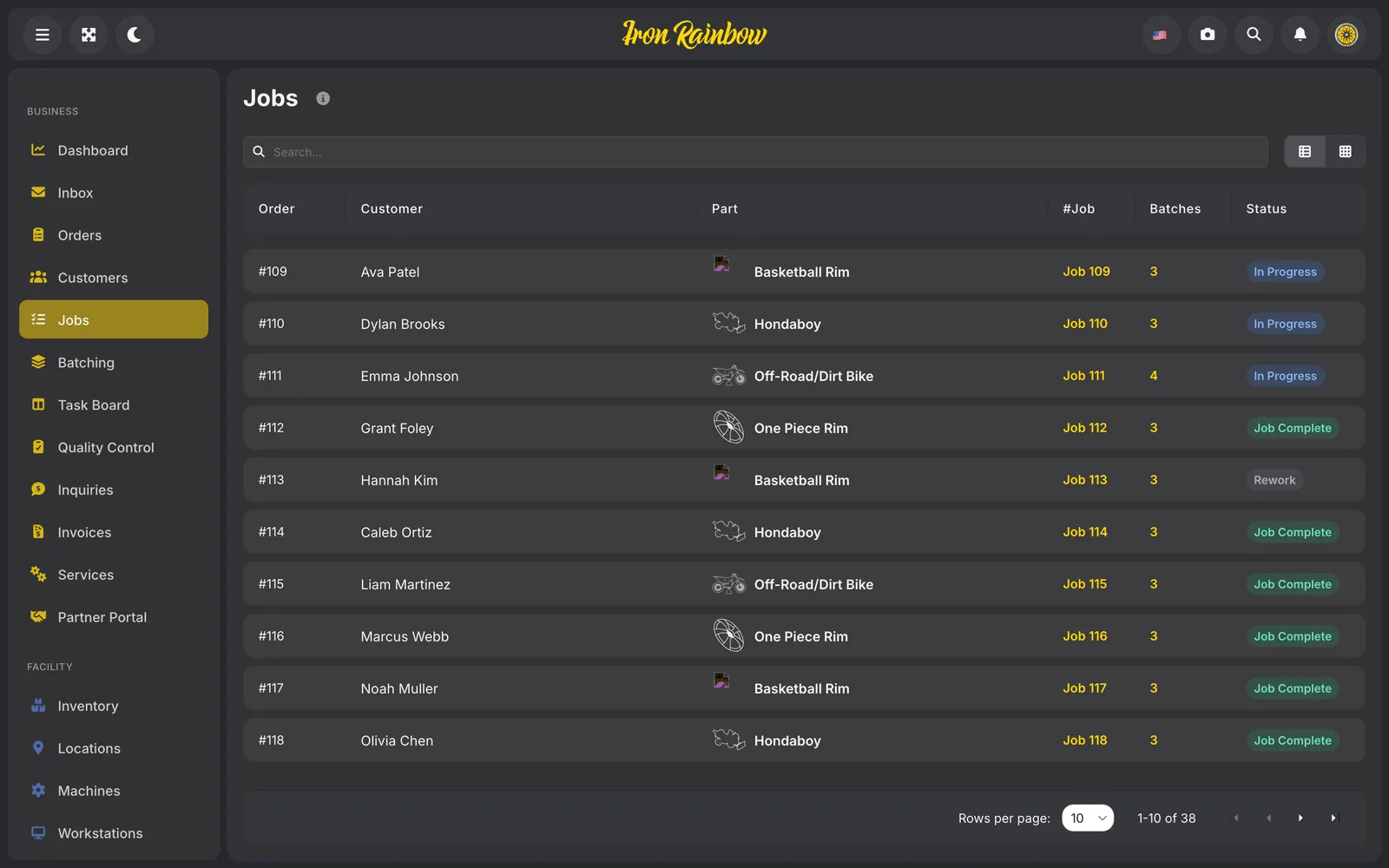
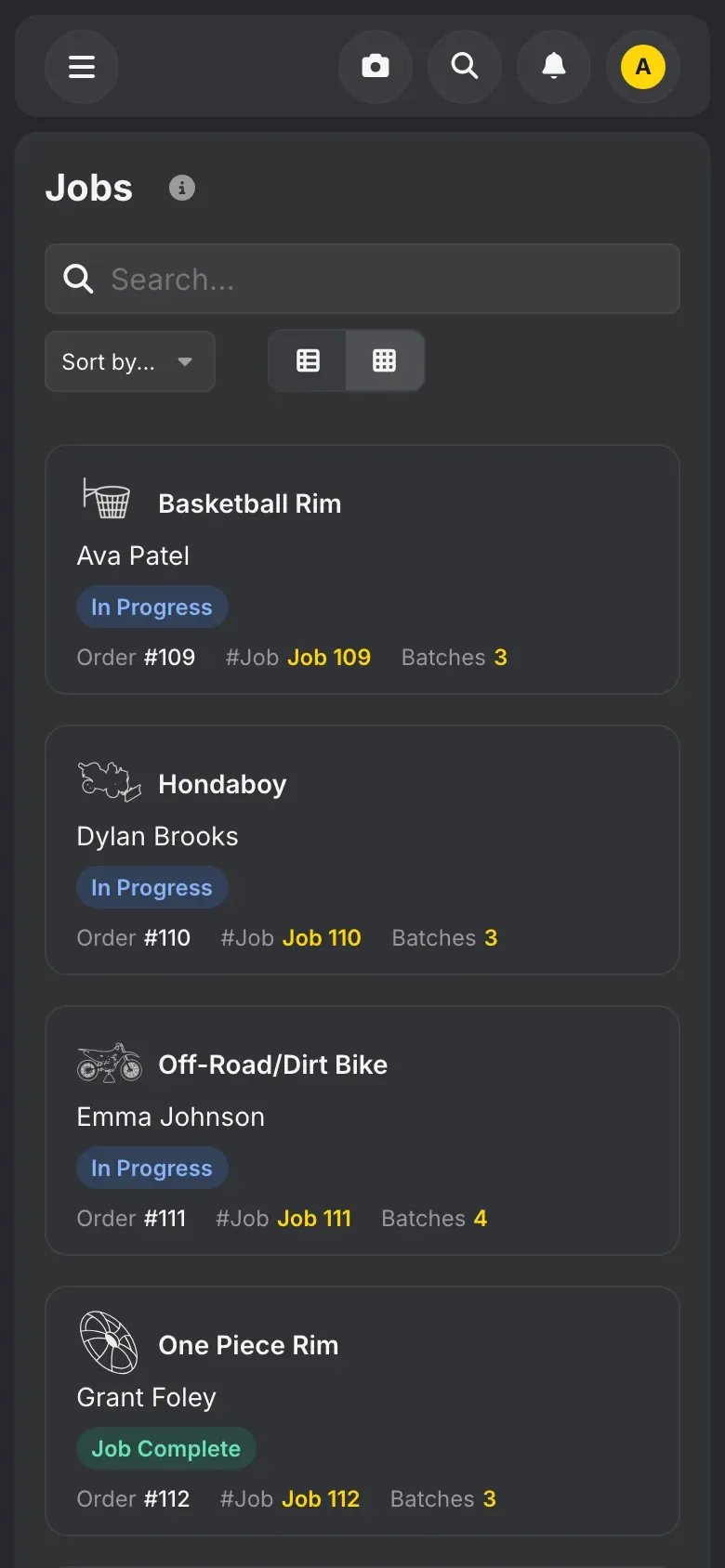
No hunting for a job: every part with its order and batches in one list
Rainbow Flex
Scan the label on a batch and the phone shows what it is, where it goes and a button to start
Rainbow Flex
Find any batch on the floor and see what it needs next
Rainbow Flex
Each workstation sees what to do next without asking the office
Rainbow Flex
At the coating station: every batch with its due date, its step and the colour to spray
Rainbow Flex
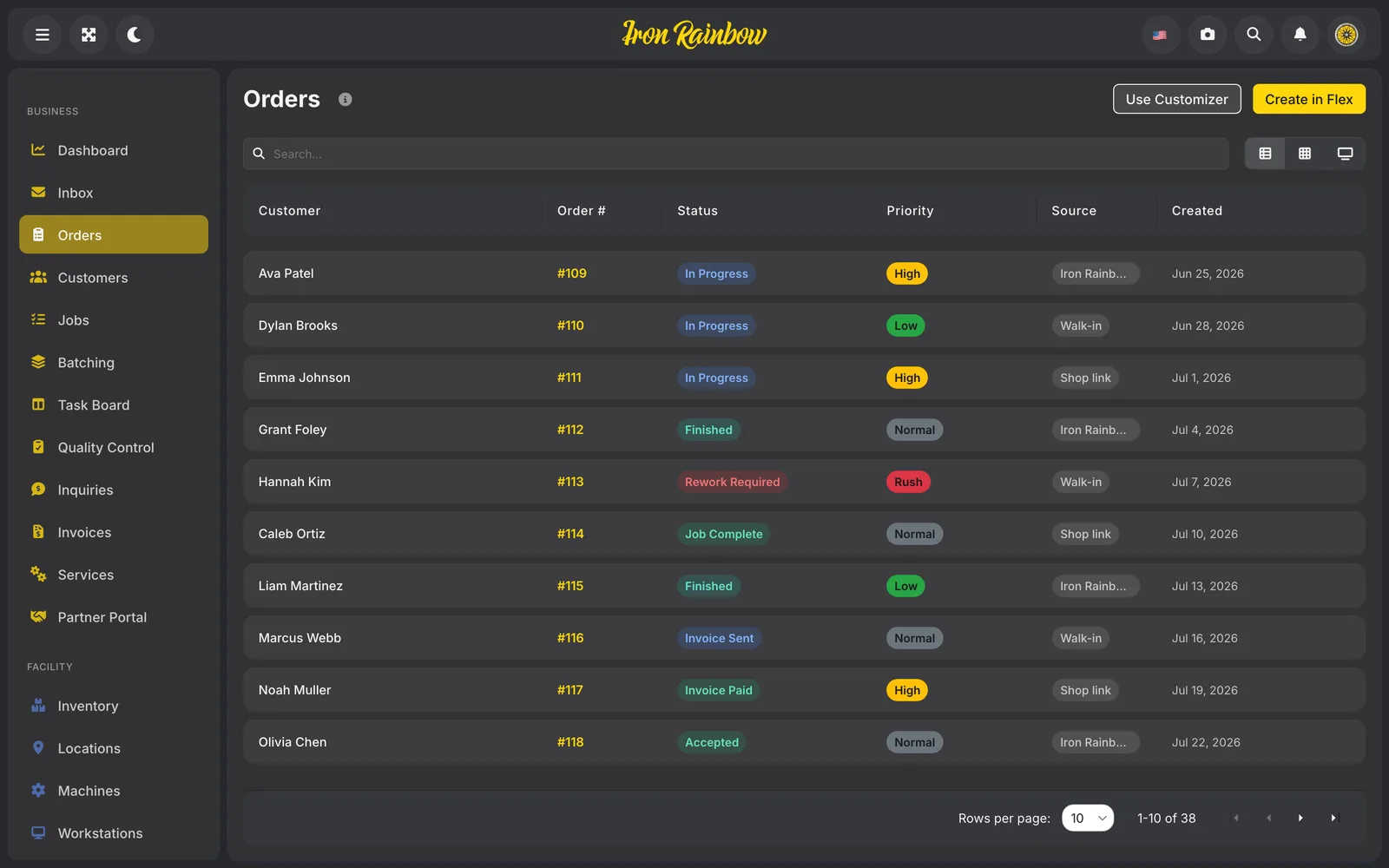
Every order in one queue, with the urgent ones on top
Rainbow Flex
See what powder and chemicals are on the shelf, and who to reorder from
Rainbow Flex
Every machine on the floor with its status, so a booth in maintenance is plain to see
Keep reading